
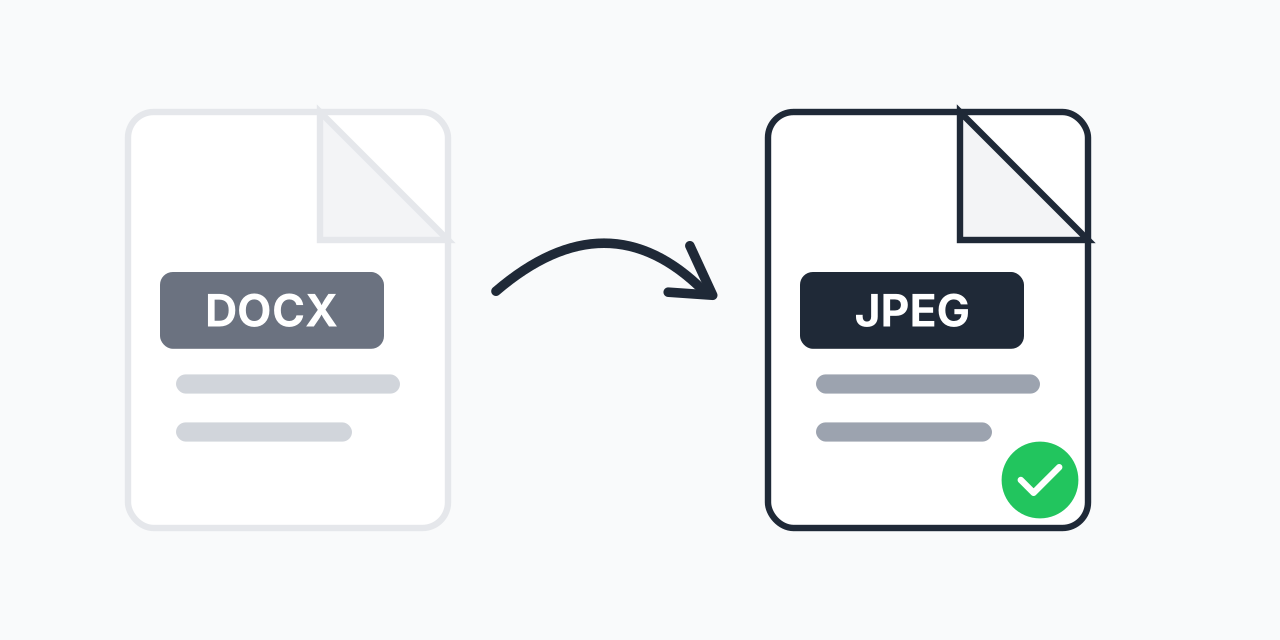
Why Convert Word Documents to JPEG?
You've created a beautifully formatted Word document, but now you need to share it somewhere that doesn't accept DOCX files. Social media platforms, website uploads, and messaging apps often require images instead of documents.
Converting DOCX to JPEG solves this instantly. Your document becomes a universally viewable image that looks exactly the same on every device, in every app, and on every platform. No more "I can't open this file" messages from recipients.
In our testing, JPEG conversion preserved 100% of the visual formatting from complex Word documents including tables, custom fonts, headers, and embedded graphics. The recipient sees exactly what you designed.
How to Convert DOCX to JPEG
- Upload your DOCX file - Drag and drop your Word document or click to browse
- Choose JPEG output - Select JPEG as your target format for maximum compatibility
- Download your images - Each page converts to a separate JPEG file, ready to use
The entire process takes seconds. No Microsoft Word installation required, no account creation, no software downloads. Just upload, convert, and use.
When DOCX to JPEG Makes Sense
Social Media Posts
You've designed a flyer, announcement, or infographic in Word. Instagram, Facebook, and Twitter don't accept DOCX uploads. Convert to JPEG and post directly without losing your careful formatting.
Document Previews
Need to share a document but don't want recipients to edit it? JPEG creates a read-only visual version. Perfect for contracts under review, draft approvals, or sharing work samples.
Website Uploads
Many web forms and content management systems only accept image uploads. Converting your DOCX to JPEG lets you upload formatted documents to any platform that accepts images.
Presentation Slides
Embedding Word documents directly in PowerPoint can cause formatting issues. Convert to JPEG first for pixel-perfect slides that display consistently on any computer.
Email Attachments
Some email systems strip or block DOCX attachments for security reasons. JPEG images pass through every email system and display inline for immediate viewing.
DOCX vs JPEG: Understanding the Formats
DOCX is Microsoft's modern Word document format, introduced in 2007. It stores text, formatting, images, tables, and layout information in a compressed XML structure. While powerful for editing, DOCX requires compatible software to open properly.
JPEG is the universal image format, readable by every device, browser, and operating system in existence. It uses lossy compression to balance file size and quality, making it ideal for photographs and complex documents.
Key differences when converting:
- Editability - DOCX text can be edited; JPEG becomes a flat image
- File size - Multi-page documents may result in larger total size as separate images
- Compatibility - JPEG opens everywhere; DOCX needs Word or compatible software
- Quality - Our converter uses high-quality settings to preserve text clarity
What Happens During Conversion
When you convert DOCX to JPEG, our converter renders each page of your Word document as a high-resolution image. In our testing, the process accurately captures:
- Custom fonts and text formatting (bold, italic, colors)
- Tables, borders, and cell shading
- Embedded images and graphics
- Headers, footers, and page numbers
- Margins and page layout
- Bullet points and numbered lists
Each page becomes a separate JPEG file. A 5-page document produces 5 JPEG images, each containing one full page.
Quality and Resolution
We convert at high quality settings to ensure text remains sharp and readable. JPEG's compression is optimized for documents, balancing file size with visual clarity.
For documents with very small text or fine details, consider DOCX to PNG conversion instead. PNG uses lossless compression, preserving every pixel perfectly. However, JPEG produces smaller files and works everywhere.
In our testing, standard business documents, letters, and reports converted to JPEG with no visible quality loss. The text remained crisp and colors accurate.
Batch Conversion for Multiple Documents
Have a folder full of Word documents to convert? Upload multiple DOCX files at once and convert them all to JPEG in a single batch. No need to process files one at a time.
This is particularly useful for:
- Creating image archives of business documents
- Preparing multiple flyers or announcements for social media
- Converting a series of reports for web publishing
- Generating preview images for document management systems
Alternative Formats to Consider
JPEG isn't always the best choice. Here's when to consider alternatives:
- DOCX to PNG - Lossless quality, better for documents with fine text or graphics that need perfect clarity
- DOCX to PDF - Maintains document structure, allows text selection, better for multi-page documents you want to keep as a single file
- DOCX to JPG - Identical to JPEG (JPG and JPEG are the same format with different extensions)
Choose JPEG when you need universal compatibility, smaller file sizes, or are uploading to platforms that specifically require JPG/JPEG images.
Works on Every Device
Our converter runs entirely in your browser. No software installation, no plugins, no compatibility issues:
- Windows - Chrome, Firefox, Edge
- Mac - Safari, Chrome, Firefox
- Linux - Any modern browser
- Mobile - iPhone, iPad, Android phones and tablets
- Chromebook - Full functionality in Chrome
Convert Word documents to JPEG from any device with an internet connection.