
ChangeMyFile - Free Online File ConverterChangeMyFile
Trusted by thousands of users worldwide

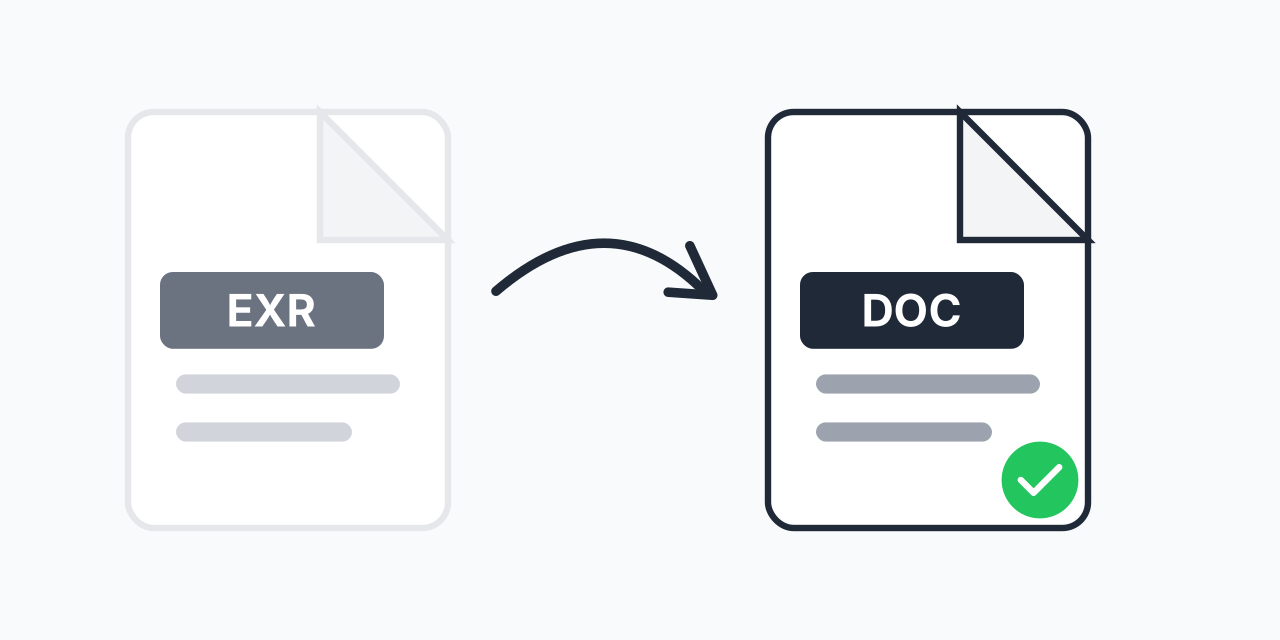
Convert EXR to DOC - Document Your HDR Renders

Turn OpenEXR images into Word documents. Perfect for VFX project documentation.

Step 1: Upload your files

You can also Drag and drop files.

Step 2: Choose format
Step 3: Convert files

Read Terms of use before using

Share:fXin@
500+ Formats
Lightning Fast
100% Secure
Always Free
Cloud Processing

Why Convert EXR to Word Documents?

EXR files are the industry standard for high-dynamic-range images in visual effects and 3D rendering. But when you need to share render outputs with clients, create project documentation, or build technical reports, Word documents are far more practical.

Converting your EXR files to DOC format lets you embed your HDR renders into documents that anyone can open and review. No specialized software required on the recipient's end.

How to Convert EXR to DOC

  1. Upload your EXR file - Drag and drop or click to select your OpenEXR image
  2. Select DOC format - Choose Microsoft Word DOC as your output
  3. Download your document - Get your Word file with the embedded image

The entire process happens in your browser. In our testing, most EXR files convert in under 10 seconds.

Common Use Cases

VFX Project Deliverables

When delivering final renders to clients, include them in Word documents alongside notes, revision history, and technical specifications. Clients can open and review without needing Nuke or Photoshop.

Render Documentation

Document your render passes and compositing layers for team handoffs. Having everything in a Word document makes it easy to annotate and share via email.

Technical Reports

Create reports showing before/after comparisons, lighting setups, or color grading progress. DOC files work in Microsoft Word, Google Docs, and LibreOffice.

What Happens During Conversion

EXR files store high-dynamic-range data with 32-bit floating point precision per channel. When converting to DOC, the image is tone-mapped to standard dynamic range and embedded into a Word-compatible document.

The resulting document contains a viewable image representation. Keep in mind that DOC format cannot preserve the full HDR data - use this for documentation purposes, not for editing workflows.

If you need to preserve image quality for editing, consider EXR to PNG conversion instead.

Works in Any Browser

Our converter runs entirely in your browser:

  • Windows, Mac, Linux, Chromebook
  • Chrome, Firefox, Safari, Edge
  • No plugins or software installation needed

Your files stay on your device during conversion - nothing gets uploaded to external servers.

Pro Tip

When creating render documentation, convert your beauty pass and key AOV passes to separate DOC files. This makes it easy to create comprehensive handoff documents with all relevant visual references.

Common Mistake

Expecting to extract the full HDR data from the DOC file later. DOC documents contain tone-mapped images only - always keep your original EXR files as the master source.

Best For

VFX artists and 3D professionals who need to document render outputs for client review, project archives, or team handoffs where recipients may not have specialized imaging software.

Not Recommended

Don't use this if you need to preserve HDR data for compositing or color grading. Convert to PNG or TIFF for image editing workflows, and only use DOC for documentation purposes.

Frequently Asked Questions

EXR (OpenEXR) is a high-dynamic-range image format developed by Industrial Light & Magic. It stores images with 32-bit floating point precision and multiple channels, making it the standard for VFX, 3D rendering, and professional compositing.

Converting EXR to DOC is useful for project documentation, client deliverables, and technical reports. Word documents are universally accessible and allow you to add annotations, descriptions, and context alongside your renders.

No. Word documents cannot store HDR image data. The EXR image is tone-mapped to standard dynamic range when embedded in the document. Use this for documentation and sharing, not for editing workflows.

Yes. Upload multiple EXR files and batch convert them to separate DOC files. This is helpful when documenting render sequences or multiple project assets.

The DOC file works in Microsoft Word, Google Docs, LibreOffice Writer, Apple Pages, and most other word processors. Recipients don't need any special software.

Yes, for documentation purposes. The embedded image is high-quality and suitable for presentations, reports, and reviews. For pixel-perfect quality, share the original EXR or convert to PNG.

Most EXR files convert in under 10 seconds. Larger files with multiple channels may take slightly longer. The conversion happens in your browser without uploading to servers.

Yes, completely free. No registration, no watermarks, no file limits. Convert as many EXR files to DOC as you need.

For editing, convert to PNG or TIFF instead of DOC. DOC format embeds a viewable image but isn't designed for image editing. Keep your original EXR files for any future editing needs.

Quick access to the most commonly used file conversions.