
ChangeMyFile - Free Online File ConverterChangeMyFile
Trusted by thousands of users worldwide

Convert JPEG to WebP - Smaller Files, Same Quality

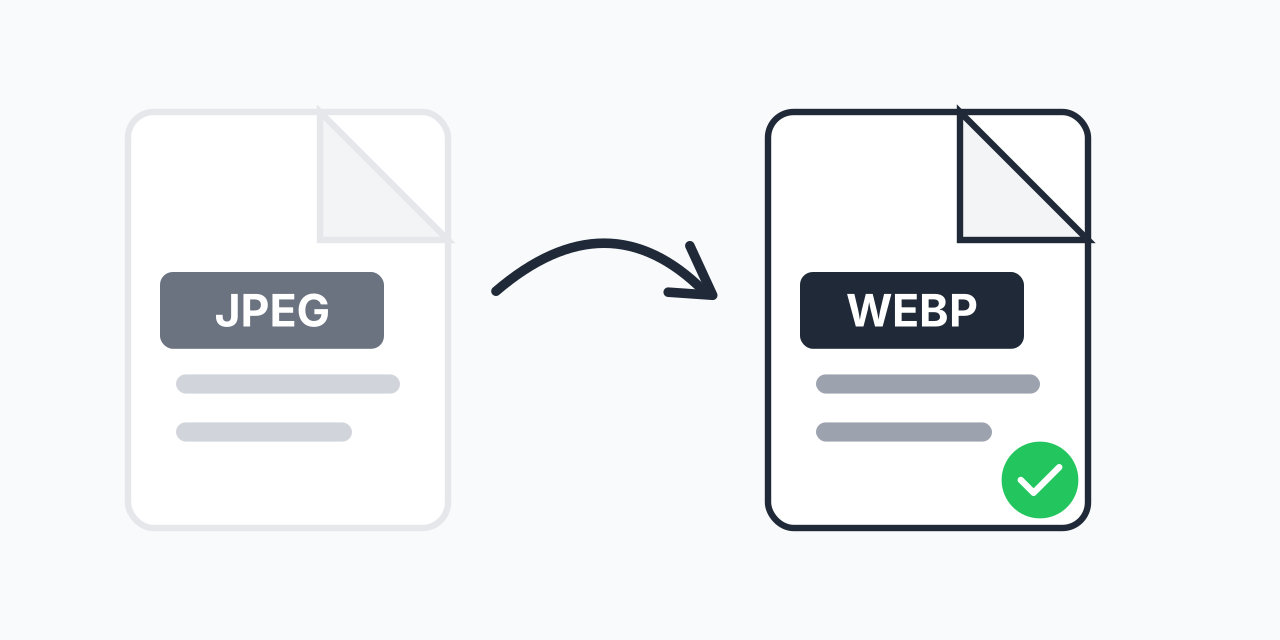
Convert JPEG to WebP for smaller file sizes and faster web loading.

Step 1: Upload your files

You can also Drag and drop files.

Step 2: Choose format
Step 3: Convert files

Read Terms of use before using

Share:fXin@
500+ Formats
Lightning Fast
100% Secure
Always Free
Cloud Processing

Want Smaller Images for Your Website?

WebP is Google's modern image format designed for the web. It compresses photos 25-35% smaller than JPEG while maintaining the same visual quality.

Converting JPEG to WebP means faster loading websites, lower bandwidth costs, and better SEO scores. It's the single easiest image optimization you can make.

How to Convert JPEG to WebP

  1. Upload your JPEG file - Select photos for web optimization
  2. Confirm WebP output - WebP provides superior web compression
  3. Download your file - Get smaller images for faster sites

Conversion happens in your browser-no software needed.

Why WebP for Websites?

Smaller File Sizes

WebP achieves 25-35% smaller files than JPEG at equivalent visual quality. A 500KB JPEG becomes a 350KB WebP with no visible difference.

Faster Page Loading

Smaller images load faster. Faster loading improves user experience and SEO. Google's Core Web Vitals explicitly measure loading performance.

Lower Bandwidth Costs

Smaller images mean less data transfer. For high-traffic sites, WebP saves significant bandwidth costs.

Modern Browser Support

Chrome, Firefox, Edge, Safari, and all modern browsers support WebP. Global browser support exceeds 95%.

WebP Browser Support

  • Chrome - Full support (Google created WebP)
  • Firefox - Full support since version 65
  • Safari - Full support since macOS Big Sur and iOS 14
  • Edge - Full support
  • Opera - Full support

For older browsers, serve JPEG as fallback using the <picture> element.

Quality Comparison

At the same file size, WebP looks slightly better than JPEG. At the same quality, WebP is smaller:

  • File size at equal quality: WebP is 25-35% smaller
  • Quality at equal size: WebP has fewer artifacts
  • Compression flexibility: WebP supports both lossy and lossless

Batch Convert for Website Optimization

Optimizing an entire website? Upload all your JPEG images and convert them to WebP in one batch. Replace your image assets for immediate performance improvement.

Works on Any Device

Convert JPEG to WebP in your browser:

  • Windows, Mac, Linux, Chromebook
  • Chrome, Firefox, Safari, Edge
  • iPhone, iPad, Android

Pro Tip

For WordPress sites, use a plugin like ShortPixel or Imagify to automatically convert JPEG to WebP and serve the right format to each browser. Manual conversion works for static sites.

Common Mistake

Converting to WebP without providing JPEG fallback. A small percentage of users have older browsers. Use the <picture> element to serve both formats.

Best For

Website image optimization, improving Core Web Vitals scores, reducing bandwidth costs, and any web-based image delivery where smaller files improve user experience.

Not Recommended

Don't use WebP if you need to share images via email or with non-web applications. Many email clients and desktop apps still prefer JPEG. Use WebP specifically for web delivery.

Frequently Asked Questions

Typically 25-35% smaller than JPEG at equivalent visual quality. A 500KB JPEG often becomes 325-375KB as WebP with no visible quality difference.

WebP is supported by Chrome, Firefox, Safari (since 2020), Edge, and Opera. Over 95% of global users have WebP support. Use JPEG fallback for older browsers.

WebP uses efficient lossy compression. At the same file size, WebP actually looks slightly better than JPEG. At default settings, quality is visually equivalent.

Yes, for most cases. WebP provides smaller files with no downside on modern browsers. Implement with JPEG fallback for the small percentage of older browsers.

Use the HTML <picture> element: <picture><source srcset='image.webp' type='image/webp'><img src='image.jpg'></picture>. Browsers load WebP if supported, JPEG otherwise.

Google recommends WebP for better Core Web Vitals scores. Faster loading (from smaller images) directly improves SEO performance metrics.

Yes. WebP supports transparency like PNG but with better compression. For transparent images, WebP is often the best choice.

Yes. WordPress supports WebP natively since version 5.8. You can upload and serve WebP images directly.

Quick access to the most commonly used file conversions.