
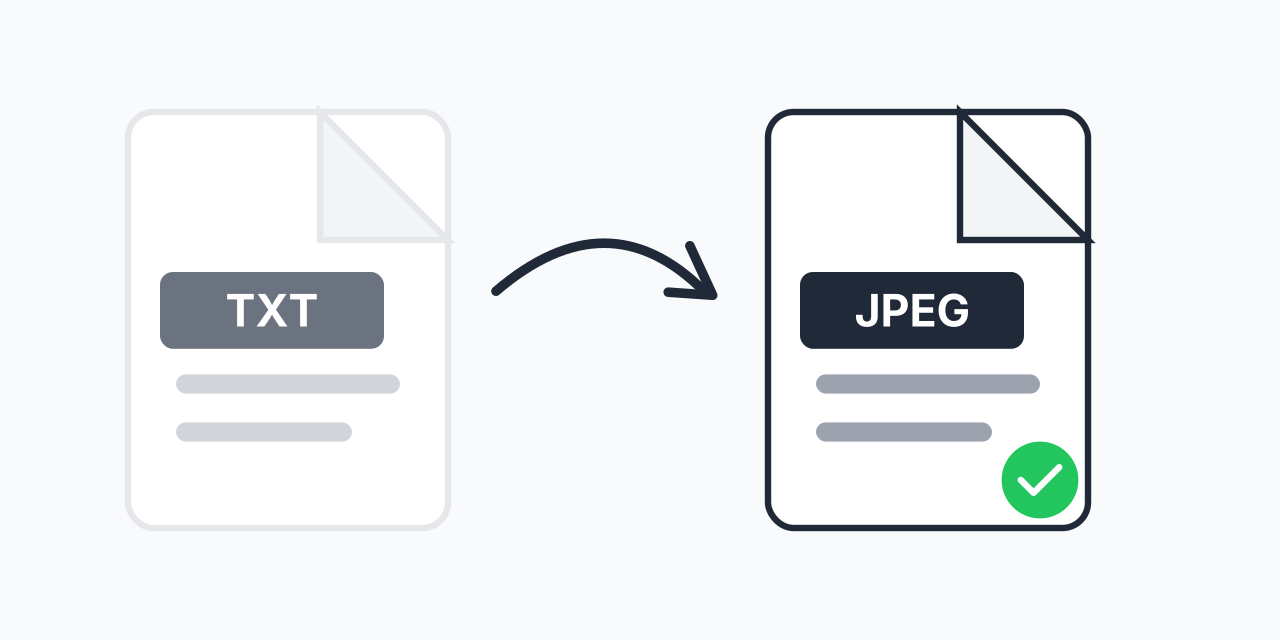
Why Convert Text Files to Images?
You have a text file with content you want to share, but plain TXT files have limitations. Email clients might reformat them. Social media platforms don't accept text files. And anyone can copy and edit the text instantly.
Converting TXT to JPEG solves these problems. Your text becomes a visual snapshot that looks identical on every device, shares easily anywhere, and can't be casually edited by recipients. In our testing, text rendered as JPEG maintained perfect formatting across all platforms we tried.
How to Convert TXT to JPEG
- Upload your TXT file - Drag and drop or select your text file
- Confirm JPEG output - JPEG is selected for universal image compatibility
- Download your image - Your text is now a shareable JPEG image
The entire process takes seconds. No software installation, no account creation needed.
TXT vs JPEG: Understanding the Conversion
TXT and JPEG are fundamentally different file types:
- TXT files store raw text characters that can be edited in any text editor
- JPEG images store visual pixels that display text as a fixed picture
When you convert TXT to JPEG, the converter renders your text with a clean font and layout, then captures it as an image. The result is a visual representation of your text that can be viewed on any device that displays images.
JPEG uses compression optimized for photographs, but it works well for text images too. For very small text or when you need perfect text clarity, consider TXT to PNG which uses lossless compression.
Common Use Cases
Social Media Sharing
Twitter, Instagram, and Facebook don't accept text file uploads. Convert your TXT to JPEG and share quotes, excerpts, or messages as images that display directly in feeds.
Preserving Text Formatting
Plain text files can look different depending on the viewer's font settings and text editor. A JPEG image shows your text exactly as you intended, every time.
Preventing Easy Copying
When you share text as an image, recipients can't simply copy-paste your content. They'd need OCR software to extract text from the image. Useful for sharing content you want viewed but not easily duplicated.
Documentation and Archives
Creating visual snapshots of text content for records, presentations, or embedding in documents where text files aren't supported.
Quality and Readability
We render text at high quality to ensure readability in your JPEG output. The converter uses clean fonts and appropriate sizing so your text remains legible. For best results with text images, use a JPEG quality setting of 85% or higher to minimize compression artifacts around letter edges.
If you need to convert multiple text files, batch conversion is supported. Upload all your TXT files and download them as JPEG images in one session.
When to Choose a Different Format
JPEG is great for sharing, but consider alternatives for specific needs:
- PNG - When you need lossless quality or very small text that must stay crisp
- PDF - When you need a document format with text that remains selectable
- DOCX - When the recipient needs to edit the text content
For most sharing purposes where the text will be viewed on screen, JPEG provides excellent quality with smaller file sizes than PNG.
Works on All Devices
Convert TXT to JPEG directly in your browser:
- Windows, Mac, Linux, Chromebook
- Chrome, Firefox, Safari, Edge
- iPhone, iPad, Android phones and tablets
No downloads required. Your files are processed locally in your browser for privacy and speed.