
Happy New Year 2026!
Trusted by thousands of users worldwide

Convert WebP to GIF – Universal Compatibility

Free online converter — No software installation required. Fast, secure & unlimited.

Step 1: Upload your files

You can also Drag and drop files.

Step 2: Choose format
Step 3: Convert files

Read Terms of use before using

500+ Formats
Lightning Fast
100% Secure
No Sign-up Required
Cloud Processing
Always Free

Why Convert WebP to GIF?

WebP is Google's modern image format, but GIF has been around since 1987 and works absolutely everywhere:

  • Universal support – GIF works on every device, browser, and platform
  • Legacy systems – Older software may not support WebP
  • Social media – Some platforms prefer GIF for animations
  • Messaging apps – GIF is the standard for animated stickers and memes
  • Email compatibility – GIF displays inline in all email clients

How to Convert WebP to GIF

  1. Upload your WebP – Animated or static
  2. Confirm GIF output – Universally compatible format
  3. Download your GIF – Works everywhere

Animated WebP converts to animated GIF. Static WebP converts to static GIF.

Animated WebP Support

WebP supports animation just like GIF. When you convert:

  • All animation frames are preserved
  • Timing and looping behavior maintained
  • File size may increase (GIF compression is less efficient)

Your animated WebP becomes a fully animated GIF.

Quality Considerations

GIF has some limitations compared to WebP:

  • 256 color limit – GIF supports only 256 colors per frame
  • Larger files – GIF compression is less efficient than WebP
  • No partial transparency – GIF has only on/off transparency

For photos and complex images, these limitations matter. For graphics and animations, GIF works great.

When GIF Makes Sense

  • Animated memes and reactions – GIF is the internet standard
  • Email marketing – GIF animations work in all email clients
  • Legacy software – Old systems that don't support WebP
  • Simple graphics – Logos, icons, and graphics with few colors

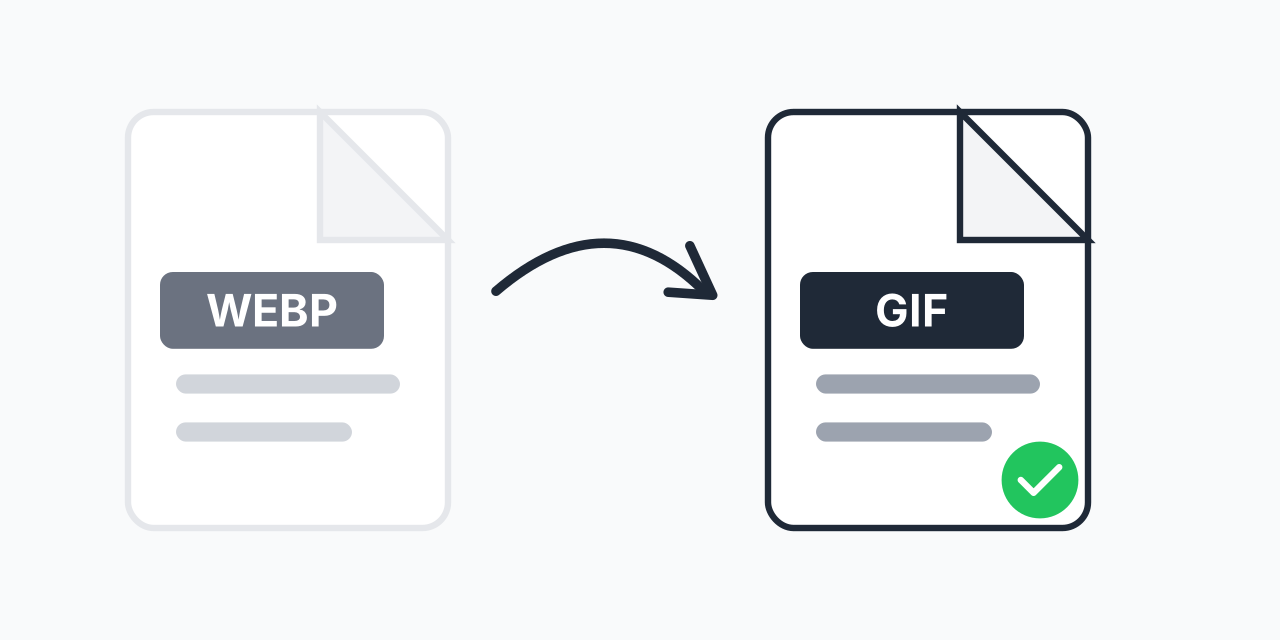
How to convert WEBP to GIF

Convert WebP into GIF for lightweight sharing.

How to convert WEBP to GIF
1

Upload your WEBP file

Click Upload and select your WEBP file from your device.

2

Confirm GIF as output

The GIF format is auto-selected for this page—confirm it (or choose if needed). GIF is browser-friendly.

3

Convert and download

Click Convert Now and download your GIF file. Preview in browser. Note: Limited to 256 colors.

Tip: Convert WebP animations into GIF for websites.

Expert Tips for WEBP to GIF

Pro Tip

For static images, convert to PNG instead of GIF—PNG supports millions of colors and better compression. GIF is mainly useful for its animation support and universal compatibility.

Common Mistake

Converting detailed photos to GIF. With only 256 colors, photos look posterized and banded. GIF is meant for graphics and animations with limited color palettes.

Best For

Animated content for social media and messaging, email marketing with animated graphics, legacy system compatibility, and anywhere GIF is specifically required.

Not Recommended

Photos or images with gradients. The 256-color limit produces visible banding. Use JPEG for photos or keep WebP if the platform supports it.

WEBP vs GIF

GIF Format

file extension
.gif
file category
Raster Image file
stands for
Graphics Interchange Format
developer
CompuServe
overview
GIF is an image format which is known worldwide and it is used as a second option after JPEG. It offers high portability between OS(Operating Systems) and applications. Each picture can support up to 8 bits per pixel, as a resultant, it enables an image to have a separate palette of up to 256 distinct colours that are taken from the 24-bit RGB colour space. Furthermore, it is commonly used for web graphics, logos with solid colour and also for animated images. These files are saved as ‘animated GIFs' and it displays general animations on websites. Besides this, this format has the capability to blend varied colour backgrounds due to the presence of transparent pixels. It should be noted that pixels should be either fully transparent or opaque so that it doesn’t result in the faded picture.
technical description
GIF is an inadequate format for colour photographs due to palette limitations. It enables an independent palette of up to 256 colors for a solo frame. These files are compressed using a lossless data compression algorithm known as LZW( Lempel-Ziv-Welch) and this algorithm was created by Abraham Lempel, Jacob Ziv and Terry Welch. It removes the unwanted colours that are not in use to compress raster data. The maximum limit which is permitted for colours is 256 and the minimum is 2 (black and white). Apart from this, it has a fixed-length header which gives the version and pixel dimensions are provided by the ‘logical screen' descriptor.

WEBP Format

file extension
.webp
file category
Raster Image file
stands for
Google Web picture files
developer
Google
overview
WebP is a file format which uses both lossy and lossless compressions to encode the files. It was developed by Google in order to facilitate the work online which can be done quickly and easily with this extension. This is a sister project of WebM Multimedia container and it produces high quality of images. It is claimed that it can reduce the file size by 34% without affecting the quality of a photo. Due to this reduced size, online work can be done in less time as these files can offer high speed over the Internet due to small size. This format provides add-on support to the lossless algorithm, metada, transparency, colour profile and animation.
technical description
Intra frame coding that is used in video format and the resource interchange file format, are base for its lossy compression. Only 16,383 pixels can be used to represent the side length of an image. Besides this, it is based on block prediction in which every block is forecasted as per the values, from the three blocks above it and from a one block to the left of it. Horizontal, vertical, DC (one colour) and Truemotion are the four basic modes of block prediction in this extension. Animated images can also be produced using WebP and this is a substitute to famous GIF format. It comes with many improved features. For instance, 24 – bit colour with transparency, joining of frames with both lossy and lossless compressions in the same animation and providing support to seek to a specific frame.

Frequently asked questions

Yes. Animated WebP converts to animated GIF with all frames, timing, and looping preserved.
GIF uses older, less efficient compression than WebP. File size increases are normal—you're trading efficiency for compatibility.
GIF is limited to 256 colors. Photos and images with gradients may show banding. This is a GIF format limitation, not a conversion issue.
GIF supports simple transparency (pixels are either fully transparent or fully visible). It doesn't support partial transparency like WebP or PNG.
For compatibility, yes—GIF works everywhere. For quality and file size, WebP is superior. Choose based on your needs.
Yes. Upload multiple WebP files and convert them all to GIF simultaneously.
Static WebP converts to static GIF. For non-animated images, PNG is usually a better choice than GIF due to better color support.
By default, GIFs loop infinitely. The original looping setting from your WebP is preserved where possible.