
Flash Videos Won't Play on Your Apple Device?
You have FLV files from the Flash era that won't open on your iPhone, iPad, or Mac. Apple never supported Flash, and since Adobe discontinued Flash Player in 2020, these videos are stuck in limbo.
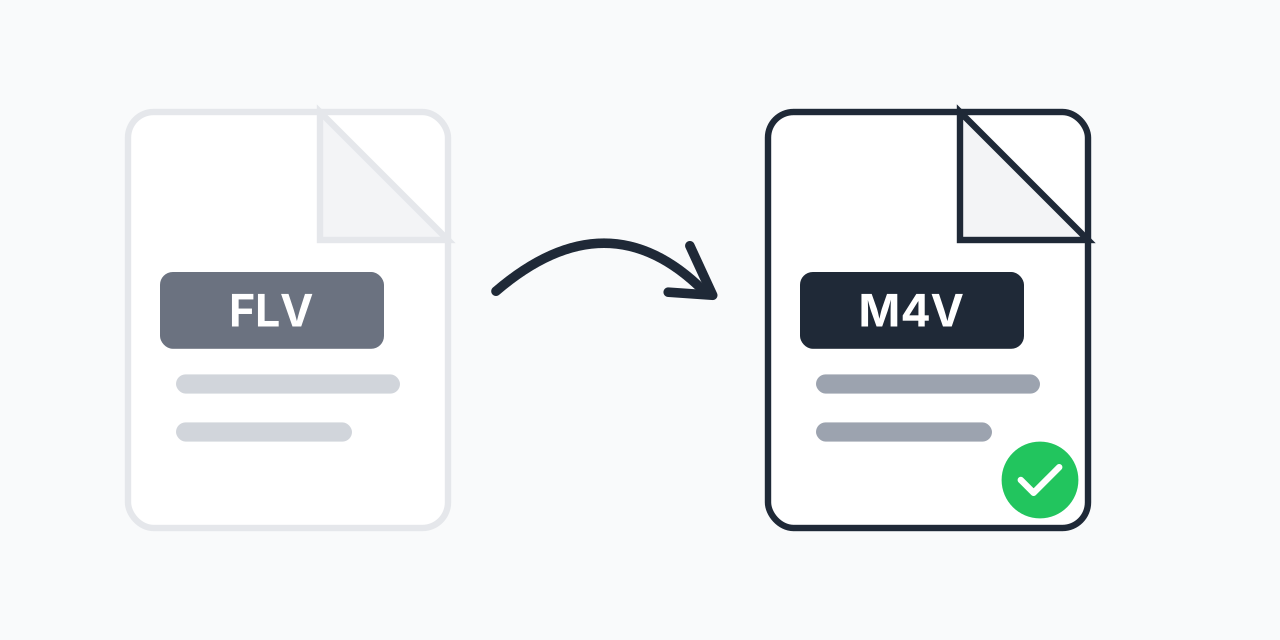
Converting FLV to M4V solves this completely. M4V is Apple's preferred video format, optimized for iTunes, QuickTime, and all Apple devices. Your old Flash videos become instantly playable across your entire Apple ecosystem.
How to Convert FLV to M4V
- Upload your FLV file - Drag and drop or click to select your Flash video
- Confirm M4V output - M4V is pre-selected for Apple device compatibility
- Download your video - Ready for iPhone, iPad, Mac, and iTunes
The entire process takes seconds. No software installation, no account creation, no hassle.
Why FLV Files No Longer Work
FLV (Flash Video) was the dominant web video format from 2002 to 2015. YouTube, Vimeo, and countless websites used it. But Flash had security problems and couldn't run on mobile devices.
In 2020, Adobe officially killed Flash Player. Modern browsers block Flash content entirely. If you have FLV files from this era, they're essentially orphaned:
- Browsers - Chrome, Firefox, Safari, and Edge all block Flash
- Apple devices - Never supported Flash, never will
- Windows - Flash Player uninstalled automatically
- Security - Adobe recommends removing all Flash software
Converting to M4V gives these files a future.
FLV vs M4V: Technical Comparison
In our testing, M4V files converted from FLV maintain excellent quality while gaining broad compatibility. Here's how the formats compare:
- Container - FLV uses Flash container; M4V uses MPEG-4 (same as MP4)
- Video codec - FLV typically uses Sorenson Spark or VP6; M4V uses modern H.264
- Audio codec - FLV uses MP3 or Nellymoser; M4V uses AAC for better quality
- Apple support - FLV: none; M4V: native on all Apple devices
- iTunes integration - FLV cannot be added to iTunes; M4V imports directly
The conversion upgrades both video and audio codecs, often resulting in smaller files with equal or better quality.
When to Use This Conversion
Rescuing Old Downloads
Downloaded videos from early YouTube or other Flash-era sites? Convert them to M4V before they become completely inaccessible.
Building an iTunes Library
M4V is iTunes' native format. Converted videos sync seamlessly to iPhone, iPad, and Apple TV without transcoding.
Corporate Archives
Many companies have training videos, presentations, and marketing content from the Flash era. Converting to M4V preserves these assets for modern playback.
M4V vs MP4: Which Should You Choose?
M4V and MP4 are technically almost identical - both are MPEG-4 containers using H.264 video and AAC audio. The differences are subtle:
- M4V - Apple's variant, optimized for iTunes and Apple devices. Can include DRM protection (our converter creates unprotected files)
- MP4 - Universal format that works everywhere
Choose M4V if your primary goal is Apple device playback and iTunes integration. Choose FLV to MP4 if you need maximum cross-platform compatibility.
Batch Conversion Available
Have multiple FLV files from the same era? Upload them all at once. Our converter handles batch processing, converting your entire Flash video collection to M4V in one session. No need to process files individually.
Works in Any Browser
Convert FLV to M4V directly in your web browser:
- Windows, Mac, Linux, Chromebook
- Chrome, Firefox, Safari, Edge
- Tablets and smartphones
Conversion happens locally in your browser. Your videos stay on your device throughout the process.