
ChangeMyFile - Free Online File ConverterChangeMyFile
Trusted by thousands of users worldwide

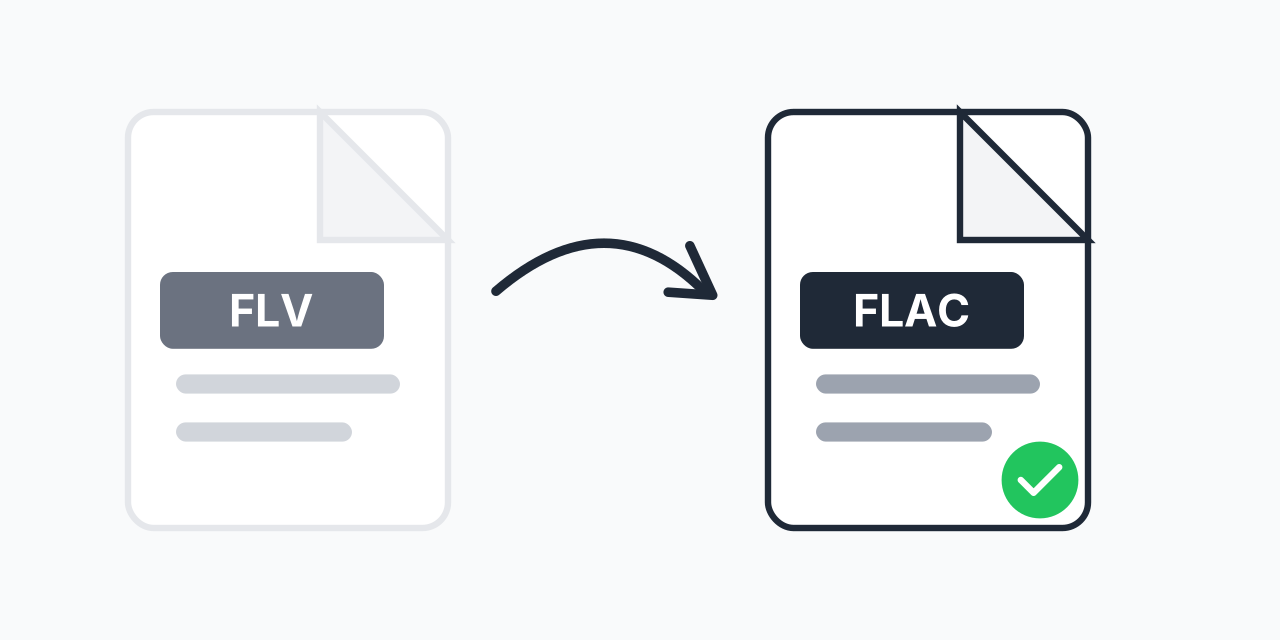
Convert FLV to FLAC - Extract Lossless Audio from Flash Video

Extract pristine audio from Flash Video files in lossless FLAC format.

Step 1: Upload your files

You can also Drag and drop files.

Step 2: Choose format
Step 3: Convert files

Read Terms of use before using

Share:fXin@
500+ Formats
Lightning Fast
100% Secure
Always Free
Cloud Processing

Why Extract Audio from FLV Files?

Flash Video files often contain audio that's worth preserving separately. Maybe it's music from an old web video, a podcast episode, or audio from a tutorial you saved years ago. Converting to FLAC extracts that audio in lossless quality.

FLV was the dominant video format for streaming in the mid-2000s. If you have FLV files archived from that era, the audio inside might be the only copy that exists. FLAC preserves every bit of that audio without degradation.

How to Convert FLV to FLAC

  1. Upload your FLV file - Drag and drop or click to select your Flash Video
  2. Select FLAC as output - Choose lossless FLAC format for maximum quality
  3. Download your audio - Get your extracted audio file instantly

The conversion happens in your browser. Upload, convert, download. No account required.

FLV vs FLAC: What Changes

FLV is a video container that holds both video and audio streams. FLAC is a pure audio format. Here's what happens during conversion:

  • Video is removed - Only the audio track is extracted
  • Audio is preserved - FLAC uses lossless compression, keeping all original audio data
  • File size changes - FLAC files are typically 50-70% of uncompressed audio size while maintaining identical quality
  • Compatibility improves - FLAC plays on most modern music players and DAWs

In our testing, FLV files from the Flash era typically contain MP3 audio at 128-320kbps. Converting to FLAC preserves this exactly as-is without any generation loss.

When FLAC Makes Sense

Archival Purposes

If you're preserving audio for the long term, FLAC is the format archivists recommend. It's open-source, well-documented, and won't degrade no matter how many times you copy it.

Audio Editing

Working with audio in a DAW? FLAC gives you the full quality source to edit from. Any processing or effects you apply won't compound compression artifacts.

Music Collection

Building a personal music library? FLAC ensures you have the best possible version. You can always convert to MP3 later for portable devices, but you can't improve a lossy file.

Alternative Formats to Consider

FLAC isn't always the best choice. Consider these alternatives depending on your needs:

  • FLV to MP3 - Smaller files, universal compatibility. Best for casual listening or sharing.
  • FLV to WAV - Uncompressed audio for maximum editing flexibility. Larger files but zero processing overhead.
  • FLV to AAC - Good compression with broad device support, especially Apple products.

Choose FLAC when file size isn't critical and you want the highest quality portable format.

About the Flash Video Format

FLV dominated web video from roughly 2005 to 2015. YouTube, Vimeo, and countless other sites used it before HTML5 video became standard. Adobe officially discontinued Flash in December 2020.

If you have FLV files, they're likely from this era. The audio inside could be:

  • MP3 at various bitrates (most common)
  • AAC audio (higher quality FLV files)
  • Nellymoser or Speex codecs (older files, voice-focused)

Our converter handles all these audio codecs and outputs clean FLAC regardless of the source.

Works on Any Device

Convert FLV to FLAC directly in your browser:

  • Windows, Mac, Linux, Chromebook
  • Chrome, Firefox, Safari, Edge
  • Even works on mobile devices

No software installation needed. No Flash plugin required (ironically). Just upload and convert.

Pro Tip

If you're archiving a collection of FLV files, convert to FLAC even if the source audio is MP3. FLAC wraps the extracted audio in a container that includes checksums for integrity verification - useful for long-term storage.

Common Mistake

Expecting FLAC to improve audio quality from low-bitrate FLV sources. FLAC preserves what's there but cannot recreate audio data that was discarded during original compression. A 64kbps source stays 64kbps quality.

Best For

Archiving audio from Flash-era web content, extracting music or spoken content from old video downloads, or preparing audio for editing in a DAW where you want a lossless starting point.

Not Recommended

If you just want to listen casually on your phone, convert to MP3 instead. FLAC files are larger and offer no audible benefit over high-bitrate MP3 for most listening situations.

Frequently Asked Questions

FLAC (Free Lossless Audio Codec) compresses audio without losing any quality. Unlike MP3 which discards audio data, FLAC preserves everything. Files are about 50-60% smaller than uncompressed WAV while being bit-for-bit identical when decoded.

No. FLAC preserves the original quality but cannot improve it. If your FLV contains 128kbps MP3 audio, converting to FLAC gives you a lossless copy of that 128kbps source. You cannot recover audio quality that was already lost during the original encoding.

Most Android phones play FLAC natively. iPhones require iOS 11 or later, or a third-party app like VLC. Most modern music apps and streaming services also support FLAC playback.

It depends on the original audio. FLAC files are typically 2-5x larger than compressed audio formats like MP3. A 50MB FLV with 128kbps MP3 audio might produce a 15-25MB FLAC file, depending on the audio content and duration.

Adobe discontinued Flash Player in December 2020 due to security concerns and the rise of HTML5 video. FLV files still exist and can be played with VLC or converted to modern formats. The audio inside them remains perfectly usable.

Both work well for editing. WAV is more universally compatible with audio software but creates larger files. FLAC offers identical quality with smaller file sizes. Most modern DAWs support both formats equally well.

Yes. Upload multiple FLV files and convert them all to FLAC in a single batch. This is especially useful if you're archiving an entire collection of Flash videos.

Conversion happens in your browser using your device's processing power. Your files are not uploaded to external servers, which means faster conversion and better privacy for your content.

Some very old FLV files use obscure audio codecs that may not be supported. If conversion fails, try converting to MP3 first, which has broader codec support. You can then convert that MP3 to FLAC if needed.

Quick access to the most commonly used file conversions.