
Camcorder Footage That Won't Play?
You recorded important moments with your Sony or Panasonic camcorder, but now your computer won't play the files. The footage is saved as MTS files using the AVCHD format, and most devices don't support it natively.
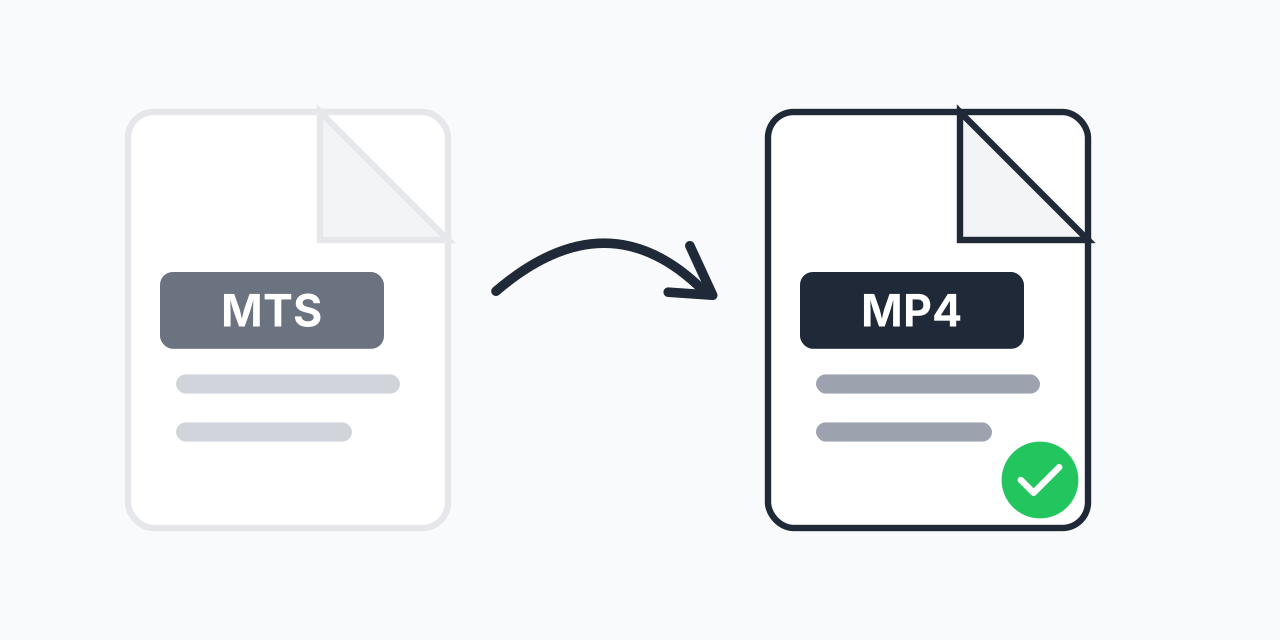
Converting to MP4 solves this instantly. MP4 is the universal video format that plays on every device, uploads to any platform, and works with all editing software. In our testing, MTS to MP4 conversion preserves the original HD quality while creating files that work everywhere.
How to Convert MTS to MP4
- Upload your MTS file - Drag and drop or click to select your camcorder footage
- Confirm MP4 output - MP4 is selected as the universal video format
- Download your video - Ready to play, edit, or share anywhere
No software installation required. Convert directly in your browser on any device.
What Are MTS Files?
MTS stands for MPEG Transport Stream and is the file extension used by AVCHD (Advanced Video Coding High Definition) camcorders. Sony and Panasonic developed this format in 2006 for their HD camcorders.
While MTS delivers excellent video quality at 1080i or 1080p resolution, it has significant compatibility issues:
- Windows Media Player - Often fails to play MTS without codec packs
- Mac QuickTime - Limited or no native MTS support
- Video editors - Many require conversion before importing
- Social media - YouTube, Facebook, and Instagram prefer MP4
- Mobile devices - Phones and tablets rarely support MTS playback
MTS vs MP4: Key Differences
Both formats can store high-definition video, but they differ significantly in compatibility and use cases:
- MTS - Recording format optimized for camcorders. Excellent quality but poor device support
- MP4 - Playback and sharing format. Works universally with similar quality
MTS files often contain multiple video clips in a folder structure (AVCHD/BDMV). MP4 creates single, self-contained files that are easier to manage and share. For archiving raw camcorder footage, keep your original MTS files. For everything else, convert to MP4.
Common Uses for This Conversion
Video Editing Projects
Programs like iMovie, Premiere Elements, and DaVinci Resolve work better with MP4 files. Converting first prevents import errors and improves editing performance.
Sharing Family Videos
Send birthday parties, graduations, and vacation footage to relatives. MP4 files open on any device without special software.
Uploading to YouTube or Social Media
All major platforms accept MP4 natively. Upload directly without worrying about format rejection or conversion on their end.
Archiving on Hard Drives
MP4 files are more portable than the AVCHD folder structure. Back up your memories in a format that will remain playable for decades.
Quality and File Size
Our converter maintains the HD quality of your original MTS footage. Both formats use efficient H.264 compression, so visual quality remains virtually identical.
File sizes are typically similar or slightly smaller after conversion. A 10-minute 1080p MTS clip converts to an MP4 of comparable size while gaining universal compatibility.
Alternative Formats
MP4 is ideal for most users, but consider these alternatives for specific needs:
- MTS to MOV - Preferred for Final Cut Pro and Apple workflows
- MTS to AVI - Compatible with older Windows applications
- MTS to MKV - Best for preserving multiple audio tracks or subtitles
For general use, sharing, and maximum compatibility, MP4 remains the best choice.
Works on All Devices
Convert MTS to MP4 directly in your browser:
- Windows, Mac, Linux, Chromebook
- Chrome, Firefox, Safari, Edge
- iPhone, iPad, Android tablets
No downloads or installations needed. Your files stay on your device throughout the conversion process.