
Camcorder Footage Won't Play on DVD?
You recorded precious moments with your Sony, Canon, or Panasonic camcorder, but now you want to burn those videos to DVD for family viewing. The problem? DVD players don't understand MTS files.
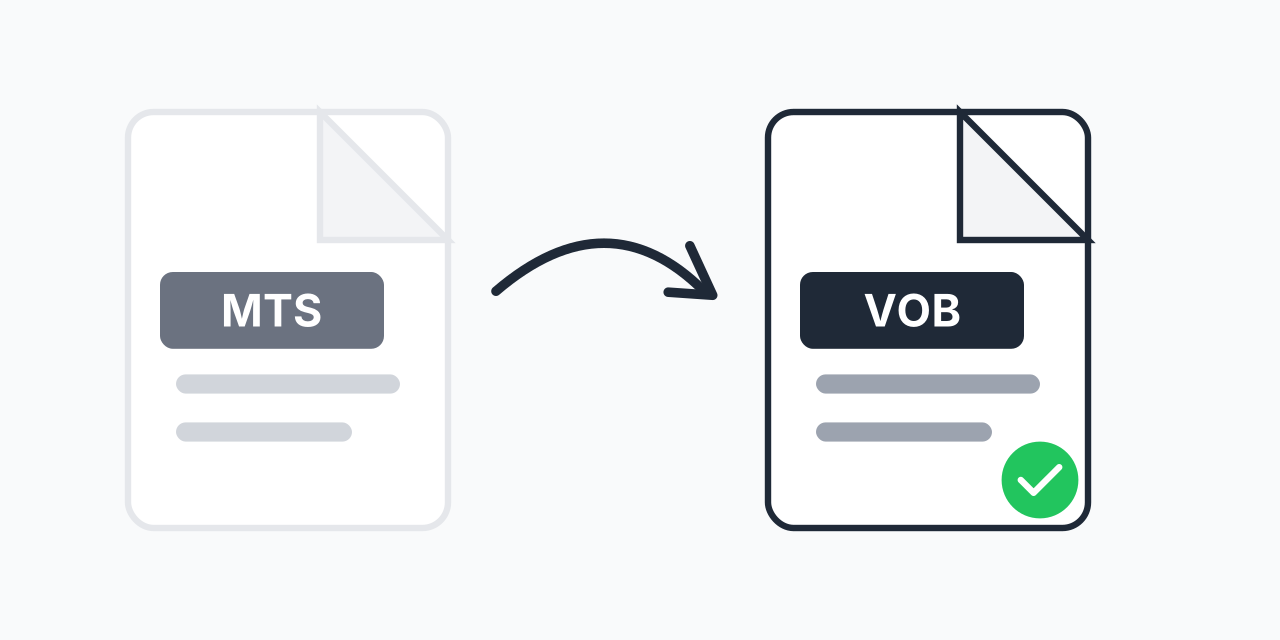
MTS (MPEG Transport Stream) is the high-definition format used by AVCHD camcorders. It's excellent for recording, but DVD players require VOB format. Converting MTS to VOB bridges this gap, letting you create playable DVDs from your camcorder footage.
How to Convert MTS to VOB
- Upload your MTS file - Drag and drop or select from your device
- Select VOB as output - The DVD-compatible format is ready
- Download your VOB file - Ready for DVD authoring software
The entire process takes seconds. No software installation, no account creation required.
Why MTS Needs Converting for DVD
MTS files use AVCHD encoding at HD resolutions (1920x1080 or 1280x720). DVD players expect VOB files with specific MPEG-2 encoding at standard definition. Here's the technical breakdown:
- MTS format - H.264/AVC codec, HD resolution, designed for Blu-ray authoring
- VOB format - MPEG-2 codec, SD resolution (720x480 NTSC or 720x576 PAL), DVD standard
- File size - VOB files are typically larger per minute due to less efficient compression
- Compatibility - VOB works with all DVD players and authoring software
In our testing, a 10-minute MTS clip at 1080p converts to a VOB file ready for standard DVD burning.
Common Use Cases
Family Event DVDs
Recorded a wedding, birthday, or graduation with your HD camcorder? Convert to VOB and burn DVDs that grandparents can watch on their regular DVD player without needing special equipment.
Archiving Camcorder Footage
MTS files from older camcorders may become harder to play as software support changes. VOB is a mature, stable format with guaranteed long-term compatibility.
DVD Authoring Projects
Professional DVD authoring tools like DVD Architect or Encore expect VOB input. Converting MTS first streamlines your workflow and prevents import errors.
Resolution and Quality Considerations
MTS files are HD (1080p or 720p), while DVD is limited to standard definition. During conversion, the video is scaled down to fit DVD specifications. This is unavoidable for DVD compatibility.
For best results:
- The 16:9 widescreen aspect ratio is preserved
- Choose NTSC (720x480) for North America or PAL (720x576) for Europe
- Audio is converted to AC3 format standard for DVD
If you need to preserve full HD quality, consider MTS to MP4 instead and play from a USB drive on modern TVs.
Alternative Formats
VOB isn't always the best choice. Consider these alternatives:
- MTS to MP4 - Universal format for computers, phones, and smart TVs
- MTS to AVI - Compatible with older Windows media players
- MTS to MKV - Preserves HD quality for media center playback
Choose VOB specifically when DVD burning is your goal. For digital playback, MP4 is usually more practical.
Works on Any Device
Convert MTS to VOB directly in your browser:
- Windows, Mac, Linux, Chromebook
- Chrome, Firefox, Safari, Edge
- No software downloads or plugins needed
Your files are processed securely without being stored on external servers.