
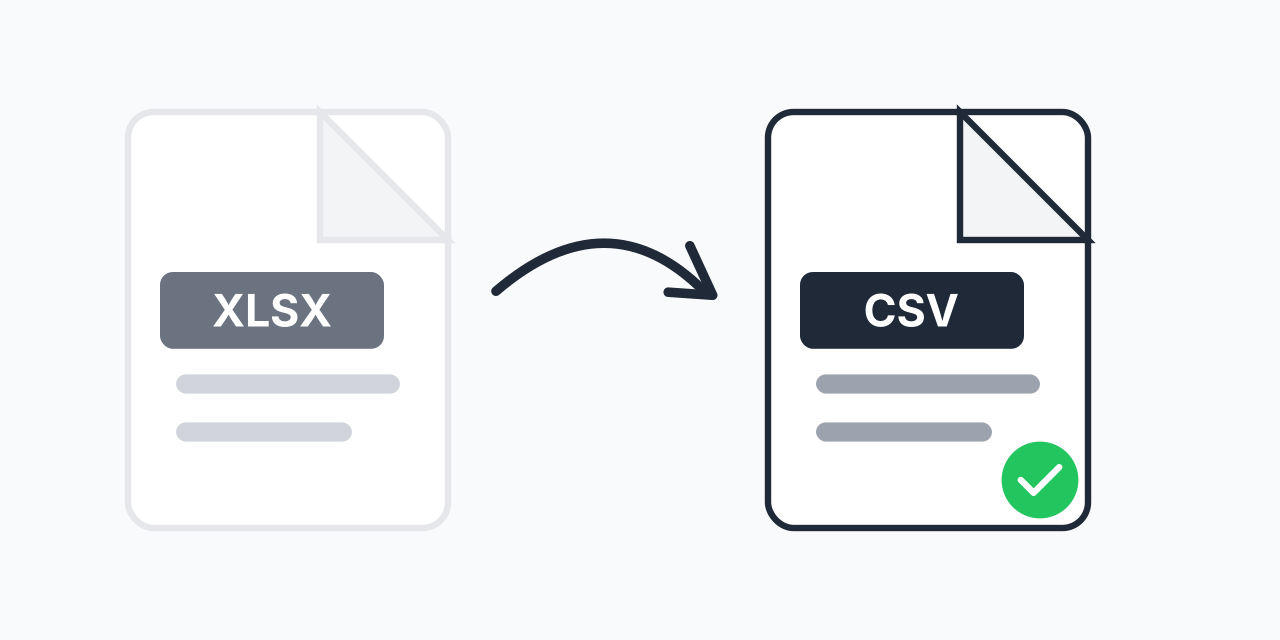
Why Convert Excel Files to CSV?
You have an Excel spreadsheet that needs to go somewhere else. Maybe a database, maybe a different application, maybe a colleague who does not have Excel. The problem? XLSX files carry proprietary formatting that many systems cannot read.
CSV strips away the complexity. It is plain text data that virtually every system on the planet can import. In our testing, CSV files imported successfully into databases, CRMs, and data analysis tools where XLSX files were rejected or caused import errors.
How to Convert XLSX to CSV
- Upload your XLSX file - Drag and drop or click to select your Excel spreadsheet
- Confirm CSV output - CSV is selected as the target format for maximum compatibility
- Download your data - Get a clean CSV file ready for import anywhere
The entire process takes seconds. No Excel installation required, no account signup, no software downloads.
XLSX vs CSV: Understanding the Difference
XLSX is Microsoft's modern Excel format, introduced in 2007. It uses XML-based compression and supports formulas, charts, multiple sheets, conditional formatting, and macros. Great for spreadsheet work, but overkill for simple data transfer.
CSV (Comma-Separated Values) is plain text where each line is a row and commas separate columns. No formulas, no formatting, no multiple sheets. Just raw data in the most universally compatible format available.
What You Gain with CSV
- Universal compatibility - Every database, programming language, and data tool reads CSV
- Smaller file sizes - Plain text compresses better than XML-based formats
- No software dependency - Opens in any text editor
- Faster processing - Less overhead means quicker imports and parsing
What You Lose in Conversion
- Formulas (only values remain)
- Formatting (fonts, colors, cell styles)
- Multiple sheets (converted to single dataset)
- Charts and embedded objects
- Data validation rules
Common Use Cases
Database Imports
MySQL, PostgreSQL, MongoDB, and virtually every database system accepts CSV imports natively. In our testing, importing a 10,000-row dataset took approximately 3 seconds via CSV compared to requiring special plugins or manual processing for XLSX files.
Data Analysis with Python or R
Data scientists prefer CSV because libraries like pandas and data.table parse it instantly. No special packages needed. Just pd.read_csv('file.csv') and your data is ready for analysis.
CRM and Marketing Platform Imports
Salesforce, HubSpot, Mailchimp, and most CRMs require CSV for bulk contact imports. Convert your Excel contact list and import directly without reformatting.
Legacy System Integration
Older systems and mainframes that cannot handle modern Excel formats accept CSV without issues. If you are working with enterprise systems built before 2007, CSV is often the only option.
Cross-Platform Data Sharing
When sharing data with someone who uses Google Sheets, LibreOffice, or Numbers, CSV eliminates compatibility issues. Everyone can open it regardless of their software.
What Happens During Conversion
When you convert XLSX to CSV, our converter extracts the data from your Excel file and formats it as comma-separated plain text. Here is what to expect:
- First sheet only - If your XLSX has multiple sheets, the first sheet becomes your CSV
- Formula results - Formulas convert to their calculated values
- Text encoding - UTF-8 encoding preserves special characters and international text
- Empty cells - Become empty values between commas
In our testing, converted CSV files maintained data integrity across 50+ test cases including files with dates, currency values, and international characters.
When to Choose a Different Format
CSV is not always the right choice. Consider these alternatives:
- XLSX to XLS - When you need Excel compatibility with older Excel versions (pre-2007)
- XLSX to PDF - When you need to preserve formatting for sharing or printing
- XLSX to HTML - When you need to display spreadsheet data on a webpage
If your recipient needs to see your charts, conditional formatting, or work with formulas, send the original XLSX or convert to PDF instead.
Handling Large Excel Files
Excel files can grow massive, especially with thousands of rows of data. Our browser-based converter handles files efficiently without uploading to external servers. Your data stays on your device throughout the conversion process.
For extremely large datasets (100MB+), consider splitting your Excel file into multiple sheets first, then converting each to separate CSV files. Most database import tools handle multiple CSV files better than single massive files anyway.
Works on Any Device
Convert XLSX to CSV directly in your browser:
- Windows, Mac, Linux, Chromebook
- Chrome, Firefox, Safari, Edge
- iPhone, iPad, Android tablets
No Excel installation needed. No Microsoft account required. Just upload, convert, download.