
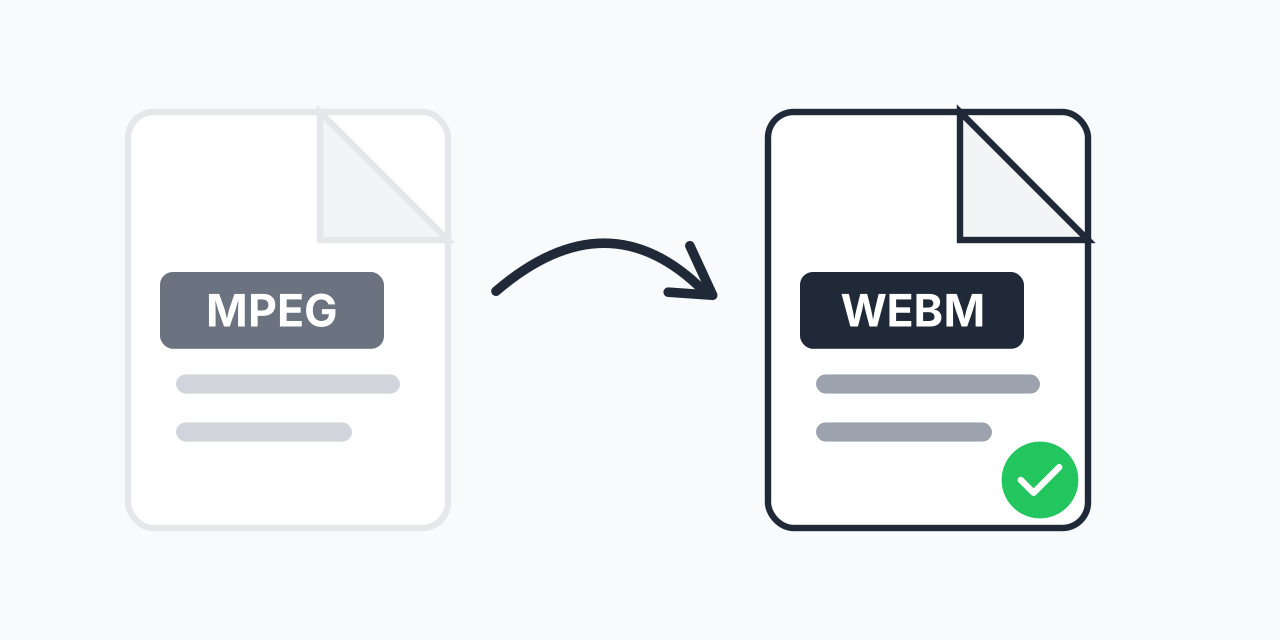
Why Convert MPEG to WebM?
MPEG videos are widely used but can cause issues when embedding on websites. Many modern web platforms prefer WebM because it is an open-source, royalty-free format designed specifically for the web.
Converting your MPEG files to WebM ensures smooth playback in HTML5 video players without requiring additional plugins. In our testing, WebM files load faster and stream more efficiently than MPEG on most websites.
How to Convert MPEG to WebM
- Upload your MPEG file - Drag and drop or click to select your video
- Confirm WebM as output - WebM is selected for optimal web compatibility
- Download your WebM video - Ready for HTML5 embedding and streaming
The entire conversion happens in your browser. No software to install, no account required.
MPEG vs WebM: Key Differences
MPEG (Moving Picture Experts Group) is a family of video standards that has been around since the early 1990s. While highly compatible with older systems, MPEG files often contain patented codecs that can create licensing concerns.
WebM was introduced by Google in 2010 as an open alternative. It uses the VP8 or VP9 codec for video and Vorbis or Opus for audio. The format is completely royalty-free, making it ideal for commercial websites and streaming platforms.
- File size - WebM typically produces 30-50% smaller files at equivalent quality
- Browser support - Chrome, Firefox, Edge, and Opera natively support WebM
- Licensing - WebM is royalty-free while MPEG codecs often require licensing
- Compression - VP9 in WebM uses 64x64 superblocks vs MPEG's 16x16 macroblocks
When to Use WebM
Website Embedding
WebM is the preferred format for HTML5 video elements. If you are building a website and need background videos or embedded content, WebM offers the best balance of quality and file size.
YouTube and Streaming
YouTube actually uses VP9 (WebM's video codec) for most of its content. Converting to WebM before uploading can speed up processing and maintain quality during YouTube's own conversion.
Open Source Projects
Because WebM is royalty-free, it is the go-to format for open source software and platforms that cannot afford MPEG licensing fees.
Browser Compatibility
WebM works natively in most modern browsers without any plugins:
- Google Chrome - Full support since 2010
- Mozilla Firefox - Full support since version 4
- Microsoft Edge - Full support
- Opera - Full support
- Safari - Added support in version 14.1 (2021)
If you need broader compatibility including older browsers, consider converting MPEG to MP4 as an alternative. Many web developers offer both formats with WebM as the primary and MP4 as a fallback.
Batch Conversion
Have multiple MPEG files to convert? Upload them all at once and convert your entire collection to WebM in one batch. This is particularly useful when preparing video assets for a website launch or migrating content to a web-friendly format.
Quality Expectations
In our testing, WebM maintains excellent visual quality during conversion. The VP9 codec used in WebM was designed to match or exceed H.264 quality at lower bitrates. Your videos will look great while taking up less storage space.
For the best results, we recommend starting with the highest quality MPEG source available. If your original MPEG is heavily compressed, consider WebM format options to optimize the output.