
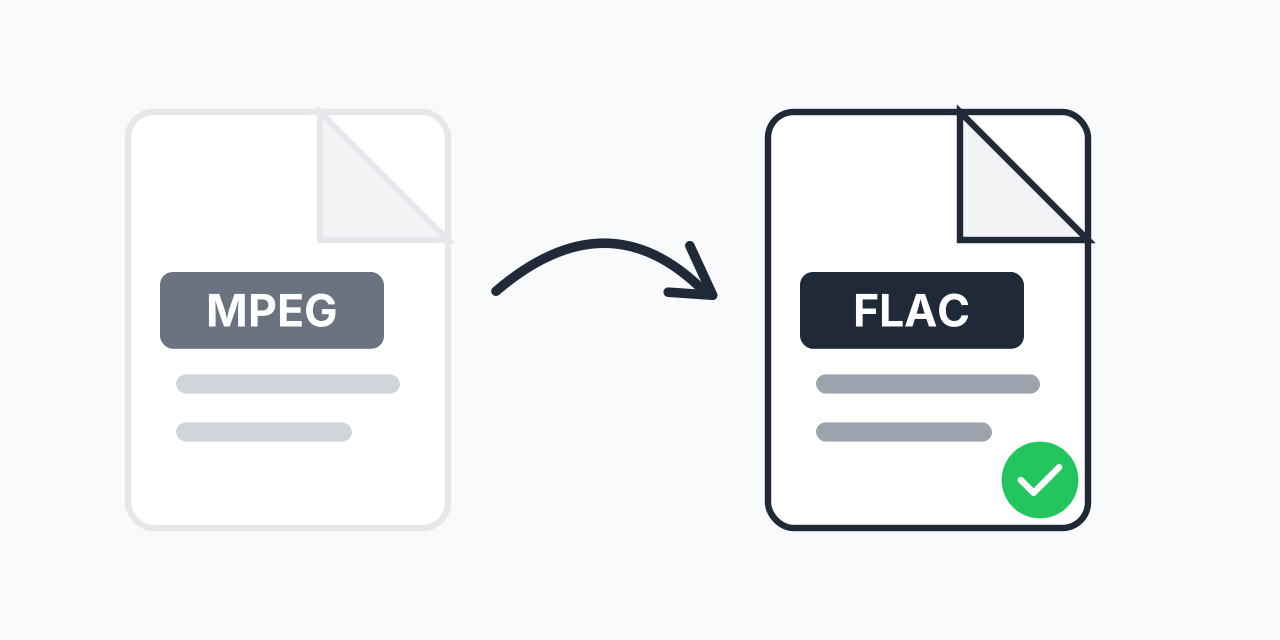
Why Extract Audio from MPEG as FLAC?
MPEG video files contain audio tracks that you may want to preserve separately. Whether it's concert footage, interviews, or any video with valuable audio, extracting to FLAC gives you the highest quality audio file possible.
FLAC (Free Lossless Audio Codec) preserves every detail from your original audio without any quality loss. Unlike MP3 or AAC, FLAC compression is reversible - you get smaller files while keeping bit-perfect audio reproduction.
How to Convert MPEG to FLAC
- Upload your MPEG file - Drag and drop or click to select your video
- Select FLAC as output - Choose FLAC for lossless audio extraction
- Download your audio - Get your FLAC file ready for use
The entire process happens in your browser. No software installation required, no account needed.
MPEG vs FLAC: Understanding the Formats
MPEG is a video container format developed by the Moving Picture Experts Group. It typically contains both video and audio streams compressed using lossy codecs to balance quality and file size.
FLAC is a pure audio format using lossless compression. In our testing, FLAC files are typically 50-70% smaller than uncompressed WAV while maintaining identical audio quality. This makes FLAC ideal for archiving audio you want to preserve long-term.
When you convert MPEG files to FLAC, you're extracting the audio track and saving it in a format optimized for audio preservation rather than video playback.
When to Use MPEG to FLAC Conversion
Music and Concert Videos
Downloaded a concert video or music performance? Extract the audio to FLAC and add it to your music library with full quality preserved.
Interview and Podcast Archives
Have video interviews where only the audio matters? FLAC keeps the spoken content crystal clear for transcription or archiving.
Audio Editing Projects
Need to edit audio from video sources? FLAC gives you a lossless starting point. You won't lose quality during editing and re-exporting.
Long-Term Audio Storage
Archiving important audio? FLAC is the standard for preserving audio without quality degradation, and it's supported by most modern devices and software.
What to Expect
The audio quality of your FLAC file depends on the original MPEG source. If the MPEG video used high-quality audio encoding (like 320kbps MP3 or AAC), your FLAC will preserve that quality perfectly.
Keep in mind that converting to FLAC doesn't improve audio that was already compressed with lossy encoding - it preserves what's there without adding further degradation. Think of it as creating a perfect archive of the existing audio.
FLAC files will be larger than compressed formats like MP3. A 3-minute audio track might be 25-35MB as FLAC versus 5-8MB as MP3. The tradeoff is perfect quality preservation.
Alternative Formats
Not sure if FLAC is right for your needs? Consider these alternatives:
- MPEG to MP3 - Smaller files, universal compatibility, good for casual listening
- MPEG to WAV - Uncompressed audio, maximum compatibility with audio editors
- MPEG to AAC - Better quality than MP3 at similar file sizes, great for Apple devices
Choose FLAC when quality preservation matters more than file size. Choose MP3 or AAC when you need smaller files for portable devices or streaming.
Works on Any Device
Our MPEG to FLAC converter runs entirely in your browser:
- Windows, Mac, Linux, Chromebook
- Chrome, Firefox, Safari, Edge
- Tablets and mobile devices
No plugins, no downloads, no account creation. Just upload, convert, and download.