
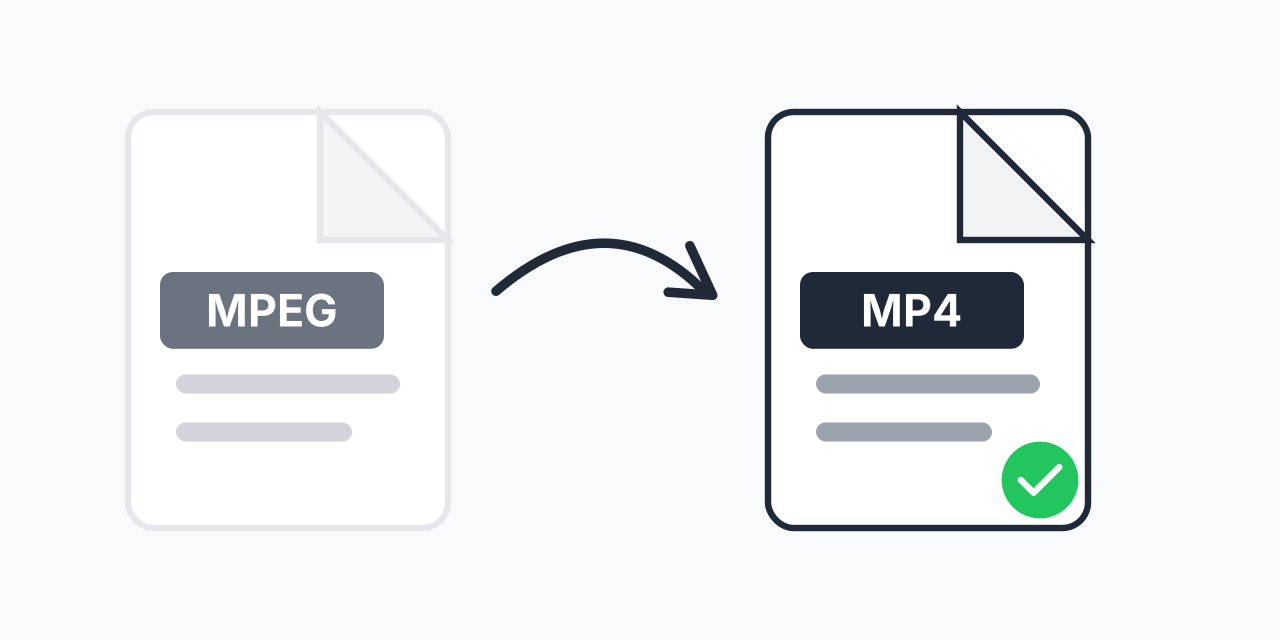
MPEG Files Need Updating?
MPEG video files from older cameras, DVD archives, and legacy systems need converting for modern use. While MPEG was revolutionary in its time, today's devices and platforms work better with MP4.
Converting MPEG to MP4 gives your old videos new life. Play them on smartphones, upload to social media, or share easily-all while typically reducing file size and maintaining quality.
How to Convert MPEG to MP4
- Upload your MPEG file - Select your legacy video file
- Confirm MP4 output - MP4 with H.264 ensures universal compatibility
- Download your file - Get your modernized video
Conversion happens in your browser-no software installation required.
Understanding MPEG Formats
MPEG encompasses several video standards:
- MPEG-1 - Original format from 1993, used for Video CDs
- MPEG-2 - DVD standard, broadcast television, higher quality
- MPEG-4 - Modern standard; MP4 is actually MPEG-4 Part 14
When people say "MPEG files," they usually mean MPEG-1 or MPEG-2 video. Converting these to MP4 (MPEG-4) brings them to current standards.
Why Convert MPEG to MP4?
Device Compatibility
Modern phones, tablets, and smart TVs handle MP4 better than older MPEG formats. Native playback without codec issues.
File Size Reduction
H.264 compression in MP4 is much more efficient than MPEG-2. Your files can be significantly smaller with equivalent quality.
Web and Social Media
YouTube, Facebook, Instagram, and other platforms require MP4. MPEG files need converting before upload.
Streaming Support
MP4 supports progressive download and streaming. Share video links that play instantly without full download.
Common MPEG Sources
DVD Archives
DVDs use MPEG-2 video. If you've ripped DVDs to MPEG files, converting to MP4 creates more efficient, compatible archives.
Old Digital Cameras
Cameras from the early 2000s often recorded in MPEG format. Convert home videos for viewing on current devices.
TV Recordings
DVR recordings and broadcast captures are typically MPEG-2. Convert for portability and sharing.
Video CD Content
VCD used MPEG-1 video. If you have old VCD content, MP4 conversion modernizes it for current use.
Quality Expectations
MP4 conversion preserves or improves upon MPEG quality:
- No quality loss - H.264 efficiently preserves source quality
- Smaller files - Often 30-50% reduction vs MPEG-2
- Same resolution - Original resolution is maintained
Your old videos will look exactly as good in a more modern, efficient format.
Batch Convert Video Archives
Have a collection of old MPEG files? Upload multiple files and convert them all to MP4 in one batch. Modernize your entire video archive efficiently.
Works on Any Device
Convert MPEG to MP4 in your browser:
- Windows, Mac, Linux, Chromebook
- Chrome, Firefox, Safari, Edge
- iPhone, iPad, Android