
Need Audio From Your Video?
You have an MPEG video file but only need the audio track. Maybe it's a recorded lecture, a music video, or footage with dialogue you want to use elsewhere. The problem: video files are large and editing software often works better with pure audio formats.
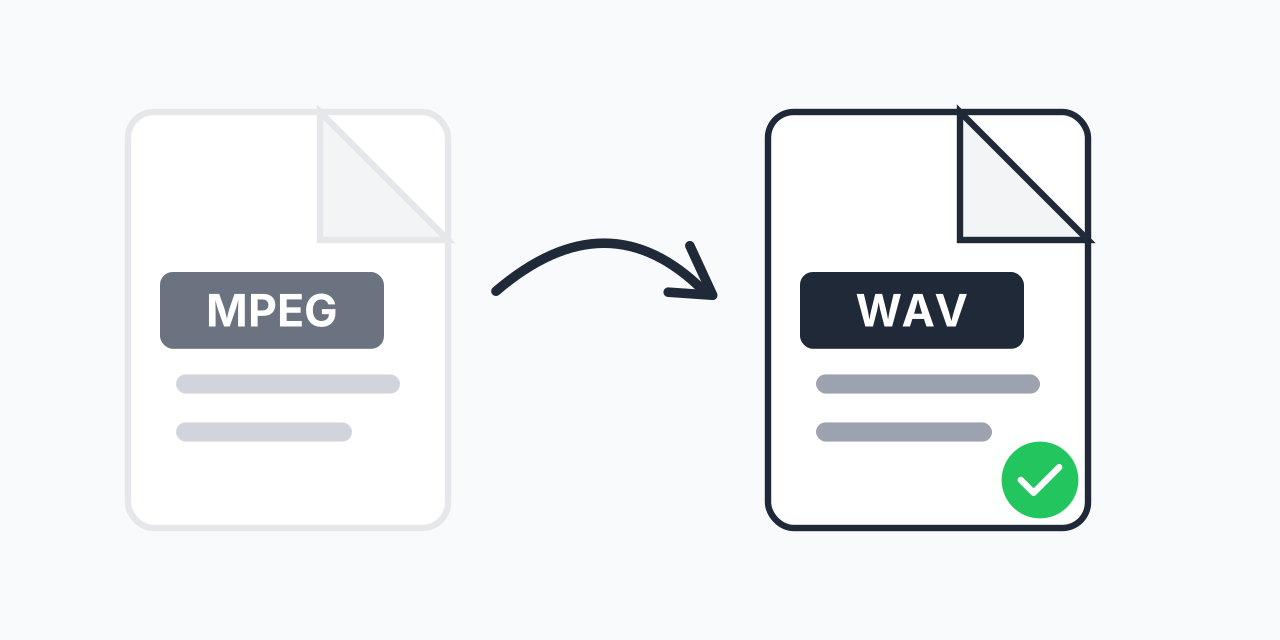
Converting MPEG to WAV extracts just the audio in uncompressed quality. WAV files are the industry standard for audio editing because they preserve every detail of the original sound. No compression artifacts, no quality loss during editing.
How to Convert MPEG to WAV
- Upload your MPEG file - Drag and drop or click to select your video
- Choose WAV output - WAV ensures maximum audio quality with no compression
- Download your audio - Get your extracted WAV file ready for any use
No software to install, no account required.
Why Choose WAV Over MP3?
When extracting audio from MPEG files, you have format options. Here's why WAV often makes more sense:
- Lossless quality - WAV preserves the original audio without any compression
- Editing friendly - DAWs and audio editors work best with uncompressed formats
- No generation loss - Edit and re-save without accumulating artifacts
- Universal compatibility - Supported by virtually every audio application
In our testing, WAV files extracted from MPEG maintain CD-quality audio at 44.1kHz sample rate. If you need smaller files for sharing, consider MPEG to MP3 conversion instead.
Common Use Cases
Podcast Production
Extract interview audio from video recordings. WAV gives you the cleanest starting point for editing and mastering your podcast episodes.
Music and Sound Design
Pull audio from music videos or concert recordings. WAV format integrates seamlessly with Pro Tools, Logic Pro, Ableton, and other professional DAWs.
Voice-over and Transcription
Convert recorded presentations or lectures to audio-only format. WAV works perfectly with transcription software and voice processing tools.
Archiving Audio Content
Preserve audio from old MPEG recordings in a lossless format. WAV ensures your audio archive maintains full quality for future use.
Understanding the Formats
What is MPEG?
MPEG (Moving Picture Experts Group) is a video format standard that combines compressed video and audio tracks. MPEG files are common on DVDs, digital cameras, and older video recordings. The format uses lossy compression to reduce file size while maintaining reasonable quality.
What is WAV?
WAV (Waveform Audio File Format) is an uncompressed audio format developed by Microsoft and IBM. It stores audio data in its raw form, resulting in larger files but perfect quality preservation. WAV is the preferred format for audio professionals who need to edit or process sound without quality degradation.
Quality Expectations
The output quality depends on the original MPEG's audio track. Most MPEG files contain audio encoded at 128-384 kbps. Converting to WAV preserves this quality without adding any additional compression.
Important note: Converting to WAV doesn't improve the source audio quality. If your MPEG has low-quality audio, the WAV will sound the same - but it will be in a format that's easier to work with in audio software. For the best results, start with high-quality MPEG source files.
Browser-Based Conversion
- Windows, Mac, Linux, Chromebook
- Chrome, Firefox, Safari, Edge
- Tablets and mobile devices
No downloads required.