
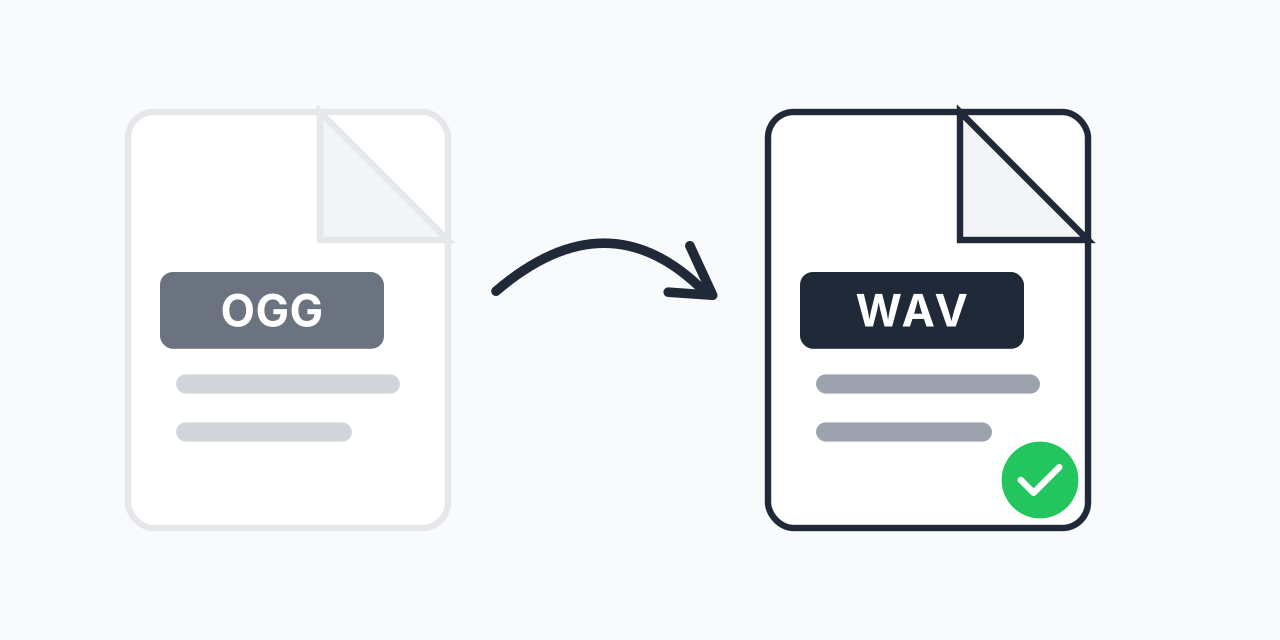
Why Convert OGG to WAV?
OGG files use Vorbis compression to keep file sizes small while maintaining good sound quality. However, when you need uncompressed audio for editing, mixing, or professional projects, WAV is the standard format that audio software expects.
Converting OGG to WAV gives you lossless audio that every DAW (Digital Audio Workstation), video editor, and audio tool can read without compatibility issues. In our testing, the conversion preserves all audible quality from your original OGG file.
How to Convert OGG to WAV
- Upload your OGG file - Drag and drop or click to select your Ogg Vorbis audio
- Confirm WAV output - WAV is selected as your target format
- Download your WAV - Get your uncompressed audio file instantly
The entire process happens in your browser. No software to install, no account required.
Quality Considerations
When converting OGG to WAV, understand what happens to your audio:
- File size increases - A 5MB OGG file might become 50MB as WAV
- Quality does not improve - WAV preserves the OGG audio exactly, but cannot restore data lost during original OGG compression
- Perfect for editing - Once in WAV format, you can edit without further quality loss
If your source audio was originally recorded as WAV and compressed to OGG, converting back to WAV prevents additional quality loss during your editing workflow.
OGG vs WAV: Key Differences
Understanding when to use each format helps you make the right choice:
- OGG - Compressed format using Vorbis codec. Smaller files (typically 10x smaller than WAV). Good for streaming, web audio, and storage. Free and open-source.
- WAV - Uncompressed format developed by IBM and Microsoft in 1991. Larger files but no quality loss. Universal compatibility with audio software and hardware.
OGG sounds great for listening, but WAV is what professional audio tools prefer for editing and processing.
When You Need WAV Format
Audio Editing and Production
DAWs like Pro Tools, Ableton, FL Studio, and Logic Pro work best with uncompressed audio. Import WAV files for editing without worrying about codec compatibility or re-encoding artifacts.
Video Production
Video editing software (Premiere Pro, DaVinci Resolve, Final Cut Pro) handles WAV files natively. No plugins or codec packs needed.
Sound Design
Creating sound effects, loops, or samples? WAV gives you the uncompressed quality that survives multiple edits and exports without degradation.
Compatibility Requirements
Some older devices and software do not support OGG. Apple products, for instance, cannot play OGG files natively. WAV works everywhere.
Alternative Formats to Consider
Depending on your needs, other formats might work better:
- OGG to FLAC - Lossless compression. Smaller than WAV but still perfect quality. Good for archiving.
- OGG to MP3 - Maximum compatibility for sharing. Works on every device.
- OGG to AIFF - Uncompressed format preferred by Mac and Apple ecosystems.
Choose WAV when you need uncompressed audio and universal software compatibility.
Works on Any Device
Convert OGG to WAV directly in your browser:
- Windows, Mac, Linux, Chromebook
- Chrome, Firefox, Safari, Edge
- iPhone, iPad, Android tablets
No downloads or installations required. Your audio files are processed locally for privacy.