
ChangeMyFile - Free Online File ConverterChangeMyFile
Trusted by thousands of users worldwide

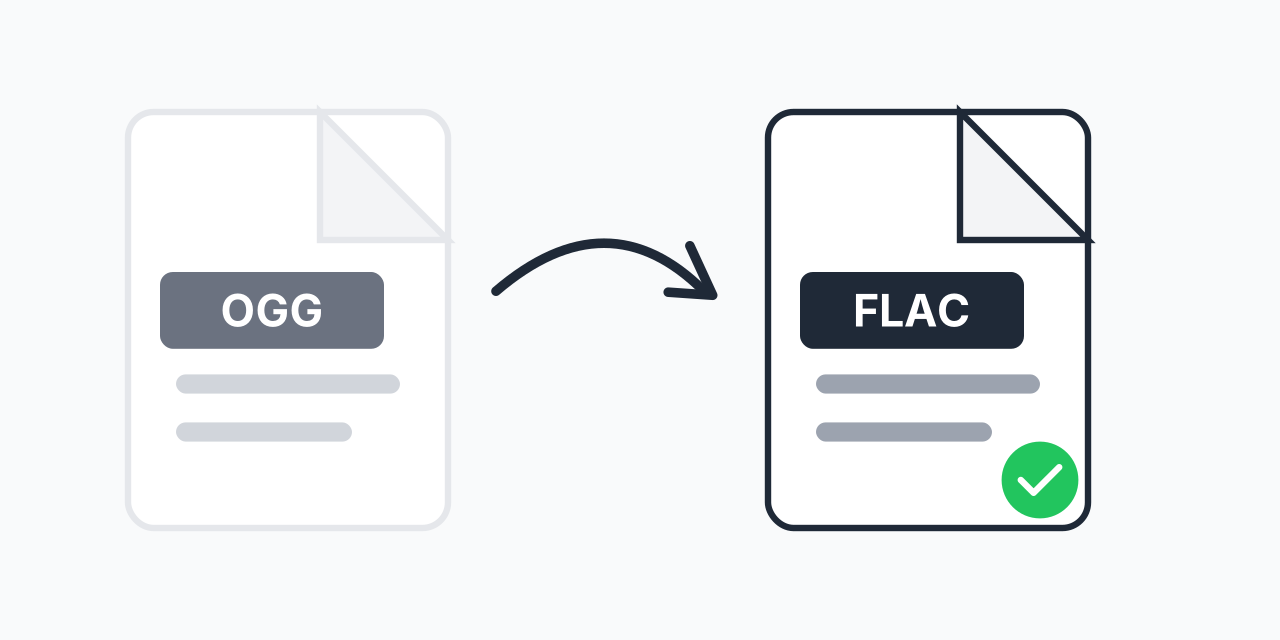
Convert OGG to FLAC - Preserve Your Audio Quality

Transform OGG files to lossless FLAC format. Stop further quality loss.

Step 1: Upload your files

You can also Drag and drop files.

Step 2: Choose format
Step 3: Convert files

Read Terms of use before using

Share:fXin@
500+ Formats
Lightning Fast
100% Secure
Always Free
Cloud Processing

Why Convert OGG to FLAC?

OGG Vorbis is a solid compressed format, but every time you edit or re-encode it, you lose quality. Converting to FLAC creates a lossless master copy that won't degrade no matter how many times you work with it.

While this conversion cannot restore audio data already lost during OGG compression, it prevents any additional quality loss in future edits or format changes. In our testing, FLAC files maintained perfect fidelity through dozens of copy and transfer operations.

How to Convert OGG to FLAC

  1. Upload your OGG file - Drag and drop or click to select your audio
  2. Confirm FLAC output - FLAC is selected as your lossless destination format
  3. Download your audio - Get your FLAC file ready for archiving or editing

The entire process happens in your browser. No software installation required.

OGG vs FLAC: Key Differences

Understanding when each format makes sense:

  • Compression type - OGG uses lossy compression (discards data), FLAC uses lossless (keeps everything)
  • File size - OGG files are typically 60-70% smaller than FLAC equivalents
  • Editing flexibility - FLAC can be edited repeatedly without degradation; OGG loses quality each time
  • Hardware support - FLAC plays on most modern devices, home audio systems, and car stereos
  • Archival quality - FLAC is preferred for long-term storage; OGG is better for streaming

OGG was designed by the Xiph.Org Foundation as a patent-free alternative to MP3. FLAC, also from Xiph.Org, serves a different purpose - preserving audio exactly as encoded.

When to Convert OGG to FLAC

Audio Editing Projects

Planning to edit your audio in a DAW? Convert to FLAC first. Each save in a lossy format like OGG introduces generation loss. FLAC gives you a stable working copy.

Building a Music Archive

If you're organizing a personal audio collection, FLAC ensures your files stay exactly as they are today. No degradation over time, no format obsolescence concerns.

Audiophile Equipment

High-end audio systems and dedicated music players often handle FLAC better than OGG. Many audiophile DACs and streamers specifically support FLAC playback.

Format Standardization

Converting a mixed collection to FLAC creates consistency. One format, one quality level, easier organization.

What to Expect

Converting OGG to FLAC increases file size - typically 3-4x larger. This is normal. FLAC stores audio without discarding data, which requires more space.

The audio quality will be identical to your original OGG. Conversion to lossless format preserves exactly what exists in your source file. It cannot recover what OGG compression removed, but it stops any further loss.

If you need smaller files for portable devices, consider keeping OGG for playback while storing FLAC as your master copy. Alternatively, OGG to MP3 conversion provides wider device compatibility if file size matters more than archival quality.

Works in Any Browser

Convert OGG to FLAC on any device:

  • Windows, Mac, Linux, Chromebook
  • Chrome, Firefox, Safari, Edge
  • iPhone, iPad, Android tablets

No downloads, no account creation. Just convert and go.

Pro Tip

Convert to FLAC before starting any audio editing project. Even if your source is OGG, working from a FLAC copy prevents the compound quality loss that happens when re-saving lossy formats.

Common Mistake

Expecting FLAC conversion to make OGG files sound better. The conversion preserves existing quality but cannot restore what was already lost. It's about preventing future degradation, not improving current quality.

Best For

Audio archiving, editing workflows, or playing on high-end audio equipment. FLAC is the standard choice when you want guaranteed quality preservation.

Not Recommended

When storage space is limited or you're preparing files for streaming. OGG's smaller size is actually an advantage for those uses. Convert to FLAC only when lossless quality matters.

Frequently Asked Questions

No. FLAC preserves exactly what exists in your OGG file but cannot restore audio data already removed by OGG compression. The benefit is preventing future quality loss during edits or additional conversions.

FLAC uses lossless compression which preserves all audio data. OGG uses lossy compression that discards data to achieve smaller sizes. A FLAC file is typically 3-4 times larger than an equivalent OGG.

Most modern smartphones support FLAC natively. Android has built-in FLAC support. iPhones with iOS 11 or later play FLAC files in the Files app and many third-party music players.

OGG Vorbis is a free, open-source audio codec developed by Xiph.Org Foundation. It offers quality comparable to MP3 at similar bitrates while being completely patent-free and royalty-free.

You can delete them if you prefer. The FLAC version contains identical audio data. However, keeping OGG files as playback copies while using FLAC as archives is a reasonable approach if storage allows.

They serve different purposes. FLAC is better for archiving, editing, and audiophile playback because it's lossless. OGG is better for streaming and portable devices because files are much smaller. Neither is universally better.

Typically a few seconds for most audio files. Conversion happens locally in your browser, so speed depends on your device. A 5-minute song usually converts in under 10 seconds on modern devices.

Yes. Upload multiple OGG files and convert them all to FLAC in a single batch. No need to process files one at a time.

Many modern car stereos support FLAC, especially those with USB input or Bluetooth streaming. Check your car's manual or test with a sample file. If unsure, MP3 offers the widest car stereo compatibility.

Quick access to the most commonly used file conversions.