
ChangeMyFile - Free Online File ConverterChangeMyFile
Trusted by thousands of users worldwide

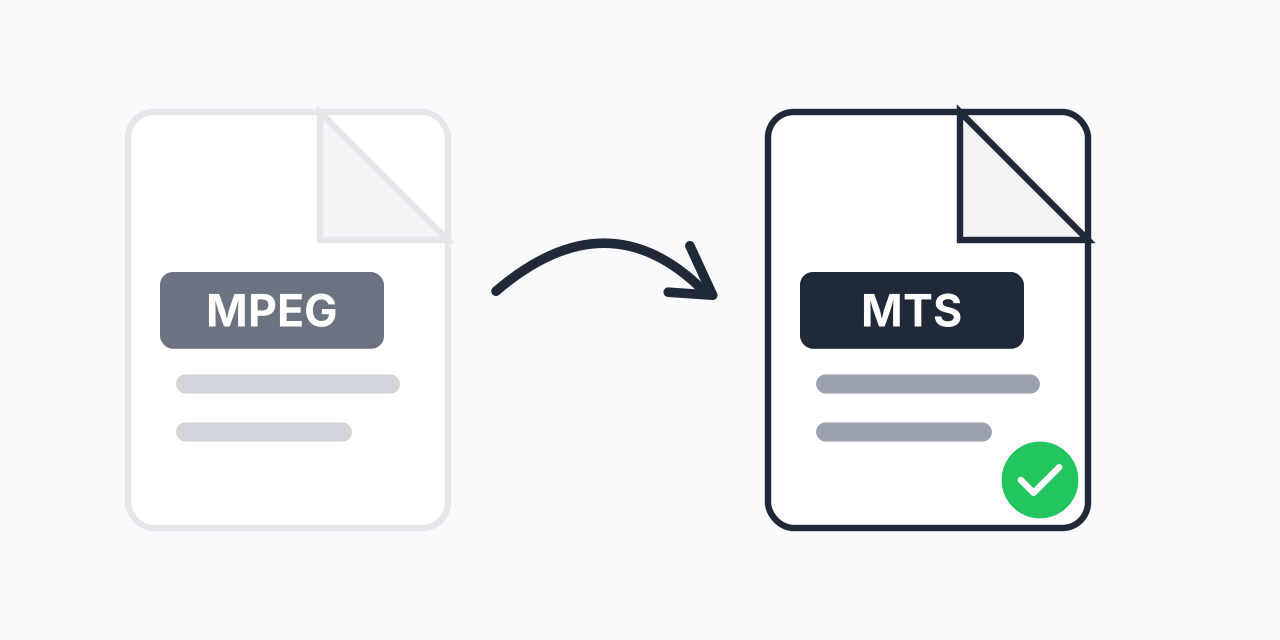
Convert MPEG to MTS - Upgrade to HD Video Format

Transform MPEG videos to MTS format for Blu-ray players and HD editing workflows.

Step 1: Upload your files

You can also Drag and drop files.

Step 2: Choose format
Step 3: Convert files

Read Terms of use before using

Share:fXin@
500+ Formats
Lightning Fast
100% Secure
Always Free
Cloud Processing

Why Convert MPEG to MTS?

You have older MPEG video files that need to work with modern HD equipment. MPEG was the standard video format throughout the 1990s and 2000s, but today's Blu-ray players, HD camcorders, and professional editing software often prefer the MTS format.

MTS (MPEG Transport Stream) uses AVCHD encoding developed by Sony and Panasonic specifically for high-definition video. Converting your MPEG files to MTS makes them compatible with HD playback systems and gives you more options for editing and archiving.

How to Convert MPEG to MTS

  1. Upload your MPEG file - Drag and drop or click to select your video
  2. Confirm MTS output - MTS is selected as your target format
  3. Download your video - Get your converted MTS file ready for HD playback

The entire process happens in your browser. No software to install, no account required.

MPEG vs MTS: Technical Differences

Understanding the differences helps you decide when this conversion makes sense:

  • Resolution support - MPEG typically handles standard definition (480p/576p), while MTS supports full HD 1080i and 1080p
  • Compression - MPEG uses older MPEG-1 or MPEG-2 codecs. MTS uses H.264/AVC for better compression at higher quality
  • Audio - MTS supports Dolby Digital AC-3 surround sound, common in Blu-ray content
  • Device compatibility - MTS works natively with Sony and Panasonic camcorders, Blu-ray players, and AVCHD-compatible editors

In our testing, MTS files maintain excellent quality while offering better compatibility with modern HD equipment compared to legacy MPEG files.

When to Use MTS Format

Blu-ray Playback

Blu-ray players can play MTS files directly without re-encoding. If you want to watch older MPEG content on your home theater system, converting to MTS ensures smooth playback.

Professional Video Editing

Software like Adobe Premiere Pro, Final Cut Pro, and DaVinci Resolve handle MTS files efficiently. The AVCHD format integrates well with professional editing workflows.

Camcorder Archiving

If you're consolidating video archives and want everything in a consistent HD-ready format, MTS provides a standardized container that works across Sony and Panasonic devices.

Alternative Formats to Consider

MTS is ideal for HD equipment compatibility, but other formats may suit your needs better:

  • MPEG to MP4 - Best for universal playback on phones, tablets, and web streaming
  • MPEG to MKV - Ideal for archiving with multiple audio tracks and subtitles
  • MPEG to MOV - Preferred for Apple ecosystem and Final Cut Pro editing

Choose MTS specifically when working with Blu-ray systems, AVCHD camcorders, or professional HD workflows.

Works on Any Device

Convert MPEG to MTS directly in your browser:

  • Windows, Mac, Linux, Chromebook
  • Chrome, Firefox, Safari, Edge
  • Tablet and mobile devices

No downloads or installations needed. Your files are processed locally for privacy and speed.

Pro Tip

MTS files work best when paired with their original folder structure (BDMV/STREAM). If you plan to burn converted files to disc for Blu-ray playback, maintain the proper AVCHD directory hierarchy for maximum compatibility.

Common Mistake

Expecting MTS conversion to upscale SD content to HD. Converting a 480p MPEG to MTS gives you an HD-compatible container, but the video resolution stays the same. True upscaling requires separate processing.

Best For

Users with legacy MPEG video libraries who want to consolidate content into a format that works seamlessly with Blu-ray players, AVCHD camcorders, and professional HD editing software.

Not Recommended

Skip MTS if you only need to play videos on phones, tablets, or stream online. MP4 offers better compatibility for those use cases. MTS is specifically designed for HD equipment and professional workflows.

Frequently Asked Questions

MTS (MPEG Transport Stream) is the file format used by AVCHD camcorders from Sony and Panasonic. It stores high-definition video using H.264 compression and is compatible with Blu-ray players and professional editing software.

Converting from MPEG to MTS does not increase the original video's resolution or quality. However, it repackages the content in a format optimized for HD equipment, ensuring better compatibility with Blu-ray players and HD editing workflows.

Yes. Most Blu-ray players support MTS files natively since MTS uses the AVCHD format developed for the Blu-ray Disc Association. You can typically play MTS files from USB drives or burned discs.

MTS and M2TS are essentially the same format with different file extensions. MTS is used by AVCHD camcorders for raw recordings, while M2TS is the extension used on Blu-ray discs. Both contain MPEG Transport Stream data.

MTS integrates well with professional editing software designed for AVCHD workflows. However, MP4 is more universally supported. Choose MTS for Blu-ray production or when working with AVCHD source material; choose MP4 for general editing and web delivery.

Yes. Upload multiple MPEG files and convert them all to MTS in a single batch. This saves time when processing video libraries or converting an entire project's footage.

Yes. The audio track from your MPEG file is preserved and encoded appropriately for the MTS container. MTS supports high-quality audio including Dolby Digital AC-3 format.

MTS files play on Blu-ray players, PlayStation consoles, Sony and Panasonic camcorders (for import), and computers with AVCHD-compatible media players like VLC. Many smart TVs also support MTS playback via USB.

Yes. Convert MPEG to MTS completely free with no registration required. There are no watermarks added to your converted videos and no limits on the number of conversions.

Quick access to the most commonly used file conversions.