
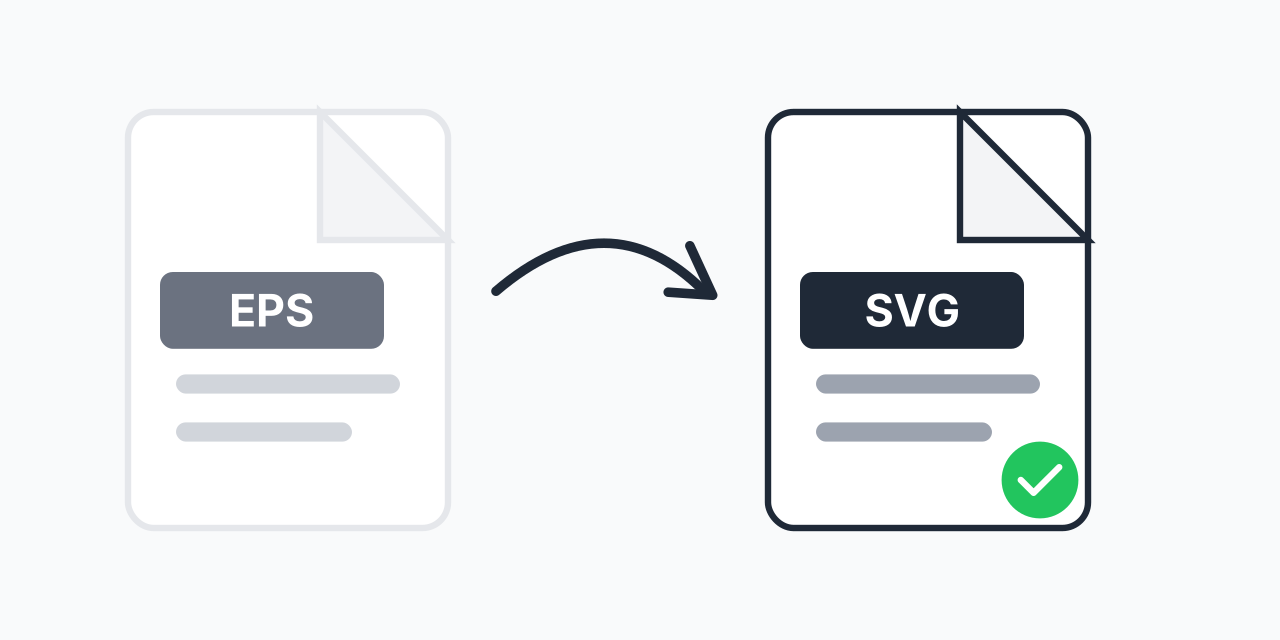
EPS Files Stuck in the Print Era?
You have EPS files from a designer, stock library, or older project. Now you need them on a website, but EPS doesn't work in browsers. Converting to SVG solves this instantly.
SVG is the modern vector standard for the web. Every browser supports it natively. Your graphics stay crisp at any size, load fast, and even work with CSS and JavaScript. If you need EPS files on the web, SVG is the answer.
How to Convert EPS to SVG
- Upload your EPS file - Drag and drop or click to select your vector file
- Confirm SVG output - SVG is selected as your web-ready format
- Download your SVG - Ready to use on any website or web application
No Adobe Illustrator or CorelDRAW required. Convert right in your browser.
Why EPS Doesn't Work on the Web
EPS (Encapsulated PostScript) was created by Adobe in 1987 for professional printing. It's excellent for that purpose but was never designed for digital screens:
- No browser support - Browsers can't render EPS files at all
- Large file sizes - EPS includes PostScript code that inflates file size
- No transparency - EPS doesn't support transparent backgrounds natively
- Not searchable - Search engines can't read EPS content
SVG overcomes all these limitations. It's built specifically for web use.
What SVG Does Better
In our testing, converting EPS to SVG typically reduces file size by 40-60% while adding web capabilities. Here's what you gain:
- Universal browser support - Chrome, Firefox, Safari, Edge all render SVG natively
- Transparency support - True alpha transparency for overlays and layered designs
- CSS styling - Change colors and styles with CSS, no image editing needed
- SEO benefits - Text in SVG is searchable by Google
- Responsive scaling - Looks sharp on any screen size from mobile to 4K
Common Use Cases
Logos for Websites
Company logos stored as EPS for print need SVG versions for websites. SVG logos scale perfectly from favicon size to full-screen hero images without quality loss.
Icons and UI Elements
Vector icons from stock libraries often come as EPS. Convert to SVG to use them in web interfaces where you can style them with CSS to match your color scheme.
Illustrations and Infographics
Complex illustrations created in Illustrator and exported as EPS work beautifully as SVG on web pages. They load faster than PNG versions and stay crisp on retina displays.
Technical Diagrams
Engineering diagrams, flowcharts, and schematics stored as EPS become interactive when converted to SVG. Users can zoom without pixelation.
EPS vs SVG Comparison
Both are vector formats, but they serve different purposes:
- EPS - Created 1987, optimized for print, requires specialized software to view
- SVG - Created 1999, optimized for web, opens in any browser
For print projects, EPS remains useful. For anything web-related, SVG is the standard choice. If you're working with other raster formats, you might also consider EPS to PNG for simpler web graphics that don't need to scale.
What to Expect
Vector quality is preserved during conversion. Lines, curves, shapes, and text remain as vectors in the SVG output. Colors are maintained accurately.
Note that some advanced EPS features like embedded raster images or complex gradients may convert differently. Simple logos and icons convert perfectly. Complex illustrations with effects may need minor adjustments.
Works Everywhere
Our converter runs in your browser on any device:
- Windows, Mac, Linux, Chromebook
- Chrome, Firefox, Safari, Edge
- Tablets and phones for quick mobile conversions
No downloads, no installations, no account required.