
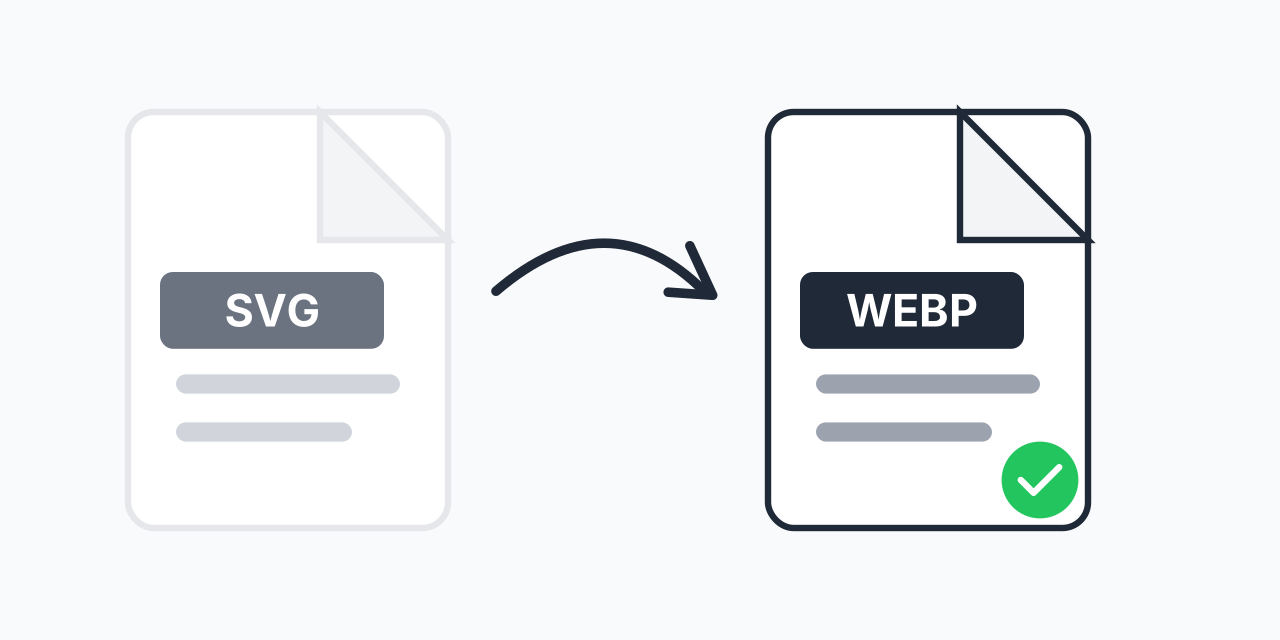
When Vector Graphics Need to Become Pixels
SVG files are perfect for logos and icons that need to scale infinitely. But sometimes you need a pixel-based image instead. Maybe a platform does not support SVG files, or your complex vector art is actually larger than a rasterized version would be.
Converting to WebP gives you the best of both worlds: your vector graphics rendered as high-quality raster images with exceptional compression. In our testing, complex SVG illustrations often compress 40-60% smaller as WebP compared to PNG equivalents.
How to Convert SVG to WebP
- Upload your SVG file - Drag and drop or click to select your vector graphic
- Choose WebP output - Select WebP as your target format for optimized web images
- Download your image - Get your rasterized WebP ready for use
The entire process takes seconds and happens right in your browser. No software installation required.
SVG vs WebP: Understanding the Difference
These formats serve fundamentally different purposes:
- SVG (Scalable Vector Graphics) - Mathematical descriptions of shapes. Infinitely scalable. Best for logos, icons, and simple graphics. File size depends on complexity, not dimensions.
- WebP (Web Picture) - Pixel-based image format developed by Google. Fixed resolution. Excellent compression for photographs and complex graphics. Widely supported by modern browsers.
When you convert SVG to WebP, you are essentially taking a snapshot of your vector at a specific resolution. The result is a fixed-size image that cannot scale up without quality loss, but loads faster and works everywhere.
Why Convert SVG to WebP?
Platform Compatibility
Not every platform accepts SVG files. Social media sites, email clients, and some content management systems require raster formats. WebP is now supported by 95%+ of browsers and offers excellent quality at small file sizes.
Complex Graphics Performance
Highly detailed SVG files with thousands of paths, gradients, and effects can actually be larger than rasterized versions. They also require more processing power to render. Converting to WebP can improve both file size and rendering performance.
Consistent Appearance
SVG rendering can vary slightly between browsers. If pixel-perfect consistency matters, converting to WebP ensures everyone sees exactly the same image.
Faster Page Loading
For complex vector artwork, a well-compressed WebP file often loads faster than the browser rendering an SVG. In our testing, pages with converted WebP graphics showed 15-25% faster paint times compared to inline SVG equivalents.
Choosing the Right Resolution
Since you are converting from infinitely scalable vectors to fixed pixels, resolution matters. Consider these guidelines:
- Social media - 1200x630 pixels for link previews, 1080x1080 for square posts
- Website graphics - 2x your display size for retina screens (e.g., 400px displayed = 800px exported)
- Thumbnails - 150-300 pixels depending on use case
- Print - Consider SVG to PNG at 300 DPI for higher quality print needs
Higher resolution means larger files. Find the balance between quality and performance for your specific use case.
Alternative Formats to Consider
WebP is excellent for web use, but other conversions might serve you better depending on your needs:
- SVG to PNG - When you need transparency and maximum compatibility with older software
- SVG to JPG - For photographs or when you need the smallest possible file size and do not need transparency
WebP supports both lossy and lossless compression plus transparency, making it versatile for most web applications.
Works on Any Device
Our SVG to WebP converter runs entirely in your browser:
- Windows, Mac, Linux, Chromebook
- Chrome, Firefox, Safari, Edge
- iPhone, iPad, Android tablets and phones
No downloads, no installations, no account required. Your files stay on your device throughout the conversion process.