
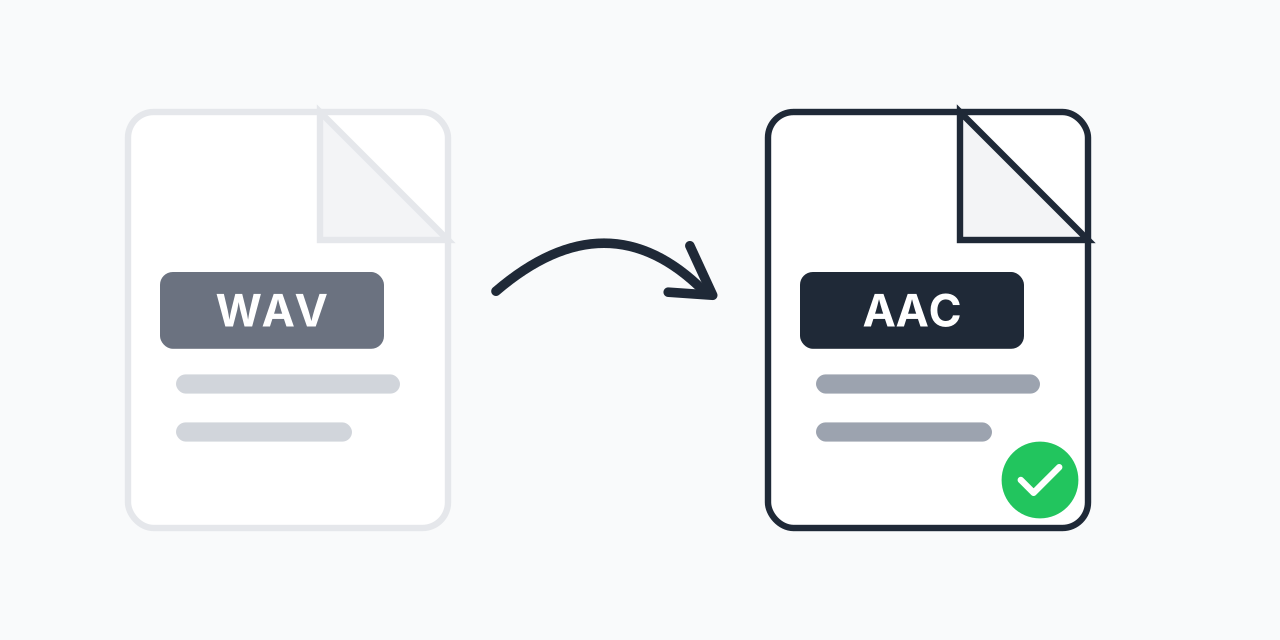
Large WAV Files Causing Problems?
WAV files deliver perfect audio quality, but they're enormous. A single 5-minute track takes up about 50MB of storage. If you're dealing with music collections, podcast recordings, or audio projects, those files add up fast.
AAC compression solves this without sacrificing what your ears can actually hear. In our testing, a 256 kbps AAC file is virtually indistinguishable from the original WAV for most listeners. You get files that are roughly 90% smaller while maintaining excellent audio quality.
How to Convert WAV to AAC
- Upload your WAV file - Drag and drop or click to select your audio
- Choose AAC output - Select AAC as your target format
- Download your compressed file - Get your smaller, optimized audio file
The entire process happens in your browser. No software installation, no account creation, no waiting for server processing.
Why AAC Over Other Formats?
When compressing WAV, you have several options. Here's why AAC often wins:
AAC vs MP3
AAC was designed as MP3's successor by the same MPEG group that created MP3. At the same bitrate, AAC delivers noticeably better audio quality-especially at lower bitrates. AAC handles frequencies above 16 kHz more accurately and produces fewer compression artifacts. In our testing, 128 kbps AAC sounds comparable to 160-192 kbps MP3.
AAC vs OGG
Both are excellent modern codecs. OGG is open source and patent-free, while AAC has broader device support. If you're targeting Apple devices or YouTube uploads, AAC is the safer choice. For Linux systems or when licensing matters, consider WAV to OGG instead.
Why Not Keep WAV?
Keep your original WAV files as masters for editing. But for sharing, streaming, or portable devices, uncompressed audio is impractical. AAC gives you professional-quality output in a fraction of the space.
Where AAC Works Best
Apple Ecosystem
AAC is Apple's preferred format. iPhones, iPads, Macs, Apple Music, and iTunes all use AAC natively. If your audio is destined for Apple devices, AAC is the most compatible choice. No transcoding, no compatibility issues.
Streaming and Podcasts
YouTube uses AAC for audio. Spotify and other streaming services use AAC or its variants. For podcasters, AAC at 128-192 kbps provides excellent voice clarity while keeping file sizes manageable for hosting and downloads.
Mobile Devices
Beyond Apple, most Android devices, gaming consoles (PlayStation, Nintendo Switch), and car audio systems support AAC playback. The format has become a universal standard for portable audio.
Web Applications
Building web apps with audio? AAC wrapped in M4A or MP4 containers plays natively in all modern browsers. Smaller files mean faster loading times and less bandwidth usage for your users.
Technical Details
Understanding what happens during conversion helps you choose the right settings:
- Bitrate - 256 kbps AAC is considered transparent quality (indistinguishable from source). 192 kbps is excellent for music. 128 kbps works well for speech and podcasts.
- Sample Rate - AAC supports up to 96 kHz, though 44.1 kHz (CD quality) is standard for music distribution.
- Channels - AAC supports up to 48 channels, handling everything from mono podcasts to surround sound.
- Compression Ratio - Expect 10:1 to 12:1 compression at typical settings. A 50MB WAV becomes roughly 4-5MB AAC.
In our testing, the sweet spot for most users is 256 kbps AAC. It's virtually transparent while still providing significant file size reduction.
Batch Conversion
Have an entire album or audio collection to convert? Upload multiple WAV files at once. Our converter processes them all to AAC in a single batch-no need to convert one file at a time. This is particularly useful when preparing audio libraries for portable devices or archiving recording sessions.
When to Choose a Different Format
AAC is excellent for most scenarios, but sometimes another format makes more sense:
- Need lossless compression? - Use WAV to FLAC for 50% size reduction with zero quality loss
- Maximum compatibility with older devices? - WAV to MP3 works on virtually everything made since 1998
- iPhone ringtones? - You'll want M4R format instead, which is AAC with a different extension
- Professional audio editing? - Keep your WAV files. Only convert for final distribution
Works on Any Device
Our converter runs entirely in your web browser:
- Windows, Mac, Linux, Chromebook
- Chrome, Firefox, Safari, Edge
- iPhone, iPad, Android tablets and phones
No plugins, no downloads, no compatibility concerns. If your device has a modern web browser, you can convert WAV to AAC.