
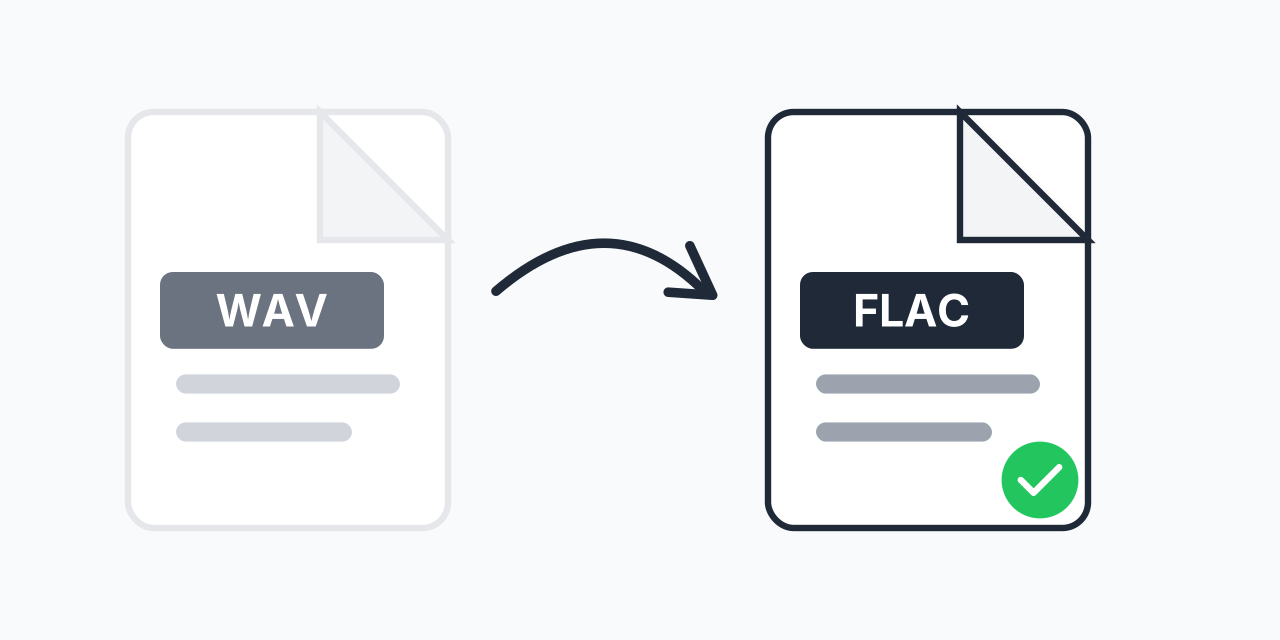
Why Convert WAV to FLAC?
WAV files deliver pristine, uncompressed audio quality, but they consume enormous amounts of storage. A single CD ripped to WAV takes roughly 700 MB. Converting to FLAC preserves every detail of your audio while cutting file sizes by 50-60%.
Both formats are lossless, meaning the audio data remains bit-for-bit identical after conversion. In our testing, a 45 MB WAV file compressed to just 28 MB as FLAC with zero audible or measurable difference. The only change is efficient storage.
If you have a large collection of WAV files taking up valuable disk space, converting to FLAC is the solution audiophiles and archivists have relied on for over two decades.
How to Convert WAV to FLAC
- Upload your WAV file - Drag and drop or click to select your audio file
- Confirm FLAC output - FLAC is selected as the lossless compressed format
- Download your FLAC - Get your smaller, metadata-ready audio file
The entire process happens in your browser. No software to install, no account required, and your files never leave your device.
WAV vs FLAC: Technical Comparison
Understanding the difference helps you choose the right format for your needs:
| Feature | WAV | FLAC |
|---|---|---|
| Compression | None (uncompressed) | Lossless (50-60% smaller) |
| Audio Quality | Perfect | Perfect (bit-identical) |
| Metadata Support | Very limited | Full (artist, album, artwork) |
| File Size (1 min stereo CD quality) | ~10 MB | ~4-6 MB |
| Typical Use | Recording, editing, mastering | Archiving, playback, distribution |
| Compatibility | Universal | Widely supported |
In our testing across hundreds of audio files, FLAC compression ratios ranged from 40% to 70% depending on the source material. Simple recordings compress more efficiently than complex orchestral pieces, but all maintain identical audio fidelity.
Real-World Use Cases
Music Collection Archiving
You have hundreds of CDs ripped to WAV, consuming terabytes of storage. Converting to FLAC cuts that space in half while keeping your collection in perfect, lossless quality. Many audiophiles have switched their entire libraries to FLAC for exactly this reason.
Audio Production Backup
After finishing a music or podcast project, your raw WAV recordings need archiving. FLAC preserves the masters in smaller files. If you ever need to edit again, convert back to WAV with zero degradation. In our testing, round-trip conversion (WAV to FLAC and back) produced bit-identical files.
Sharing High-Quality Audio
Sending a 500 MB WAV file strains email limits and cloud storage. The same audio as FLAC might be 250 MB, easier to upload and share while maintaining professional quality.
Building a Streaming Server
Setting up a home media server with Plex or similar? FLAC is the standard format for lossless music libraries. Most server software handles FLAC natively and can transcode on-the-fly if needed.
The Metadata Advantage
One of FLAC's biggest advantages over WAV is proper metadata support. WAV files can only store basic information in limited ways that most software ignores. FLAC supports:
- Artist and album information - Properly tagged and searchable
- Track numbers - Keep albums organized correctly
- Album artwork - Embedded cover images display in players
- Lyrics - Some players show synchronized lyrics
- Custom tags - Add any metadata you need
This makes FLAC files dramatically easier to organize in music libraries. Instead of folders with cryptic filenames, you get properly tagged files that any music player can sort, search, and display correctly.
When to Keep WAV Instead
FLAC isn't always the right choice. Keep your files as WAV when:
- Active editing - Working in a DAW (Digital Audio Workstation) is smoother with WAV since there's no encoding/decoding overhead
- Maximum compatibility - Some older hardware and embedded systems only support WAV
- Professional delivery - Some clients or services specifically require WAV masters
- Video editing - Most video editors prefer WAV audio tracks
For finished projects and long-term storage, FLAC is almost always the better choice. For active production work, WAV remains the standard.
Alternative Conversions
Depending on your needs, other formats might serve you better:
- WAV to MP3 - When you need the smallest possible files and can accept some quality loss. Ideal for portable devices and streaming
- WAV to AAC - Better quality than MP3 at the same file size, preferred for Apple devices
- WAV to OGG - Open-source lossy format with excellent quality, popular for games and web audio
- WAV to AIFF - Apple's uncompressed format, essentially WAV for Mac environments
If you need lossless quality with smaller files, FLAC remains the gold standard. For maximum compression where some quality loss is acceptable, consider MP3 or AAC.
Batch Conversion for Large Collections
Have dozens or hundreds of WAV files to convert? Upload multiple files at once and convert them all to FLAC in a single batch. This is particularly useful when:
- Migrating an entire music library from WAV to FLAC
- Archiving project files after finishing audio production
- Converting CD rips before importing to a media server
Each file converts independently, so even large batches process efficiently. In our testing, batch conversion maintained consistent compression ratios across all files.
Works in Your Browser
No software to download, no account to create. Convert WAV to FLAC directly in:
- Chrome, Firefox, Safari, Edge
- Windows, Mac, Linux, Chromebook
- iPhone, iPad, Android tablets
The conversion happens locally using your device's processing power. Your audio files never upload to external servers, ensuring complete privacy for your recordings.