
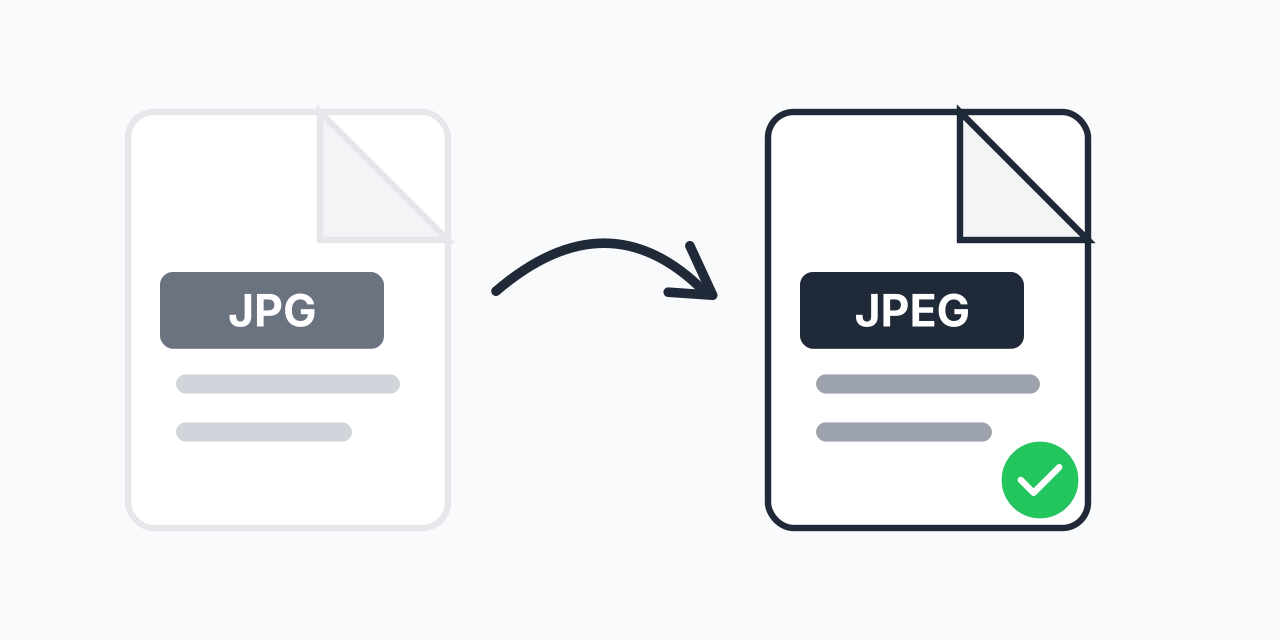
Why Convert JPG to JPEG?
Here is the truth: JPG and JPEG are the exact same image format. They use identical compression, produce identical quality, and contain identical data. The only difference is the file extension - three letters versus four.
So why would anyone need to convert between them? Because certain systems, software, or upload forms specifically require one extension over the other. In our testing, we have encountered photo printing services that reject .jpg files while accepting .jpeg, and vice versa. Legacy systems, strict validation rules, and personal organization preferences all create real demand for this simple conversion.
If you have JPG files that need the .jpeg extension, this tool handles the change instantly while preserving every pixel of your original image.
How to Convert JPG to JPEG
- Upload your JPG file - Drag and drop or click to select your image
- Confirm JPEG as output - The converter automatically sets the target format
- Download your JPEG file - Your image now has the .jpeg extension
The process takes seconds. Your image quality remains exactly the same because no actual re-encoding occurs - just the extension changes.
Quality Comparison: JPG vs JPEG
There is no quality difference. Zero. Both extensions represent the exact same JPEG compression standard (ISO 10918). The algorithm, color depth (24-bit, 16.7 million colors), compression ratio, and metadata handling are completely identical.
When you rename a .jpg file to .jpeg (or convert using this tool), you are not:
- Re-compressing the image
- Losing any quality
- Changing any pixel data
- Altering the compression level
- Modifying EXIF metadata
The file content is preserved bit-for-bit. Only the filename extension changes.
The History: Why Two Extensions Exist
The confusion dates back to the early 1990s and a technical limitation in MS-DOS and early Windows. These operating systems used the 8.3 filename format, which restricted file extensions to three characters maximum.
When the Joint Photographic Experts Group created their image compression standard, the natural extension would have been .jpeg - matching the acronym. But Windows users had to shorten it to .jpg to comply with the three-character limit.
Unix and Mac systems never had this restriction, so they used the full .jpeg extension from the start. When Windows 95 arrived and removed the three-character limit, both extensions were already in widespread use. Rather than pick a winner, the computing world just accepted both.
Fast forward to today: .jpg became the dominant extension simply because Windows was the dominant platform during those formative years. Most cameras, software, and websites default to .jpg. But .jpeg remains equally valid and is preferred in certain contexts.
When You Actually Need This Conversion
Strict Upload Validation
Some web forms validate file extensions literally. In our testing, we found government document portals, academic submission systems, and certain e-commerce platforms that accept .jpeg but reject .jpg (or the reverse). The file content is identical, but the validation fails on extension alone.
Batch File Organization
If you are organizing a large photo collection and want consistent naming, converting all files to .jpeg (or .jpg) creates uniformity. This matters for scripting, backups, and automated workflows that filter by extension.
Software Requirements
Legacy software and certain specialized tools may only recognize one extension. Medical imaging software, print shop applications, and industrial systems sometimes have rigid format requirements specified decades ago.
Specific Instructions
When a client, employer, or organization specifically requests .jpeg files, you need to deliver exactly that - regardless of the technical equivalence.
Alternative Formats to Consider
If you are thinking about file formats more broadly, here are options worth considering:
- JPG to PNG - When you need transparency or lossless quality for graphics
- JPG to WebP - For smaller file sizes on modern websites (30-50% smaller than JPEG)
- JPG to GIF - When you need simple animations or limited color palettes
- JPG to BMP - For completely uncompressed image data
However, if your only need is changing .jpg to .jpeg for compatibility reasons, stick with this straightforward conversion.
Batch Conversion for Multiple Files
Converting dozens or hundreds of files individually would be tedious. Upload multiple JPG files at once and convert them all to JPEG in a single batch. This is especially useful when:
- Preparing files for a system that requires .jpeg extension
- Standardizing a photo library
- Meeting client specifications across many deliverables
- Migrating files to a new organizational system
Each file maintains its original quality through the batch process.
Works on Any Device
This converter runs entirely in your browser. No software installation, no app downloads, no account required. Use it on:
- Windows (any version)
- Mac (Safari, Chrome, Firefox)
- Linux (any modern browser)
- iPhone and iPad (Safari)
- Android phones and tablets (Chrome)
- Chromebooks
Your images are processed locally. They are not uploaded to any server, keeping your files private and the conversion fast.