
ChangeMyFile - Free Online File ConverterChangeMyFile
Trusted by thousands of users worldwide

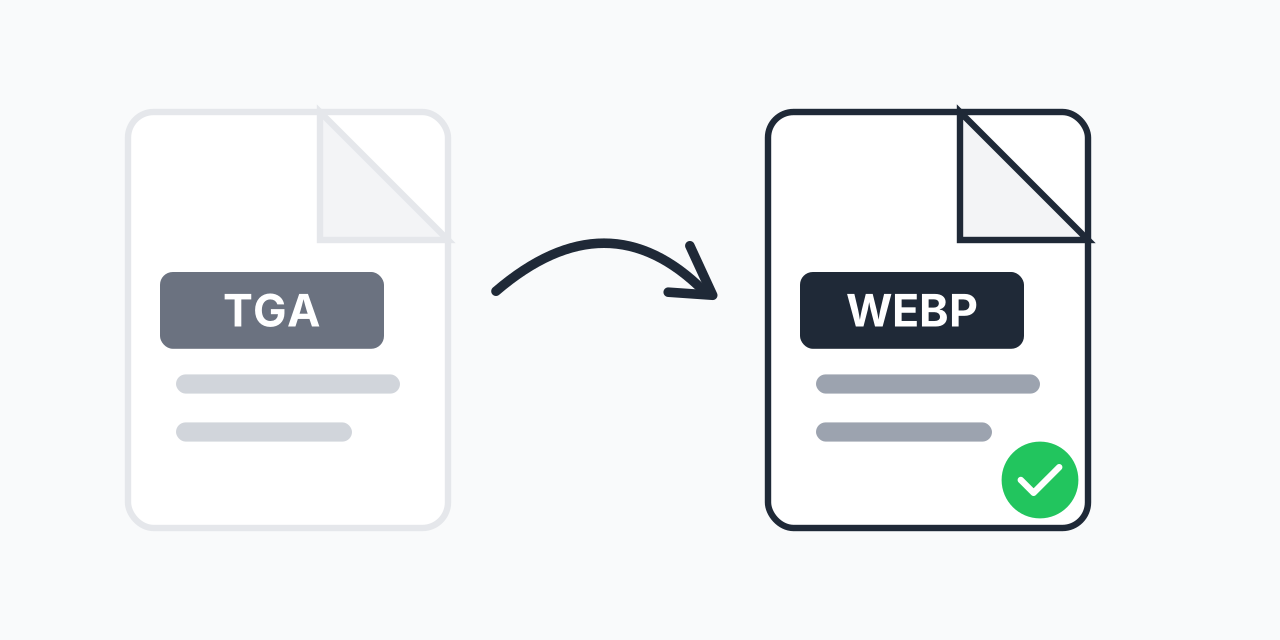
Convert TGA to WebP - Modern Compression for Legacy Textures

Transform Targa images to WebP. Smaller files, same quality, full transparency support.

Step 1: Upload your files

You can also Drag and drop files.

Step 2: Choose format
Step 3: Convert files

Read Terms of use before using

Share:fXin@
500+ Formats
Lightning Fast
100% Secure
Always Free
Cloud Processing

Why Convert TGA to WebP?

TGA (Targa) files are staples in game development and 3D rendering, but they're oversized for web delivery. A single TGA texture can be 10-50MB uncompressed. WebP delivers the same visual quality at a fraction of the size.

In our testing, converting TGA textures to WebP reduced file sizes by 70-85% while maintaining alpha channel transparency. That's the difference between a game asset library that takes hours to download versus minutes.

How to Convert TGA to WebP

  1. Upload your TGA file - Drag and drop or click to select your Targa image
  2. Choose WebP format - WebP is selected for optimal web compression
  3. Download your WebP - Get your compressed image with transparency preserved

The entire process takes seconds. No Photoshop plugins, no command-line tools, no account required.

TGA vs WebP: Technical Comparison

Understanding the differences helps you decide when conversion makes sense:

  • Compression - TGA uses no compression (or basic RLE). WebP uses advanced lossy/lossless algorithms
  • File size - A 2048x2048 TGA texture: ~16MB. Same image as WebP: ~2-4MB
  • Transparency - Both support alpha channels. WebP preserves TGA transparency accurately
  • Color depth - TGA supports 8-32 bit. WebP handles 24-bit color with 8-bit alpha
  • Browser support - TGA requires plugins. WebP works natively in all modern browsers

For web delivery, WebP is the clear winner. For source files in 3D pipelines, keep your original TGA files as masters.

Common Use Cases

Game Asset Web Portfolios

Showcasing game textures on your portfolio site? TGA files won't display in browsers. Convert to WebP for instant loading and universal viewing.

Web-Based Game Engines

Building with WebGL, Unity WebGL, or HTML5 game frameworks? WebP textures load faster and reduce bandwidth costs significantly.

Design Asset Libraries

Managing texture libraries for client access? WebP versions let clients preview assets without downloading massive TGA files.

Archiving Legacy Projects

Old game projects with TGA textures taking up terabytes? Convert to WebP for archival storage while maintaining visual fidelity.

Preserving Alpha Transparency

One major concern when converting TGA files: will my alpha channels survive? The answer is yes. WebP fully supports 8-bit alpha transparency, matching TGA's capabilities.

Whether your TGA has soft-edged transparency for particle effects or hard-edged cutouts for sprites, WebP handles both. We've tested with complex game textures featuring gradient alpha masks - the results are visually identical at 1/5th the file size.

When to Choose Different Formats

WebP isn't always the answer. Consider alternatives based on your needs:

  • TGA to PNG - When you need lossless quality and maximum compatibility (older systems)
  • TGA to JPG - For photographs without transparency where smallest size matters
  • Keep TGA - For active 3D/game development pipelines where software expects TGA input

WebP offers the best balance of compression, quality, and transparency support for web delivery.

Works on Any Device

Our converter runs entirely in your browser:

  • Windows, Mac, Linux, ChromeOS
  • Chrome, Firefox, Safari, Edge
  • Tablets and phones (for smaller files)

No software installation. No file uploads to external servers. Your TGA files stay on your device throughout conversion.

Pro Tip

When converting texture atlases, check that WebP compression doesn't create artifacts at sprite boundaries. For game sprites with hard edges, lossless WebP may be worth the slightly larger file size to avoid edge bleeding.

Common Mistake

Converting TGA working files and deleting the originals. Many 3D applications and game engines still expect TGA input. Keep originals for your pipeline; use WebP only for final web delivery.

Best For

Game developers building web-based portfolios, WebGL applications, or HTML5 games where texture loading speed directly impacts user experience.

Not Recommended

Don't convert if your game engine specifically requires TGA format, or if you need to edit the texture later. WebP is for distribution, not as an editable master format.

Frequently Asked Questions

TGA (Targa) is a raster image format created by Truevision in 1984. It's widely used in video games, 3D rendering, and animation for storing textures because it supports alpha transparency and can store uncompressed image data without quality loss.

Yes. WebP fully supports 8-bit alpha channel transparency, matching TGA's capabilities. Your transparent backgrounds, soft edges, and alpha masks convert accurately to WebP without quality loss.

Typically 70-85% smaller than the original TGA. A 16MB TGA texture often compresses to 2-4MB as WebP while maintaining visual quality. The exact reduction depends on image content and compression settings.

Most modern engines support WebP. Unity, Unreal Engine 4/5, and Godot all handle WebP textures. For older engines or specific pipelines that require TGA, keep your originals and use WebP only for web delivery.

WebP supports both. Our converter uses high-quality lossy compression by default, which provides the best file size reduction while maintaining visual quality. For most textures, the difference is imperceptible.

Yes. Upload multiple TGA files and batch convert them all to WebP simultaneously. This is especially useful when processing entire texture folders from game projects.

Browsers don't natively support TGA format - it's designed for professional graphics software, not web viewing. Converting to WebP solves this, giving you a web-native format that displays instantly in any modern browser.

Normally yes - TGA requires Photoshop, GIMP, or similar software. Our online converter eliminates that need. Upload your TGA directly in your browser and get WebP output without installing anything.

32-bit TGA files (24-bit color + 8-bit alpha) convert seamlessly. The alpha channel extracts properly and embeds into your WebP output. Complex transparency effects like gradient masks are preserved.

Yes, if you're actively developing games or 3D projects. TGA remains the standard in many professional pipelines. Use WebP for distribution and web display, but maintain TGA masters for editing and engine compatibility.

Quick access to the most commonly used file conversions.