
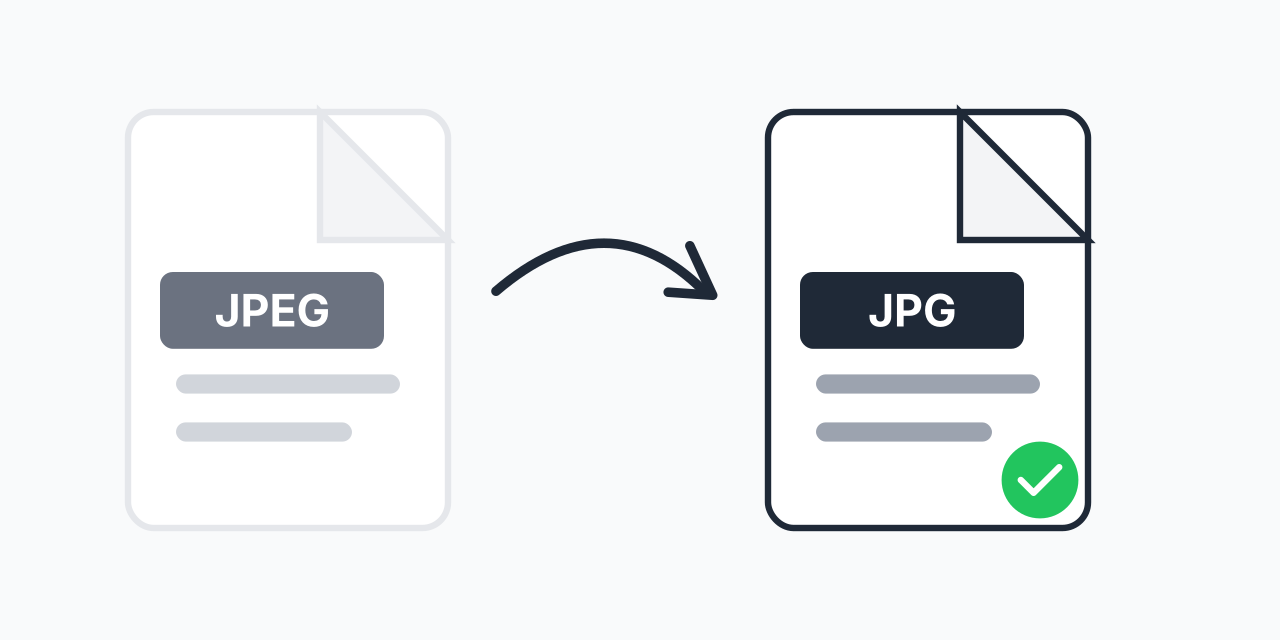
JPEG and JPG: The Same Thing
Here's a secret: JPEG and JPG are the exact same format. The only difference is the file extension length-.jpeg (4 letters) vs .jpg (3 letters).
This matters because some software only accepts one extension. If a website or application rejects your .jpeg file but accepts .jpg, conversion solves it instantly.
How to Convert JPEG to JPG
- Upload your JPEG file - Select your .jpeg image
- Confirm JPG output - The file is renamed to .jpg extension
- Download your file - Same image, different extension
Conversion is instant-we're essentially just renaming the file.
Why This Matters
Historical Reason
Old Windows (before Windows 95) only allowed 3-character extensions. JPEG became JPG. Modern systems support both, but the legacy persists.
Software Compatibility
Some older or specialized software only recognizes .jpg files. Upload forms may specifically require .jpg extension.
Consistency
If you're organizing a photo collection, having all files with the same extension keeps things tidy.
What's NOT Different
- Quality - Identical. No compression, no changes
- File size - Same down to the byte (except extension)
- Compatibility - Both work in all modern software
- Format - Technically the same JPEG/JFIF format
Think of it as renaming "document.jpeg" to "document.jpg"-the content is unchanged.
Common Reasons to Convert
Upload Requirements
A form specifies ".jpg files only" but your images are .jpeg. Quick conversion makes them acceptable.
Software Requirements
Old photo software or games may only recognize .jpg extension. Converting resolves the issue.
Batch Renaming
Standardizing a photo collection where some files are .jpeg and others are .jpg.
Reverse Direction
Need the opposite? We can also convert JPG to JPEG if your software requires the longer extension.
Works on Any Device
Convert JPEG to JPG in your browser:
- Windows, Mac, Linux, Chromebook
- Chrome, Firefox, Safari, Edge
- iPhone, iPad, Android