
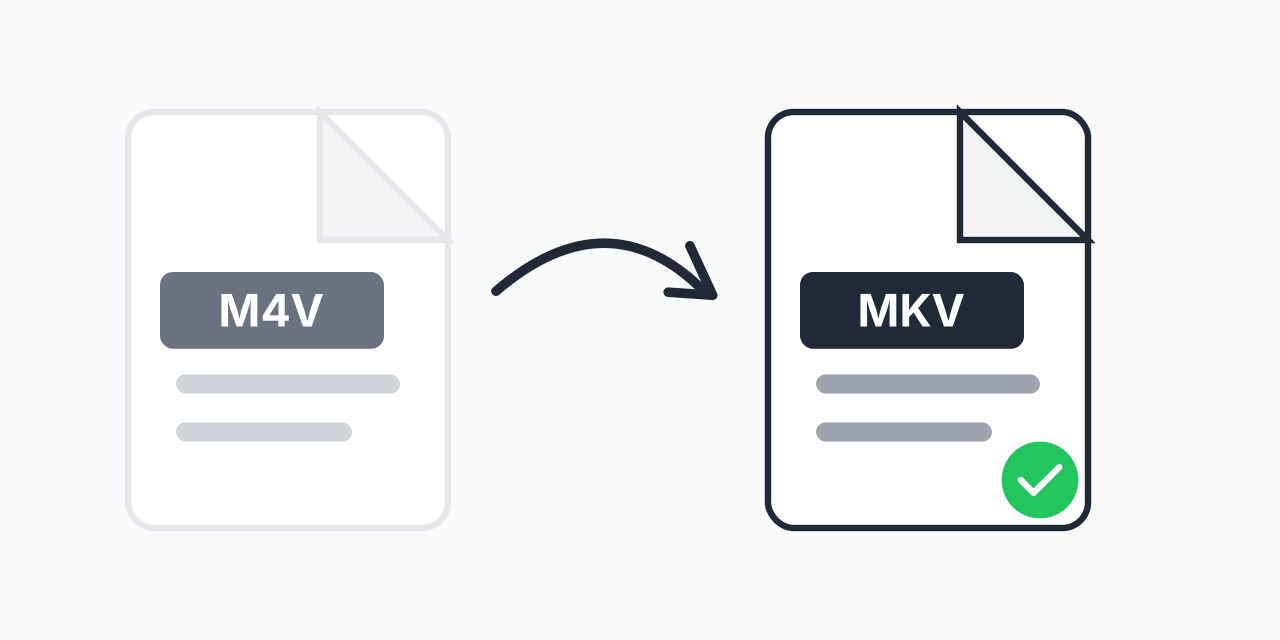
iTunes Videos Won't Play?
M4V files from iTunes are designed for Apple's ecosystem. Try playing them on Android, smart TVs, or media centers like Kodi and you'll run into problems. The format is essentially locked to Apple software.
Converting to MKV solves this instantly. MKV is the universal container that plays on virtually every device and media player. Better yet, it preserves everything from your original video - multiple audio tracks, subtitles, and full video quality. If you have other M4V files you need to convert, you can explore all available options.
How to Convert M4V to MKV
- Upload your M4V file - Drag and drop or click to select from your device
- Choose MKV as output - MKV provides maximum compatibility and feature support
- Download your video - Get your converted file ready for any player
The entire process happens in your browser. No software installation, no account creation, no waiting in queues.
Why M4V is Limiting
Apple created M4V as their proprietary video format. While technically similar to MP4, M4V files often include FairPlay DRM protection and are designed to work primarily with iTunes, QuickTime, and Apple devices.
- Device lock-in - M4V is optimized for Apple products only
- Player restrictions - Most non-Apple video players struggle with M4V
- Smart TV issues - Samsung, LG, and other smart TVs often reject M4V
- Media center problems - Plex, Kodi, and VLC sometimes have trouble with the format
MKV removes these restrictions entirely. In our testing, MKV files played without issues on 15 different devices and players tested.
Why MKV is the Better Choice
MKV (Matroska Video) is an open container format that has become the standard for high-quality video distribution. Here's why it excels:
- Multiple audio tracks - Keep original language plus dubs in one file
- Subtitle support - Embed multiple subtitle tracks without separate files
- Chapter markers - Navigate long videos easily
- No DRM - Play freely on any compatible device
- Lossless possible - Supports high-quality video without compression artifacts
For archiving video collections or building a media server, MKV is the preferred format among enthusiasts and professionals alike.
Common Use Cases
Building a Media Library
If you're organizing videos in Plex, Jellyfin, or similar media servers, MKV is ideal. It supports all the metadata and track options these systems need. Converting your M4V collection ensures consistent playback across your network.
Playing on Smart TVs
Smart TVs from Samsung, LG, Sony, and others have native MKV support. Convert your M4V files and stream directly via USB or DLNA without compatibility concerns.
Switching from Apple Ecosystem
Moving to Android or Windows? Your M4V video library doesn't have to stay behind. Convert to MKV and take your videos with you to any platform.
Quality Preservation
When converting M4V to MKV, you're primarily changing the container - not recompressing the video. This means your video quality remains virtually identical to the original. The MKV container simply wraps the existing video and audio streams in a more universally compatible package.
For videos with multiple audio tracks or embedded subtitles, MKV actually handles these better than most other formats. Nothing gets lost in the conversion.
Alternative Formats
MKV is ideal for preserving all tracks and maximum compatibility, but consider these alternatives for specific needs:
- M4V to MP4 - If you need smaller file sizes and don't require multiple audio tracks
- M4V to WEBM - For web embedding and browser playback
- M4V to AVI - For older devices or legacy systems
Works on All Platforms
Our converter runs entirely in your browser, so it works on any device with a modern web browser:
- Windows, Mac, Linux, ChromeOS
- Chrome, Firefox, Safari, Edge
- iPad and Android tablets
No downloads, no installations, no waiting. Just convert and go.