The file viewer now opens XML and JSON
We built it to preview conversion results without downloading them. It turned into the fastest way to look at an XML file on a phone.
The file viewer started as a small piece of the converter. You convert something, you get a Download button, and you have no idea whether the result is right until the file is on your disk and you have found something that opens it. That is a bad last step for a tool that otherwise takes one click.
What it does
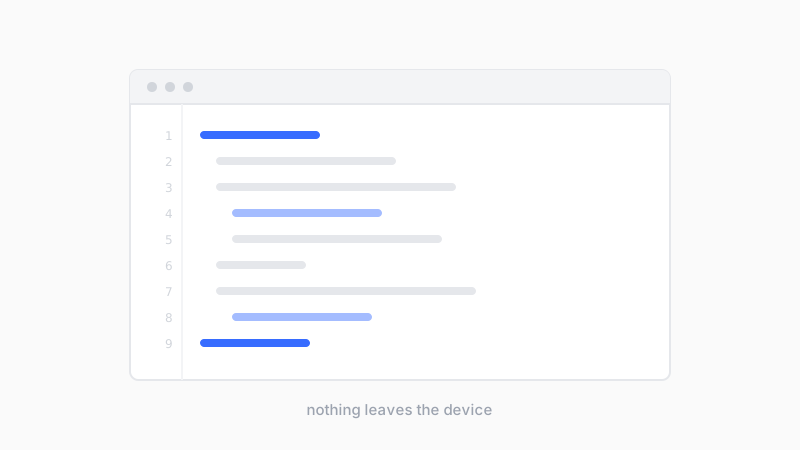
It opens the file in the browser. Images render on a checkerboard so transparency is visible, with the pixel dimensions listed underneath. PDFs render page by page and scroll. Audio and video get normal playback controls. XML, JSON, CSV, and plain text show as source with line numbers.
Nothing is uploaded. The file is read in the page and never leaves the device, which matters when the thing you are checking is a contract or an export full of customer records.
The part we did not plan
Our conversions into XML are some of the busiest pages on the site. People convert something to XML and then want to see it, and on a phone that is genuinely annoying. Mobile browsers either download the file or hand it to an app that renders it badly. The viewer shows it inline with line numbers, which turned out to be the reason people use it.
- Files up to 100 MB open
- Text previews the first 3 MB or 5,000 lines, whichever comes first
- PDFs render up to 50 pages
- The Download button always hands over the whole file, not the preview
The limits exist because rendering a 90 MB text file into a browser tab will freeze it. When a preview is trimmed the viewer says so, rather than quietly showing a fraction of the file and letting you assume that is all of it.
Copy to clipboard is next. Being able to read an XML file but not take the text somewhere is half a feature, and it is the thing people ask for.
- file viewer
- XML
- JSON
- tools