
Does converting MP4 to MP3 lose quality? We measured it
The audio in an MP4 is usually AAC, and converting AAC to MP3 re-encodes it with a second lossy codec, so a little quality goes every time. Here's what we measured with our own converter, and the one case where you can skip the loss entirely.
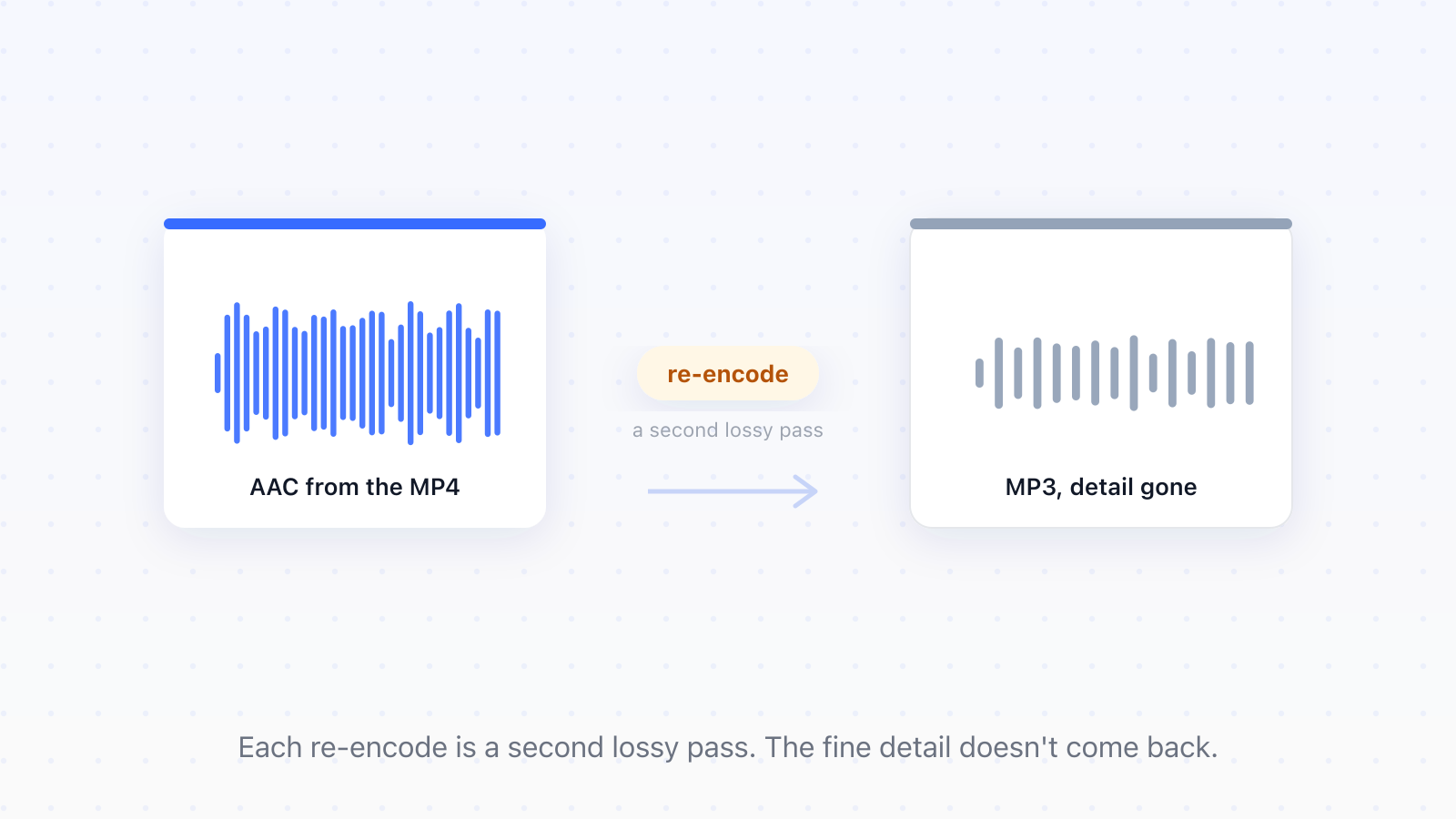
Yes. The audio inside an MP4 is usually AAC, and converting AAC to MP3 means decoding it and encoding it again with a second lossy codec. Each codec discards different detail, so every conversion loses a little. At sensible bitrates one conversion is subtle; repeated ones aren't. Pulling the audio out of a video feels like a copy operation, but it usually isn't, and that's the whole story of why the result sounds different.
What happens when MP4 becomes MP3
When you turn the video's audio into an MP3, the converter decodes the AAC back into raw audio samples, then hands those samples to an MP3 encoder. Both codecs are lossy: each one keeps the sound people notice and throws away what it bets you won't miss. The problem is they make different bets. The MP3 encoder can't tell what the AAC encoder already removed, so it cuts into audio that has been cut once before. That's generation loss, the same reason a photocopy of a photocopy looks worse than either copy alone.
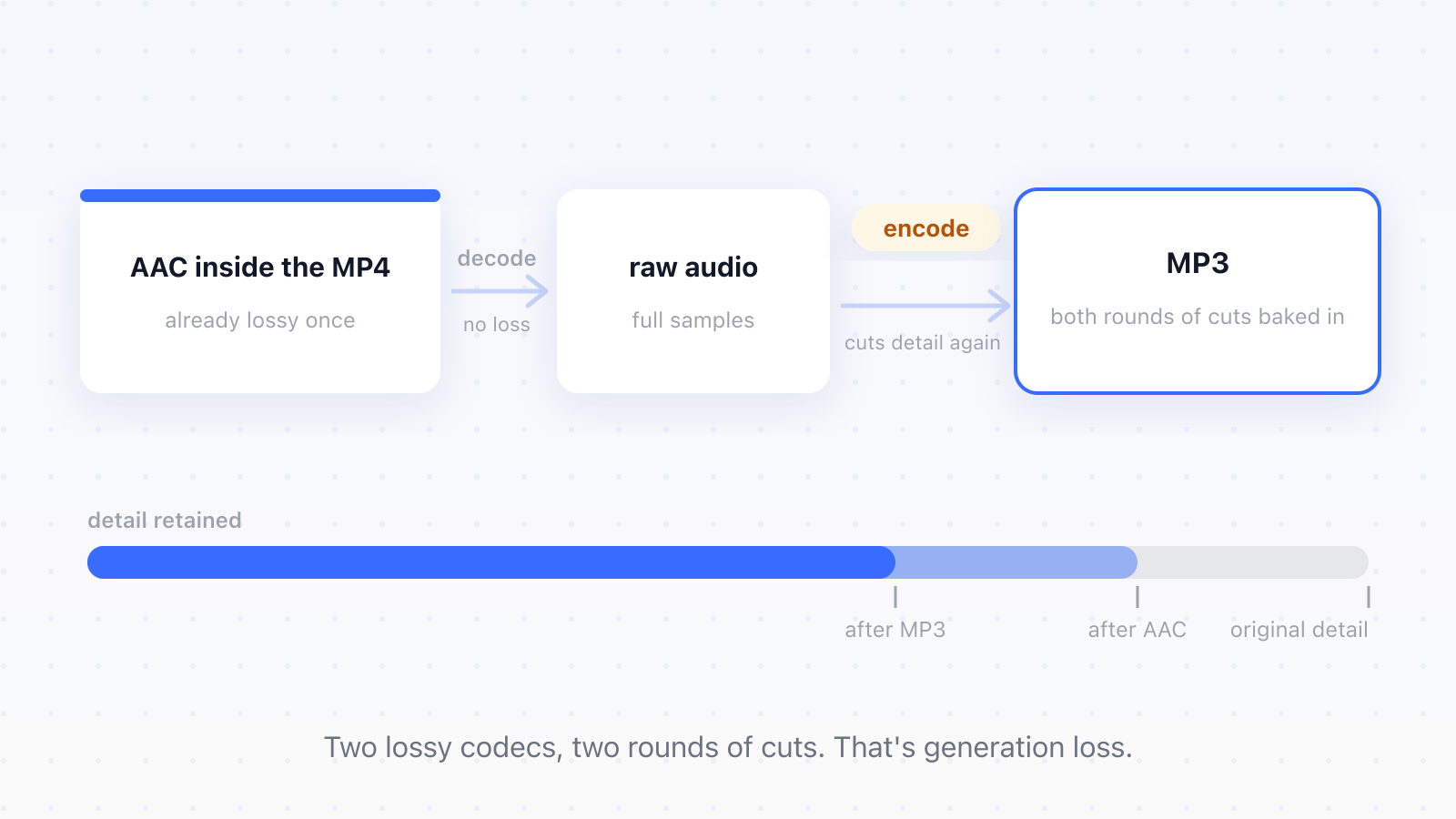
The busiest parts of the sound degrade first: dense, noisy passages where the encoder has the most to juggle. And a 128 kbps MP3 made from a 128 kbps AAC sounds worse than the original despite the matching number, because the number describes how much space the encoder gets, not how much quality survived two rounds of cuts.
How much quality you actually lose
We tested it with our own converter rather than guessing. We took a three-minute video with stereo AAC audio at 128 kbps and converted it to MP3. The output came back at 128 kbps, 2.9 MB, playable everywhere. One generation of loss at this level is hard to hear: on phone speakers or cheap earbuds most people won't hear it. On good headphones, with busy music, some will. The real damage comes from repeating the trip; convert a conversion a few times and the smearing becomes obvious to anyone.
Notice what that test also shows: our converter matched the source's 128 kbps rather than adding headroom. A tight fit like that is exactly where the second encoder has to cut deepest, which brings us to the one setting that matters.
Pick a bitrate with headroom
When you convert between two lossy formats, give the second encoder more room than the source had. A 128 kbps AAC converted to a 192 kbps MP3 leaves the MP3 encoder space to preserve nearly everything the AAC kept. The file gets a bit bigger, and that's fine: in this situation bitrate is working space, not quality. You can't recover what AAC removed, but you can stop the MP3 pass from removing much more.
To put real numbers on what bitrate costs and saves, we encoded the same three-minute recording from a WAV master to MP3 at three bitrates with the standard LAME encoder:
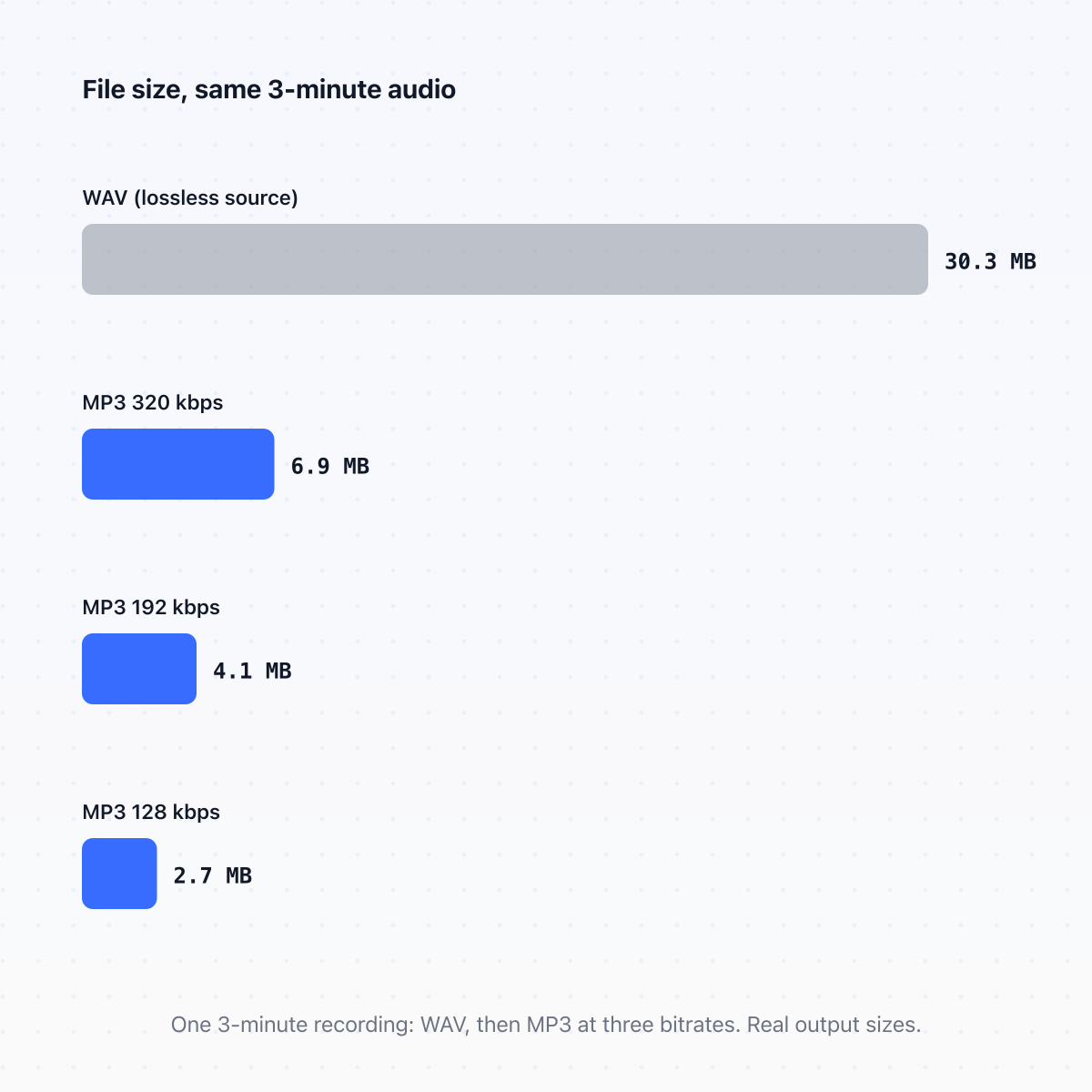
The 30.3 MB WAV became 6.9 MB at 320 kbps, 4.1 MB at 192, and 2.7 MB at 128. Converting WAV to MP3 is the friendly case: the source is lossless, so there's only one round of cuts and the bitrate decides everything. And if you don't want to change format at all, just make a file smaller, that's a different job: use the audio compressor that reads your file's bitrate first, so it never re-encodes more than it has to.
When you can skip the loss entirely
If you only need the audio out of the video, and your player handles M4A, there's a route with no loss at all. Our MP4 to M4A converter lifts the AAC track into an M4A container without re-encoding it. We checked one conversion against its source and the audio came back bit for bit identical, so nothing was decoded and nothing was rebuilt. That's a stream copy, the same trick as the remux in our camcorder guide. MP3 earns its place when you need the one format that plays on absolutely everything; M4A earns its place when you want the sound untouched.
The same logic explains lossless formats. Converting between FLAC and WAV loses nothing, in either direction, however many times you do it. But converting a lossy file into a lossless container doesn't restore anything: a 128 kbps MP3 wrapped in FLAC is a big file carrying small audio.
The rule that covers all of it
When converting between two lossy formats, match or beat the source bitrate; you can't get detail back, but you can stop removing more. And when a stream copy is available, take it. The best conversion is the one that doesn't re-encode at all.
Updated
- MP3
- MP4
- AAC
- bitrate
- audio quality