
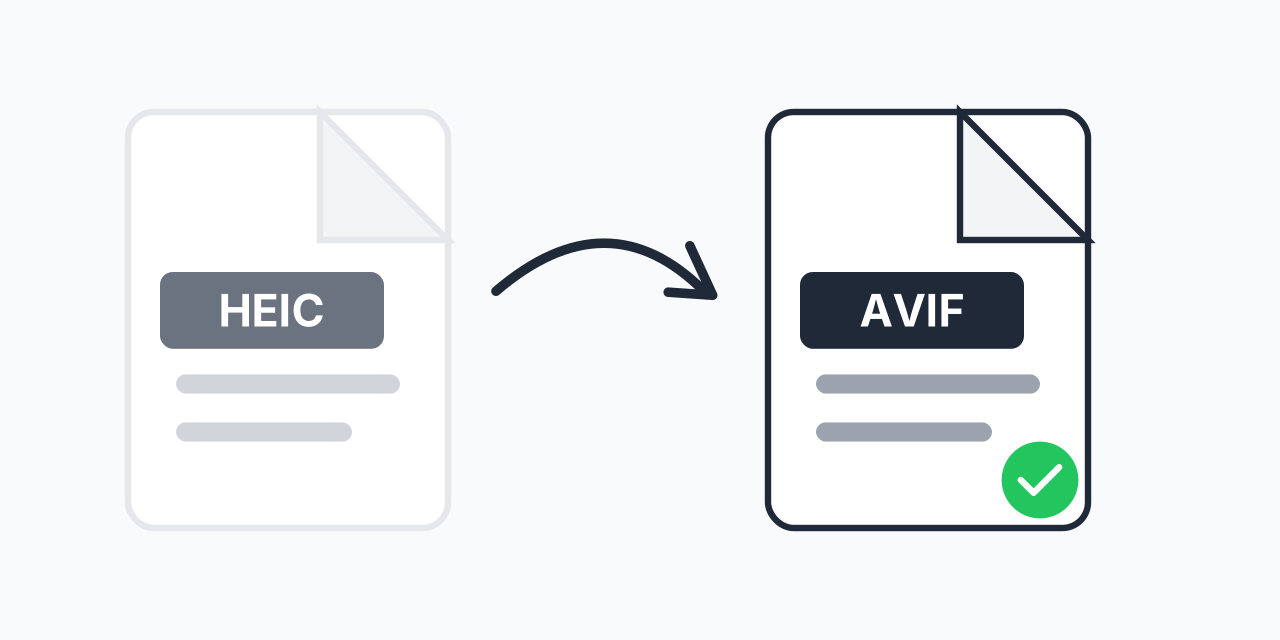
Why HEIC fails in Chrome but AVIF works
HEIC has been the iPhone's default photo format since iOS 11 in 2017. It is a HEIF container (the file wrapper) holding a picture compressed with HEVC, a video codec, meaning a compression method. AVIF is the same wrapper with the AV1 codec instead. The two files are close cousins, and one difference decides everything: HEVC needs patent licences, while AV1 is royalty-free.
That's why Chrome, Firefox and Edge never added HEIC display. Put a .heic in an img tag and visitors on those browsers see a broken image. Only Safari 17 and later shows it. AVIF displays in Chrome 85, Firefox 93 and Edge 121 or later, and in Safari on iPhone from iOS 16 and Safari 16.4 on Mac, so after converting, the same picture works for everyone.
Both formats are lossy, dropping some detail to save space, so the AVIF is a second encode. It should look the same at normal size but cannot be sharper than the HEIC. Keep the HEIC as the original.
How to convert HEIC to AVIF
- Add up to 5 HEIC photos straight from the iPhone's Files app, or from a Mac export. Each can be up to 300 MB.
- Choose AVIF next to each photo.
- Download the .avif files when the encode finishes.
Large photos, 24 MP and up, take a few seconds to encode. The conversion runs on our servers.
When JPG is the better choice
AVIF is for pages you control. If the photo is going to a friend on WhatsApp, an upload form, a print shop or an older Windows PC, use HEIC to JPG instead; JPG opens everywhere. For a copy without another lossy step, pick HEIC to PNG. Other targets are on the HEIC converter page.