
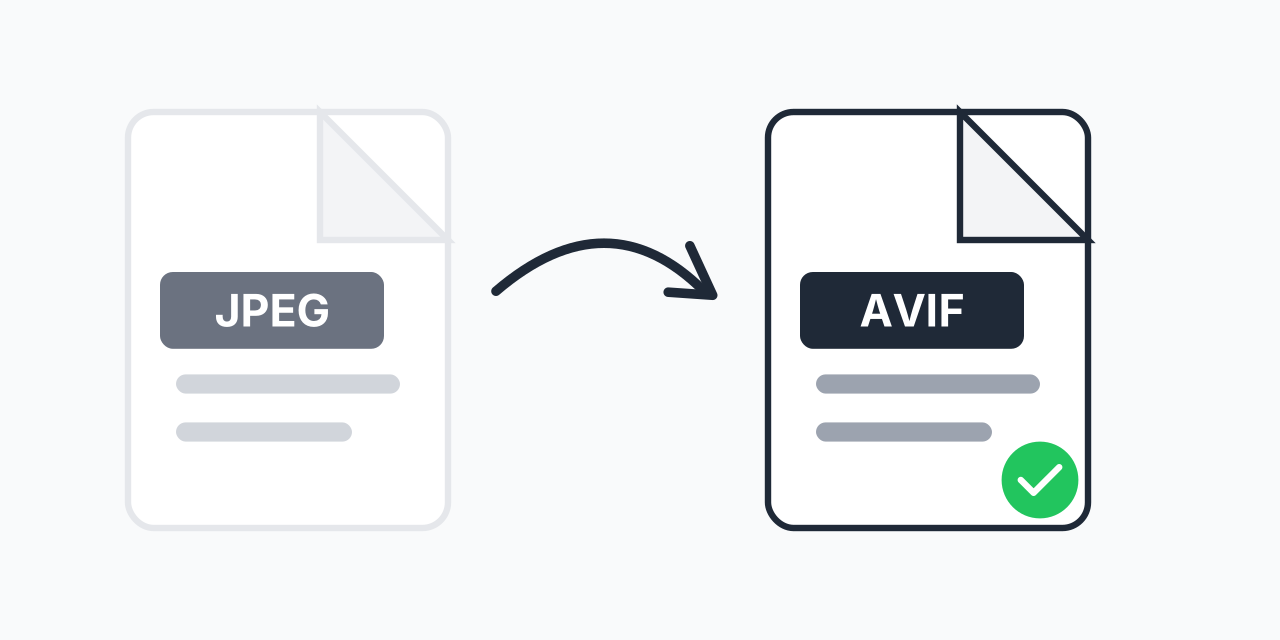
What happens when a JPEG becomes an AVIF
AVIF stores a picture with AV1, a video codec (compression method). It is an open, royalty-free format from the Alliance for Open Media, published in 2019, and at the same look it usually needs fewer bytes than JPEG.
One thing to know before you convert. A JPEG is already a lossy file, one that dropped detail to save space. Converting it to AVIF encodes the picture a second time, so the AVIF can never hold more detail than the JPEG had. Blocky edges in a heavily compressed JPEG carry over. On a normal screen the result usually looks the same, but keep the original JPEG anyway.
If you still have the photo in a better form, convert from that instead: an iPhone shot via HEIC to AVIF, a scan via TIFF to AVIF, an export via PNG to AVIF.
How to convert JPEG to AVIF
- Choose up to 5 .jpeg files, each 300 MB or under.
- Keep AVIF as the target for each file, or change one row if a file needs a different format.
- Download each .avif as it finishes.
Photos of 24 MP and up take a few seconds to encode. The conversion runs on our servers.
.jpeg and .jpg are the same file
The two extensions name one format; .jpg only exists because old Windows allowed three letters. This page and JPG to AVIF give the same result. Other targets are on the JPEG converter page, and if an app refuses the AVIF, AVIF to JPG turns it back.