
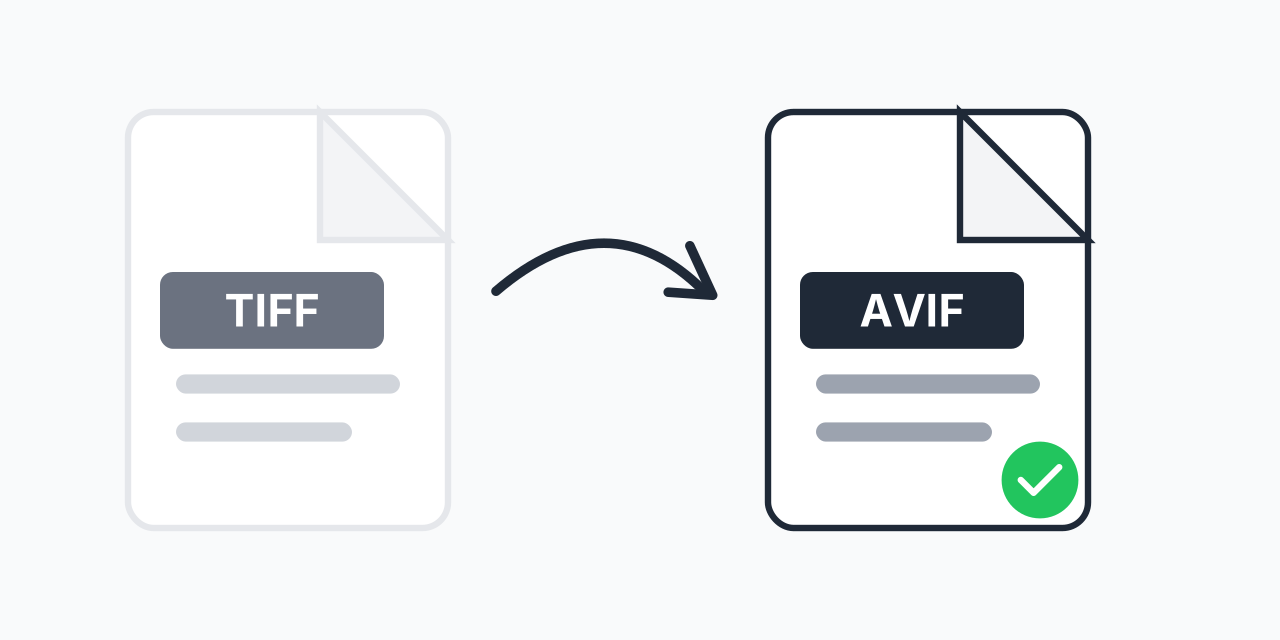
Keep the TIFF, publish the AVIF
TIFF is what scanners, print shops and archives use because it can store a picture with no loss at all, either uncompressed or with LZW or ZIP compression. Files get big as a result. A 600 dpi A4 scan can pass 100 MB. That's the wrong thing to put on a web page.
AVIF is the opposite kind of format. It uses AV1, a video codec (compression method) that drops some detail to save space, to make a file that loads fast and still looks right on screen. So treat the two files as a pair: the TIFF stays on your disk as the master, and the AVIF is the copy you upload. You cannot get the TIFF back from the AVIF.
How to convert TIFF to AVIF
- Upload the TIFF scans or exports. Up to 5 files, and each must be 300 MB or under, so save a lighter copy first if a scan is bigger.
- Pick AVIF for each file.
- Download the .avif copies and keep the TIFF where it was.
Scans and camera exports of 24 MP and up take a few seconds to encode. The conversion runs on our servers, so a large TIFF needs a steady connection to upload.
When JPG or PNG is the better copy
AVIF displays in Chrome 85, Firefox 93 and Edge 121 or later, and in Safari on iPhone from iOS 16 and Safari 16.4 on Mac, which is fine for a web page you control. It is the wrong choice for a copy you will email, attach to an upload form or send to a print shop, because many of those still expect JPG. Use TIFF to JPG for that, or TIFF to PNG when the copy must not go through a lossy step. Other targets are on the TIFF converter page.