
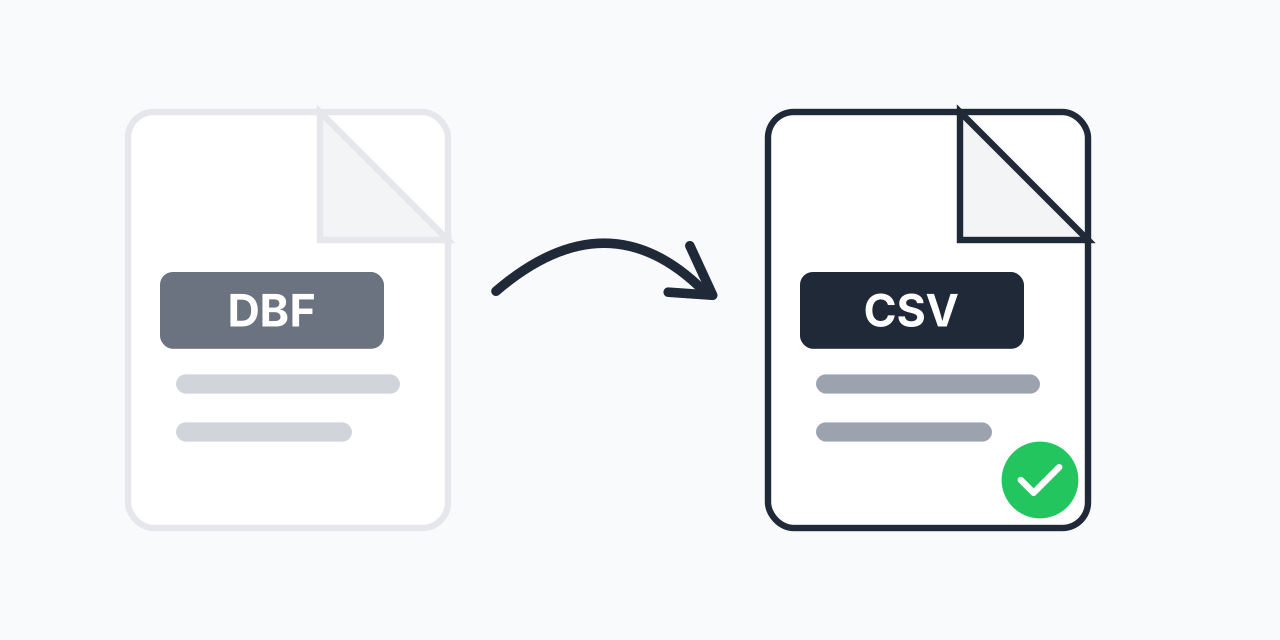
Legacy Database Files Not Opening?
You have DBF files from an old database system, but modern applications cannot open them. These files contain valuable data locked in a format from the 1980s that most current software does not recognize.
Converting DBF to CSV extracts your data into a universal format. CSV files open in Excel, Google Sheets, LibreOffice, and virtually every data application available today. In our testing, even DBF files from FoxPro and dBASE III Plus converted without data loss.
How to Convert DBF to CSV
- Upload your DBF file - Drag and drop or click to select your database file
- Confirm CSV output - CSV is selected as the default universal format
- Download your spreadsheet - Your data is now ready for any modern application
The conversion preserves all records, field names, and data values. No database software required.
What Gets Converted
Our converter extracts all data from your DBF file:
- Field names - Become CSV column headers
- All records - Every row of data transfers completely
- Data types - Text, numbers, and dates convert accurately
- Special characters - Unicode and extended ASCII preserved
In our testing, DBF files with thousands of records converted in seconds while maintaining data integrity.
What is a DBF File?
DBF (Database File) is a format created by dBASE in 1983. It was the dominant database format throughout the 1980s and 1990s, used by applications like FoxPro, Clipper, and Visual dBASE. Many businesses still have critical data stored in DBF files:
- Legacy business systems - Accounting, inventory, and customer records
- GIS applications - Shapefiles include DBF components for attribute data
- Government archives - Historical records and public data
- Scientific databases - Research data from older instruments
While DBF served its purpose for decades, CSV has become the universal data exchange format that works everywhere.
Why Convert to CSV?
CSV (Comma-Separated Values) is the simplest and most compatible data format available:
- Universal compatibility - Opens in Excel, Google Sheets, Numbers, and any spreadsheet application
- Database import - Import into MySQL, PostgreSQL, SQLite, or any modern database
- Programming friendly - Python, R, and JavaScript read CSV files natively
- Cloud services - Upload directly to data analysis platforms
- Human readable - View and edit with any text editor
Unlike DBF, which requires specialized software, CSV files are accessible to everyone.
Common DBF to CSV Scenarios
Recovering Old Business Data
Your company has customer records or financial data from a legacy system. The original software no longer runs on modern computers. Converting to CSV lets you access and analyze this historical data in current tools.
GIS Attribute Tables
Shapefiles store geographic data with DBF attribute tables. Converting the DBF to CSV allows you to work with the data in spreadsheets or convert to XLSX for advanced analysis without GIS software.
Data Migration Projects
Moving from a legacy database to a modern system requires exporting data in a format the new system can import. CSV serves as the universal bridge between old and new platforms.
Works in Your Browser
No software to install or database drivers to configure. Convert DBF to CSV directly in your web browser:
- Windows, Mac, Linux, Chromebook
- Chrome, Firefox, Safari, Edge
- Desktop and mobile devices
Your data processes locally without uploading to external servers.