
ChangeMyFile - Free Online File ConverterChangeMyFile
Trusted by thousands of users worldwide

Convert MPG to MPEG - Fix Extension Compatibility

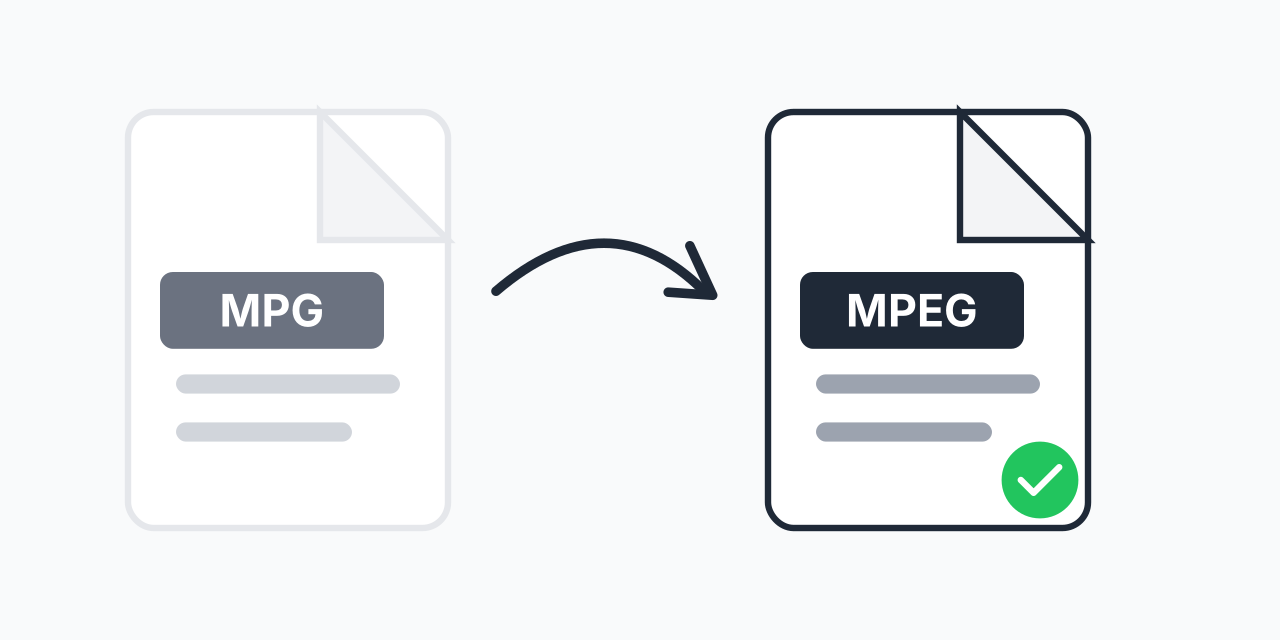
Convert MPG files to MPEG format. Same video, different extension for better compatibility.

Step 1: Upload your files

You can also Drag and drop files.

Step 2: Choose format
Step 3: Convert files

Read Terms of use before using

Share:fXin@
500+ Formats
Lightning Fast
100% Secure
Always Free
Cloud Processing

MPG and MPEG Are the Same Format

Here is something that confuses many users: MPG and MPEG are identical formats. The only difference is the file extension length. Both use MPEG-1 or MPEG-2 compression, both contain the same video and audio data, and both play exactly the same way.

So why would you need to convert? Some software, websites, or devices specifically require the .mpeg extension and reject .mpg files. Our converter handles this extension requirement while ensuring your video remains intact.

How to Convert MPG to MPEG

  1. Upload your MPG file - Drag and drop or click to select your video
  2. Confirm MPEG output - The converter automatically selects the MPEG format
  3. Download your MPEG file - Same video, now with .mpeg extension

The process takes just seconds. Your video quality remains exactly the same since both formats use identical compression.

Why Extension Names Matter

In the early days of computing, file extensions were limited to three characters on certain systems. This is why .mpg became common alongside .mpeg. Both extensions represent MPEG video, but some applications check extensions before processing files.

Common scenarios where you need .mpeg specifically:

  • Legacy software - Older video editors or players that only recognize .mpeg
  • Upload portals - Some websites filter by exact extension match
  • Broadcast systems - Professional equipment with strict file naming requirements
  • Archival systems - Database or asset management systems expecting .mpeg

Understanding MPEG Video Format

MPEG stands for Moving Picture Experts Group, the organization that developed this video compression standard. Both .mpg and .mpeg files typically contain:

  • MPEG-1 video - The original standard from 1993, used for VCDs
  • MPEG-2 video - Higher quality standard used for DVDs and broadcast TV
  • MPEG audio - Usually MP2 or MP3 audio tracks

In our testing, MPG and MPEG files with identical content produce exactly the same playback results across all major media players. The extension is purely a naming convention.

When to Use Different Formats

While MPG to MPEG conversion solves extension compatibility, sometimes you need a completely different format. If you have MPG files that need to work on modern devices, consider these alternatives:

  • MPG to MP4 - Best for web, mobile devices, and modern players
  • MPG to MKV - Ideal for archiving with multiple audio tracks
  • MPG to WEBM - Optimized for web browsers and HTML5

These conversions actually re-encode your video using newer codecs, while MPG to MPEG simply addresses the extension naming.

Works in Your Browser

Convert MPG to MPEG without installing software:

  • Windows, Mac, Linux, Chromebook
  • Chrome, Firefox, Safari, Edge
  • iPhone, iPad, Android devices

The conversion happens locally in your browser. Your video files are not uploaded to external servers, keeping your content private and the process fast.

Pro Tip

If your software rejects MPG files but you know it supports MPEG video, the issue is almost always extension-based filtering. Converting to .mpeg or even just renaming the extension usually resolves the problem instantly.

Common Mistake

Expecting quality improvement when converting MPG to MPEG. Since they are the same format, conversion cannot enhance video quality. To improve quality, you would need to start with a higher quality source file.

Best For

Fixing compatibility with software, upload portals, or broadcast systems that specifically require the .mpeg extension and reject .mpg files despite them being identical formats.

Not Recommended

If you need better compression or modern codec support, convert to MP4 instead. MPG to MPEG conversion only addresses the file extension, not the underlying video technology.

Frequently Asked Questions

No technical difference. MPG and MPEG are the same video format with different file extensions. The three-letter .mpg extension came from older systems that limited extension length. Both contain identical MPEG-1 or MPEG-2 video data.

No. Since both formats use identical compression, the conversion preserves your original video quality completely. The process addresses the file extension without re-encoding the video content.

Some applications check file extensions literally rather than examining the actual file content. These programs may only accept files ending in .mpeg and reject .mpg files, even though they contain the same data.

In most cases, yes. Since the formats are identical, manually renaming the extension works. However, our converter ensures proper handling and can process multiple files in batch, which is faster for large collections.

Both typically contain MPEG-1 (VCD quality, around 352x240 resolution) or MPEG-2 (DVD quality, up to 720x480 or higher for broadcast). The quality depends on how the original video was encoded, not the extension.

MPEG-1 and MPEG-2 are older standards, but still widely used in DVDs, broadcast television, and archival systems. For modern use cases like web streaming or mobile playback, MP4 with H.264 encoding is more common and efficient.

Just seconds. Since no re-encoding is required, the conversion completes almost instantly regardless of file size. You are essentially getting a file with a different extension.

Yes. Upload multiple MPG files and convert them all to MPEG format in one batch operation. This is much faster than converting files individually.

Most devices and media players support MPEG playback. If you encounter compatibility issues, converting to MP4 format provides better universal support across modern devices and platforms.

Quick access to the most commonly used file conversions.