
ChangeMyFile - Free Online File ConverterChangeMyFile
Trusted by thousands of users worldwide

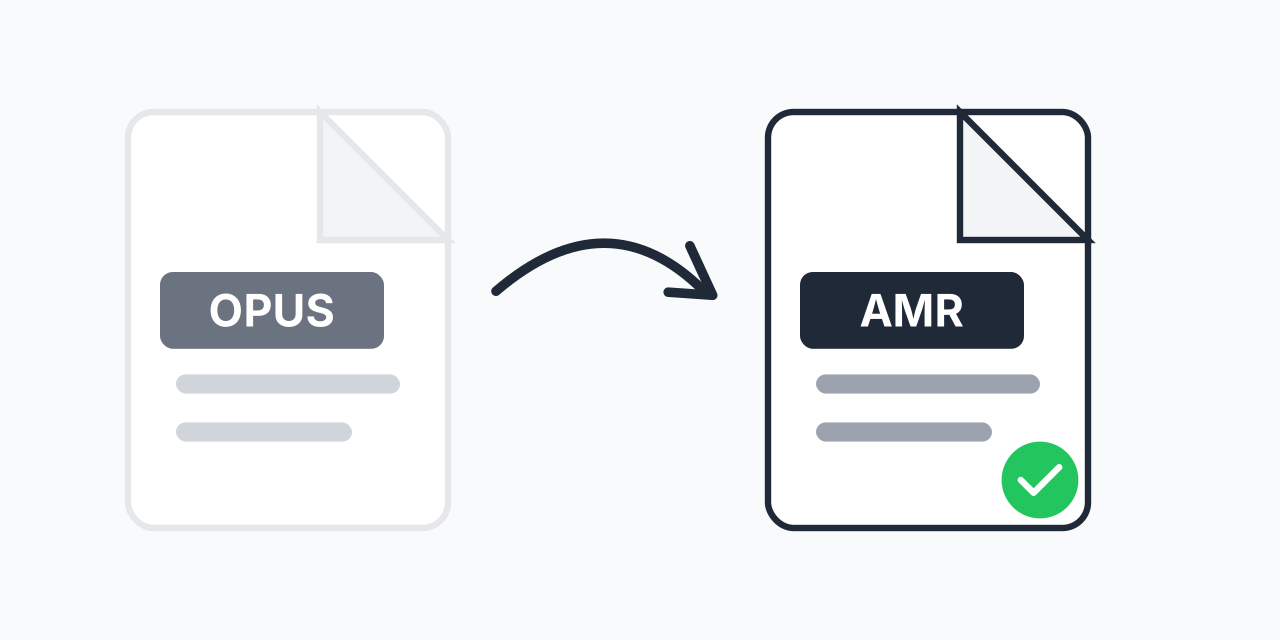
Convert OPUS to AMR - Voice Recordings for Mobile Devices

Transform OPUS voice files to AMR. Play recordings on any mobile phone.

Step 1: Upload your files

You can also Drag and drop files.

Step 2: Choose format
Step 3: Convert files

Read Terms of use before using

Share:fXin@
500+ Formats
Lightning Fast
100% Secure
Always Free
Cloud Processing

Need Your Voice Recording on an Older Phone?

OPUS files are everywhere in modern messaging apps and voice recorders. But when you need to play that recording on an older mobile device or use it with legacy voice systems, AMR is the format that works.

AMR (Adaptive Multi-Rate) has been the standard audio format for mobile phones since 1999. Converting your OPUS files to AMR ensures compatibility with virtually any mobile device, including older feature phones that struggle with newer audio formats.

How to Convert OPUS to AMR

  1. Upload your OPUS file - Drag and drop or select from your device
  2. AMR is ready - The converter automatically processes your audio
  3. Download your AMR file - Get your mobile-ready voice recording

The entire conversion happens in your browser. No account required, no software to install.

Why Convert OPUS to AMR?

OPUS and AMR are both speech-optimized codecs, but they serve different ecosystems:

  • Legacy phone support - AMR plays on older phones where OPUS fails
  • 3G/VoLTE compatibility - AMR is the standard codec for mobile telephony
  • MMS messaging - Many carriers still use AMR for voice attachments
  • Voice recorder apps - Some mobile recorders only accept AMR input

In our testing, OPUS files from WhatsApp and Telegram convert cleanly to AMR while maintaining voice clarity. The speech content remains fully intelligible despite the format change.

Understanding the Formats

OPUS Format

OPUS is a modern codec from 2012, designed for real-time streaming and voice communication. It offers excellent quality at low bitrates and is used by Discord, WhatsApp Web, and WebRTC applications.

AMR Format

AMR was developed by ETSI in 1999 specifically for mobile telephony. It operates at bitrates from 4.75 to 12.2 kbps, making files extremely small while keeping speech understandable.

Both formats prioritize voice over music. If you need to convert music or complex audio, consider OPUS to MP3 instead for better results.

Common Use Cases

Voice Notes Backup

Converting messaging app voice notes to AMR creates universally playable backups that work on any mobile device.

Legacy System Integration

Business phone systems and older IVR setups often require AMR format for voice prompts and recordings.

Cross-Device Sharing

Sending voice recordings to users with older phones? AMR ensures they can actually listen to your message.

Works on All Devices

Our browser-based converter runs on any device with an internet connection:

  • Windows, Mac, Linux, Chromebook
  • Chrome, Firefox, Safari, Edge
  • iPhone, iPad, Android phones and tablets

Convert OPUS to AMR right from your phone if needed.

Pro Tip

When converting voice notes from messaging apps, check the exported file extension first. WhatsApp and Telegram sometimes save as .ogg files that actually contain OPUS audio - these convert to AMR just the same.

Common Mistake

Trying to convert music in OPUS format to AMR. AMR is strictly speech-optimized and will heavily distort music, reducing it to muddy, unrecognizable audio. Use MP3 or AAC for music content.

Best For

Archiving messaging app voice notes in a universal format, sharing voice recordings with users on older mobile phones, and preparing audio for legacy business phone systems.

Not Recommended

Do not use for music, sound effects, or any audio content beyond speech. Also avoid if the target device supports OPUS - you would be downgrading quality unnecessarily.

Frequently Asked Questions

OPUS is a modern codec from 2012 offering high quality at low bitrates, used in modern apps like Discord and WhatsApp. AMR is an older format from 1999 optimized for mobile phone speech, operating at 4.75-12.2 kbps. OPUS is technically superior but AMR has broader compatibility with older mobile devices.

For speech content, quality remains good and intelligible. AMR was designed specifically for voice, so spoken recordings convert well. However, AMR is not suitable for music - the format heavily prioritizes speech frequencies and will degrade music quality significantly.

Yes. WhatsApp uses OPUS for voice messages. You can export these files from WhatsApp and convert them to AMR for playback on older devices or for archival in a widely compatible format.

AMR plays on virtually all mobile phones including older feature phones, Android devices, and most Nokia/Samsung legacy phones. On computers, VLC Media Player handles AMR files. Some iOS apps also support AMR playback.

OPUS offers better quality at similar file sizes and is the superior technical choice. However, AMR has universal mobile phone support. Use OPUS for modern devices and apps, AMR when you need compatibility with older phones or legacy systems.

AMR files at 12.2 kbps are extremely compact. A one-minute voice recording is roughly 90KB. OPUS at voice-quality bitrates (16-32 kbps) produces files of 120-240KB per minute. Both are very efficient for speech.

Yes. Telegram also uses OPUS encoding for voice messages. Export the audio from Telegram and upload it to our converter to get an AMR version compatible with older mobile phones.

AMR remains essential for MMS voice attachments on some carriers, legacy business phone systems, older mobile devices, and IVR (automated phone menu) systems. Many enterprise telephony solutions still require AMR format for voice prompts.

Yes, completely free. No registration, no email required, no watermarks or limitations. Upload your OPUS file and download the converted AMR immediately.

Quick access to the most commonly used file conversions.