
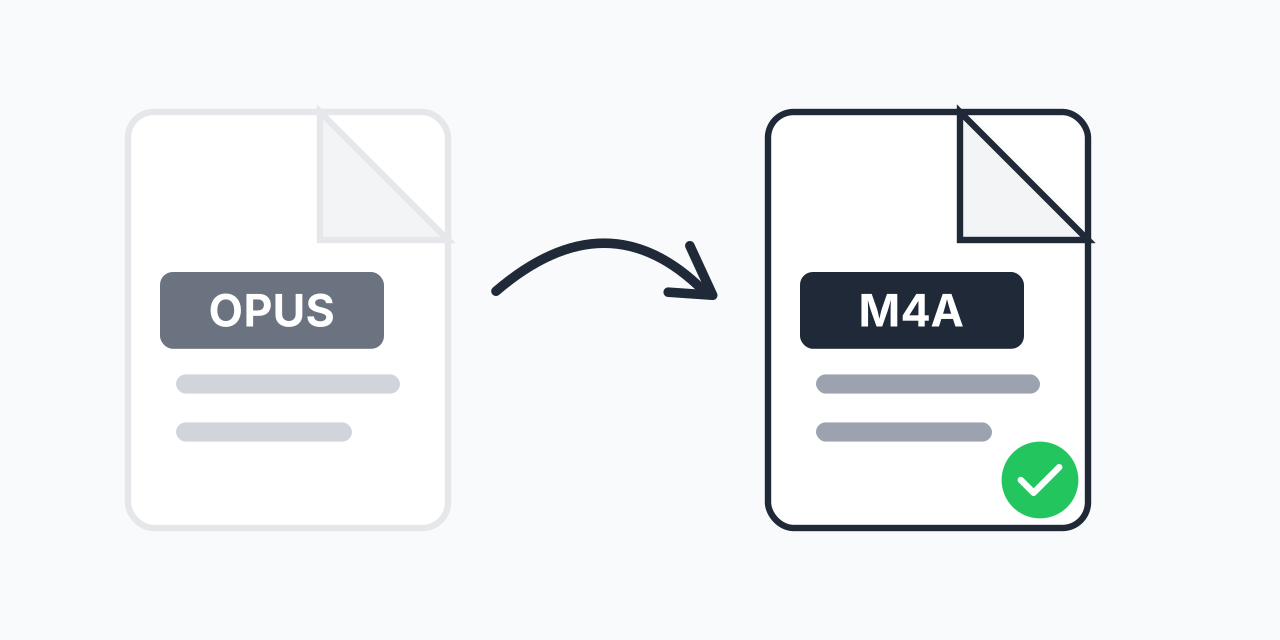
OPUS Files Not Playing on iPhone?
You downloaded audio files in OPUS format-maybe from a voice message, podcast, or web recording-but your iPhone or iTunes won't recognize them. OPUS is an excellent codec, but Apple devices prefer their native M4A format.
Converting OPUS to M4A takes just seconds and gives you full compatibility with the entire Apple ecosystem. Your audio will play in iTunes, sync to iPhone, and work with Apple Music without issues.
How to Convert OPUS to M4A
- Upload your OPUS file - Drag and drop or click to select your audio
- Confirm M4A output - M4A is selected for Apple compatibility
- Download your audio - Your file is ready for any Apple device
No software to install, no account required.
Audio Quality After Conversion
Both OPUS and M4A use efficient lossy compression. When converting, we maintain the highest quality possible from your source file. M4A uses AAC encoding, which delivers excellent sound quality at reasonable file sizes-the same codec Apple uses for iTunes Store purchases.
If your original OPUS file is high quality (128kbps or above), your M4A will sound great. For maximum quality retention, consider converting OPUS files to lossless FLAC if you plan further editing.
Why Convert OPUS to M4A?
OPUS was developed for internet streaming and offers impressive compression, but Apple took a different path. Here's why M4A works better in Apple's world:
- Native iTunes support - M4A files appear correctly in your library with full metadata
- iPhone and iPad playback - No third-party apps needed
- Apple Watch sync - M4A transfers seamlessly to wearables
- HomePod compatibility - Stream to Apple speakers without issues
In our testing, M4A files consistently work across all Apple devices from the first generation Apple TV to the latest iPhone models.
Common Use Cases
Voice Messages and Recordings
Many messaging apps and voice recorders use OPUS. Convert to M4A to archive these recordings in your Apple-friendly music library or to share with iPhone users.
Podcast Downloads
Some podcast platforms deliver episodes in OPUS format. Converting to M4A lets you add them to Apple Podcasts or listen offline in your preferred Apple player.
Discord and Telegram Audio
Voice messages from Discord and Telegram often use OPUS encoding. If you need to save these recordings long-term or play them on Apple devices, M4A is the way to go. For other OPUS conversions, we support multiple output formats.
Works on Any Device
Convert OPUS to M4A using any modern browser:
- Windows, Mac, Linux, Chromebook
- Chrome, Firefox, Safari, Edge
- iPhone, iPad, Android phones and tablets