
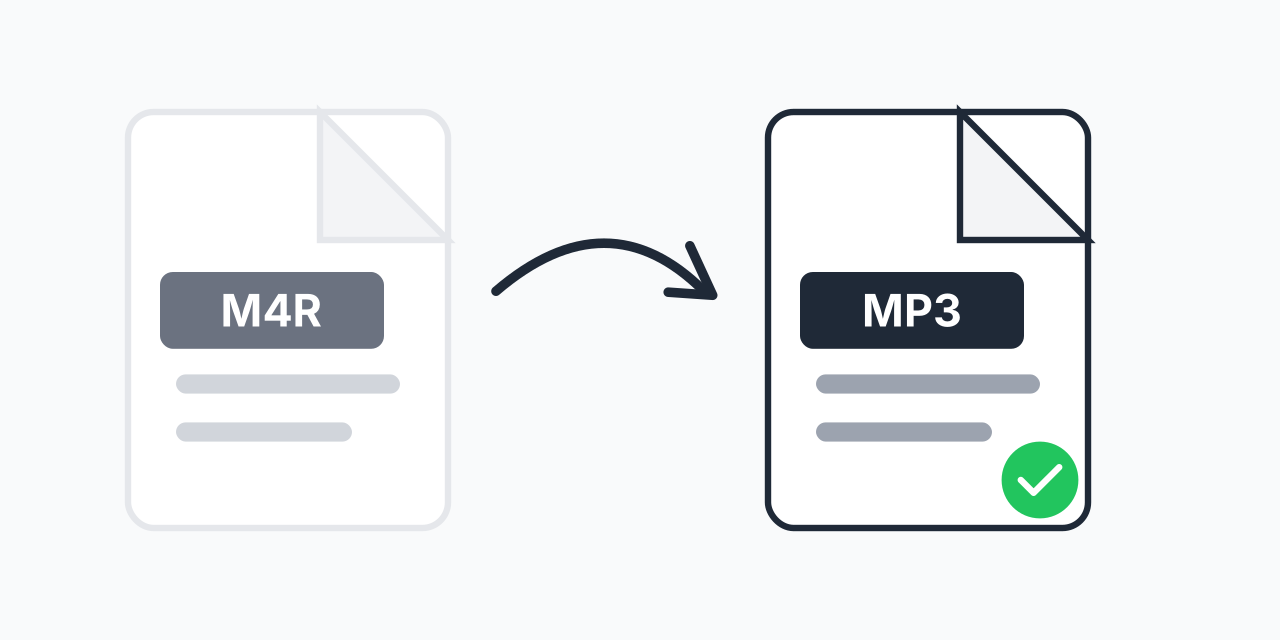
Stuck with M4R Files?
M4R is Apple's proprietary ringtone format for iPhones. While it works perfectly within iOS, trying to play or edit these files elsewhere is frustrating. Most media players, Android devices, and audio software don't recognize M4R files at all.
Converting to MP3 solves this instantly. MP3 is the most widely supported audio format in existence. Every device, every player, every platform supports it. Convert once, play anywhere.
How to Convert M4R to MP3
- Upload your M4R file - Drag and drop or select from your device
- Confirm MP3 output - MP3 is pre-selected as the default format
- Download your audio - Your ringtone is now a universal audio file
In our testing, most M4R files convert in under 5 seconds. The process is entirely browser-based with no software installation required.
What is M4R?
M4R files are essentially renamed M4A files with one key difference: the extension tells iPhone the file is a ringtone. Apple introduced this format to distinguish ringtones from regular music in iTunes and iOS.
Technical details:
- Codec - AAC (Advanced Audio Coding)
- Maximum length - 40 seconds (Apple's ringtone limit)
- Quality - Typically 256 kbps, same as iTunes purchases
- Container - MPEG-4 Part 14
The 40-second limit exists because Apple designed M4R specifically for ringtones, not full songs.
Why Convert to MP3?
Use on Android
Switched from iPhone to Android? Your M4R ringtones won't work. Convert them to MP3 and use them as ringtones, notifications, or alarm sounds on any Android device.
Edit in Audio Software
Most audio editors struggle with M4R files. MP3 opens in Audacity, GarageBand, Adobe Audition, and virtually any audio software without issues.
Share with Anyone
Sending an M4R file to someone without an iPhone is pointless. MP3 files work for everyone, regardless of their device.
Alternative Formats
MP3 isn't the only option. Depending on your needs:
- M4R to WAV - Uncompressed audio for professional editing
- M4R to M4A - Keep the same codec, just change the extension for music apps
For most users, MP3 offers the best balance of compatibility and file size.
Works on Any Device
Our converter runs entirely in your browser:
- Windows, Mac, Linux, Chromebook
- iPhone, iPad, Android phones and tablets
- Chrome, Safari, Firefox, Edge
No downloads, no plugins, no account required. Just upload and convert.