
ChangeMyFile - Free Online File ConverterChangeMyFile
Trusted by thousands of users worldwide

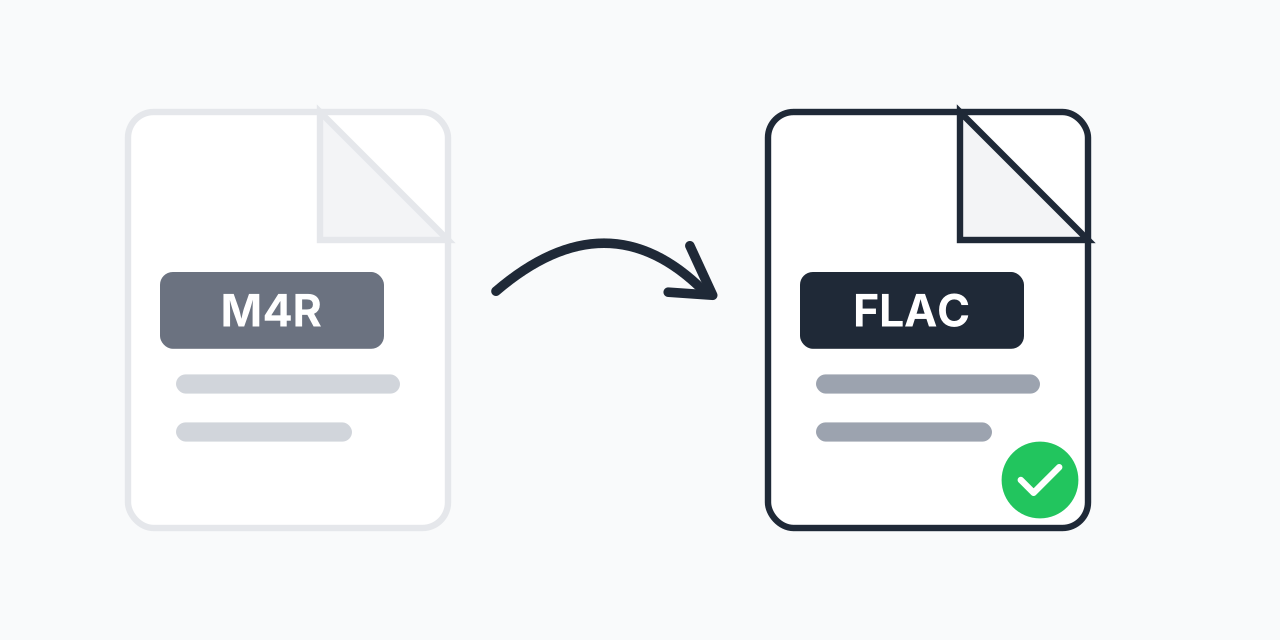
Convert M4R to FLAC - Ringtones to Lossless Audio

Transform iPhone ringtones into lossless FLAC files. Preserve every detail.

Step 1: Upload your files

You can also Drag and drop files.

Step 2: Choose format
Step 3: Convert files

Read Terms of use before using

Share:fXin@
500+ Formats
Lightning Fast
100% Secure
Always Free
Cloud Processing

Why Convert M4R to FLAC?

M4R files are iPhone ringtones - short audio clips limited to 40 seconds and locked to Apple's ecosystem. Converting to FLAC gives you a lossless audio file you can use anywhere, edit freely, and archive without quality degradation.

If you have M4R files you want to preserve or repurpose, FLAC is the ideal format. Unlike lossy formats, FLAC maintains every bit of audio data from your original file.

How to Convert M4R to FLAC

  1. Upload your M4R file - Drag and drop or click to select your iPhone ringtone
  2. Select FLAC as output - Choose lossless FLAC format for maximum quality
  3. Download your file - Get your converted audio instantly

The entire process happens in your browser. No software installation, no account required.

M4R vs FLAC: Key Differences

Understanding what changes when you convert:

  • M4R - AAC-based audio, 40-second limit, Apple-specific, lossy compression
  • FLAC - Lossless compression, no length limit, universal compatibility, preserves all audio data

In our testing, M4R files converted to FLAC maintain the same audio quality as the original while gaining compatibility with professional audio software, music players, and archival systems.

Common Use Cases

Audio Archiving

Preserve your custom ringtones in a future-proof lossless format. FLAC files can be stored indefinitely without quality concerns.

Music Production

Need to sample or edit a ringtone sound? FLAC gives you a clean, lossless file to work with in any DAW.

Cross-Platform Use

FLAC works on Android, Windows, Linux, and most modern audio players - unlike the iPhone-only M4R format.

When to Choose a Different Format

FLAC is perfect for quality preservation, but it creates larger files. If file size matters more than lossless quality:

  • M4R to MP3 - Smaller files, universal playback, good for sharing
  • M4R to WAV - Uncompressed audio for maximum editing flexibility

For archiving or professional audio work, FLAC remains the best choice.

Works on Any Device

Our converter runs entirely in your browser:

  • Windows, Mac, Linux, Chromebook
  • Chrome, Firefox, Safari, Edge
  • iPhone, iPad, Android tablets

No downloads, no plugins. Just upload and convert.

Pro Tip

If you plan to edit the audio further, convert to FLAC first as your master copy. Any subsequent conversions to lossy formats should start from this FLAC file to minimize generational quality loss.

Common Mistake

Expecting FLAC conversion to improve audio quality. M4R files use lossy AAC compression, so some quality was already lost. FLAC preserves what remains but cannot restore the original uncompressed audio.

Best For

Archiving custom ringtones you want to keep long-term, or extracting ringtone audio for use in music production, video editing, or other creative projects.

Not Recommended

If you just need a ringtone for Android, convert to MP3 instead - Android doesn't require a special ringtone format, and MP3 files are smaller and equally compatible.

Frequently Asked Questions

M4R is Apple's ringtone format for iPhones. It's essentially an AAC audio file with a different extension, limited to 40 seconds maximum length. The M4R extension tells iOS to treat the file as a ringtone.

FLAC is lossless, meaning it preserves all audio data from your M4R file without any quality loss. MP3 uses lossy compression that discards some audio information. Choose FLAC for archiving or editing, MP3 for smaller file sizes.

No, conversion cannot improve quality beyond the original. Since M4R already uses lossy AAC compression, converting to FLAC preserves what remains but cannot restore discarded data. However, FLAC prevents any further quality loss during future edits or conversions.

Yes, iOS supports FLAC playback in the Files app and Apple Music. However, you cannot use FLAC files as ringtones on iPhone - that requires the M4R format.

FLAC files are typically 2-3 times larger than M4R files of the same audio. For a 40-second ringtone, expect the FLAC file to be around 3-5 MB compared to 1-2 MB for M4R.

The conversion process itself is lossless - no additional quality is lost. The audio data from your M4R file is decoded and re-encoded to FLAC without any degradation.

Yes, our converter supports batch conversion. Upload multiple M4R files and convert them all to FLAC in one session.

The converted FLAC file will have the same duration as your original M4R file. The 40-second limit is specific to the M4R ringtone format, not FLAC. Your FLAC file simply contains whatever audio was in the original.

FLAC is widely supported by VLC, foobar2000, Audacity, Windows Media Player (Windows 10+), iTunes, most Android music players, and professional DAWs like Ableton, Logic Pro, and FL Studio.

Quick access to the most commonly used file conversions.