
ChangeMyFile - Free Online File ConverterChangeMyFile
Trusted by thousands of users worldwide

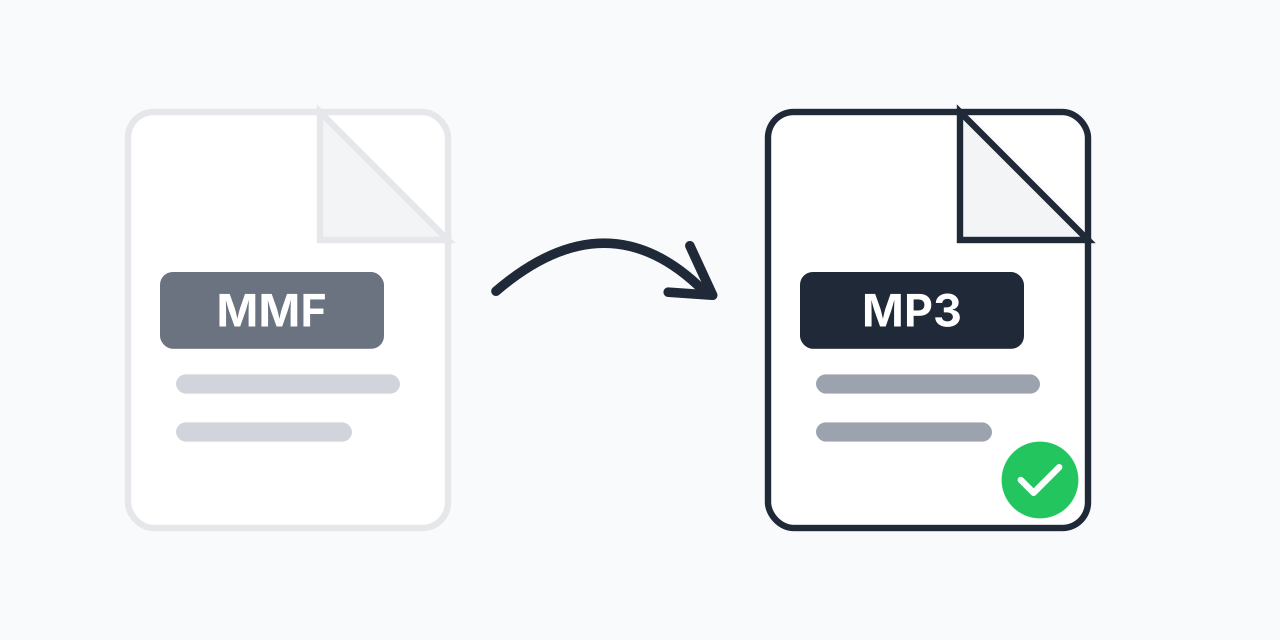
Convert MMF to MP3 - Rescue Your Old Mobile Ringtones

Transform SMAF ringtone files into standard MP3 audio. Play them anywhere.

Step 1: Upload your files

You can also Drag and drop files.

Step 2: Choose format
Step 3: Convert files

Read Terms of use before using

Share:fXin@
500+ Formats
Lightning Fast
100% Secure
Always Free
Cloud Processing

Old Ringtones Trapped in MMF Format?

MMF files were the ringtone standard for mobile phones from 1999 to 2005. Yamaha's SMAF format powered ringtones on millions of phones from Samsung, LG, Motorola, and Panasonic. But modern devices don't recognize these files at all.

Converting MMF files to MP3 gives you audio that plays on any device made in the last two decades. Whether it's a nostalgic ringtone or audio you need to preserve, MP3 works everywhere.

How to Convert MMF to MP3

  1. Upload your MMF file - Drag and drop or select from your device
  2. Confirm MP3 output - MP3 is selected for maximum compatibility
  3. Download your audio - Ready to play on any modern device

The entire process takes seconds. No registration, no software installation required.

What is MMF Format?

MMF stands for Mobile Music File, using Yamaha's Synthetic Music Mobile Application Format (SMAF). In our testing, these files typically contain one of three audio types: FM synthesis, wavetable synthesis, or compressed PCM audio.

The format was designed for phones with Yamaha's MA-series sound chips (MA-1 through MA-7). These chips appeared in feature phones before smartphones existed. The files are small-often under 100KB-because they were optimized for devices with minimal storage and processing power.

MMF resembles MIDI but can include actual audio samples and even simple graphics for phone displays.

Why Convert to MP3?

MP3 has been the universal audio standard since the late 1990s. Every device, operating system, and music application supports it:

  • Smartphones - Both iPhone and Android play MP3 natively
  • Computers - Windows, Mac, and Linux all support MP3
  • Music apps - Spotify, iTunes, VLC, and every media player
  • Web browsers - Chrome, Firefox, Safari embed MP3 playback

If you need higher quality output, consider MMF to WAV for uncompressed audio, though MP3 is typically sufficient for ringtone-quality source material.

Quality Expectations

Be realistic about the output. MMF files were designed for tiny phone speakers with limited frequency response. The source audio is inherently low-fidelity-converting to MP3 preserves what's there but cannot add detail that never existed.

For ringtones originally created as FM synthesis (most pre-2003 files), expect simple, synthesized tones. Files from later phones with PCM audio may contain actual recorded sound, but still at low bitrates.

Works in Your Browser

No software to download. No accounts to create. Convert MMF to MP3 directly in:

  • Chrome, Firefox, Safari, Edge
  • Windows, Mac, Linux, Chromebook
  • iPhone, iPad, Android devices

Your files process locally in your browser for faster conversion and privacy.

Pro Tip

If your MMF file sounds like simple beeps rather than real music, it's an FM synthesis file from older phones. These were never recorded audio-they're synthesized tones that will sound exactly the same after conversion.

Common Mistake

Expecting CD-quality audio from MMF files. These were designed for 2-inch phone speakers with 22kHz or lower sample rates. The conversion is accurate, but the source is inherently lo-fi.

Best For

Preserving nostalgic ringtones from old phones, recovering audio from backup files, or making obsolete phone content playable on modern devices.

Not Recommended

Don't bother if you're looking for high-quality audio. MMF was never meant for music listening-just phone ringtones and notification sounds.

Frequently Asked Questions

MMF is Yamaha's SMAF (Synthetic Music Mobile Application Format) used for ringtones on mobile phones from 1999-2005. These files contain synthesized music or compressed audio designed for phones with MA-series sound chips.

Modern smartphones dropped MMF support years ago. Neither iPhone nor Android recognize the format. Converting to MP3 makes the audio playable on any current device.

No. MMF files contain low-fidelity audio by design. Conversion preserves what exists but cannot enhance the original quality. Expect simple tones or low-bitrate audio.

Yes. Upload several MMF files and convert them all to MP3 in a single batch. Useful if you're preserving a collection of old ringtones.

Both are compact music formats. MMF can contain actual audio samples and graphics, while MIDI only stores note instructions. MMF files include all instrument data internally, making them self-contained.

Yes, completely free with no hidden costs. No account required, no watermarks added, no file limits for standard use.

Yamaha created the SMAF format in 1999 for their MA-1 sound chip. Phone manufacturers like Samsung, LG, Motorola, and Panasonic used it for ringtones until smartphones made the format obsolete.

MP3 is usually the better choice. WAV files are much larger without meaningful quality benefit since MMF source audio is already low-fidelity. Choose WAV only if you need uncompressed format for specific software.

Yes. After converting, you can set the MP3 as your ringtone on iPhone (via iTunes/GarageBand) or Android (directly through settings). The audio is standard MP3 format.

Quick access to the most commonly used file conversions.