
ChangeMyFile - Free Online File ConverterChangeMyFile
Trusted by thousands of users worldwide

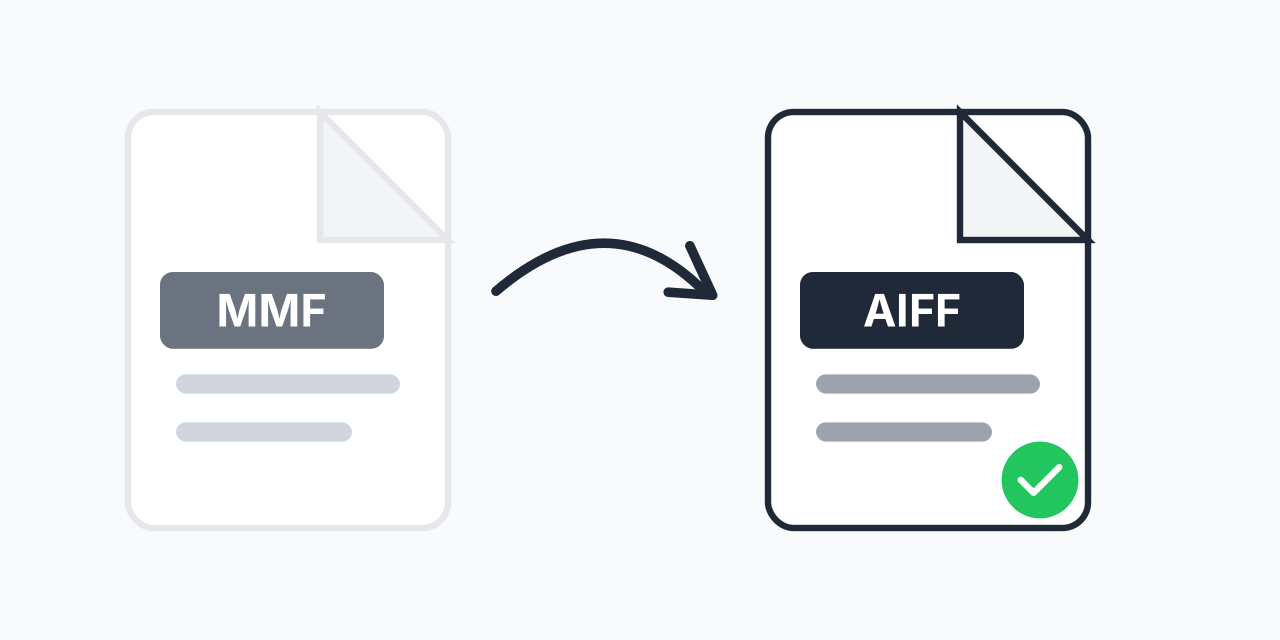
Convert MMF to AIFF - Professional Audio from Mobile Files

Transform mobile ringtone files into studio-quality uncompressed audio.

Step 1: Upload your files

You can also Drag and drop files.

Step 2: Choose format
Step 3: Convert files

Read Terms of use before using

Share:fXin@
500+ Formats
Lightning Fast
100% Secure
Always Free
Cloud Processing

Legacy Ringtones Deserve Better Audio

MMF files were the ringtone standard for mobile phones between 1999 and 2005. If you have old ringtones or audio files in Yamaha's SMAF format, converting to AIFF unlocks uncompressed, professional-quality audio that works seamlessly across Apple devices and digital audio workstations.

AIFF preserves every audio detail without compression. Whether you're archiving nostalgic ringtones or extracting audio for a project, this conversion gives you the highest quality output possible.

How to Convert MMF to AIFF

  1. Upload your MMF file - Drag and drop or click to select your mobile audio file
  2. Confirm AIFF output - AIFF is selected for maximum audio quality
  3. Download your audio - Get your uncompressed AIFF file instantly

The entire process happens in your browser. No software to install, no account required.

Understanding These Formats

What is MMF?

MMF (Synthetic Music Mobile Application Format) was developed by Yamaha in 1999 for mobile phones. It uses FM synthesis or PCM samples to create ringtones that worked on phones with Yamaha MA-series sound chips. The format was popular with LG, Motorola, Samsung, and Panasonic devices. In our testing, MMF files typically range from 20KB to 200KB, as they were optimized for limited mobile storage.

What is AIFF?

AIFF (Audio Interchange File Format) was created by Apple in 1988 for storing high-quality uncompressed audio. It uses PCM encoding-the same as audio CDs-preserving complete audio fidelity. AIFF is the standard format for professional audio editing in Logic Pro, GarageBand, and Final Cut Pro.

Why Convert MMF to AIFF?

  • Uncompressed quality - AIFF stores audio without any compression or quality loss
  • DAW compatibility - Works perfectly in Pro Tools, Logic Pro, Ableton, and other audio software
  • Apple ecosystem - Native support on Mac, iPhone, and iPad
  • Archive preservation - Save legacy ringtones in a format that will last
  • Editing flexibility - Uncompressed audio handles edits better than compressed formats

Common Use Cases

Archiving Nostalgic Ringtones

Those custom ringtones from your old flip phone? Convert them to AIFF before they're lost forever. The uncompressed format preserves the audio perfectly for future listening or use.

Audio Production Projects

Sample old mobile tones for music production. AIFF's uncompressed nature means you can manipulate the audio without quality degradation through multiple edits.

Cross-Platform Compatibility

MMF files only work on specific legacy devices. AIFF plays on virtually any modern computer, phone, or tablet. If you need broader format support, consider MMF to MP3 for maximum device compatibility.

Works in Your Browser

Convert MMF files to AIFF from any device:

  • Mac, Windows, Linux, Chromebook
  • Chrome, Safari, Firefox, Edge
  • iPhone, iPad, Android

No downloads required. Your files stay on your device throughout the conversion process. For other audio format options, explore our AIFF converter page.

Pro Tip

AIFF files support metadata including loop points and instrument definitions, making them ideal if you plan to use converted ringtones as samples in music production software.

Common Mistake

Expecting dramatic quality improvement when converting MMF to AIFF. While AIFF is uncompressed, the conversion cannot add detail that was not in the original MMF file-it preserves what exists without adding compression artifacts.

Best For

Archiving legacy mobile ringtones for long-term preservation, preparing audio for editing in Apple-centric workflows, or extracting samples for music production projects.

Not Recommended

If you need small file sizes for web sharing or streaming, AIFF is not the best choice. Use MP3 or AAC for those scenarios. AIFF is designed for quality preservation, not size efficiency.

Frequently Asked Questions

MMF is the Synthetic Music Mobile Application Format developed by Yamaha in 1999. It was used for ringtones on mobile phones with Yamaha sound chips, including models from LG, Motorola, Samsung, and Panasonic between 1999 and 2005.

No. AIFF is an uncompressed format that preserves all audio data. The conversion extracts the audio from MMF and saves it in full quality AIFF format. You cannot gain quality beyond what the original MMF contained, but you will not lose any.

AIFF offers uncompressed, lossless audio quality and seamless compatibility with Apple devices and professional audio software like Logic Pro and Final Cut Pro. It is ideal for editing, archiving, and situations where audio quality is the priority.

Yes. While AIFF was developed by Apple, most modern audio players on Windows support it, including VLC, Windows Media Player, and all professional DAWs. It is not limited to Apple devices.

AIFF files are larger than compressed formats because they store uncompressed audio. A typical converted file will be significantly larger than the original MMF, which was optimized for limited mobile storage.

Yes. The conversion happens entirely in your browser using local processing. Your audio files are not uploaded to any external server, ensuring your content remains private.

Yes. Upload multiple MMF files and convert them all to AIFF in a single batch. This is especially useful if you are archiving a collection of old ringtones.

Both formats offer identical audio quality as they both use uncompressed PCM encoding. AIFF supports more metadata in the file header and integrates better with Apple software. WAV is more common on Windows. Either works for professional editing.

If file size matters more than maintaining uncompressed quality, consider converting to MP3 or AAC instead. These compressed formats produce much smaller files while maintaining good listening quality for most purposes.

Quick access to the most commonly used file conversions.