
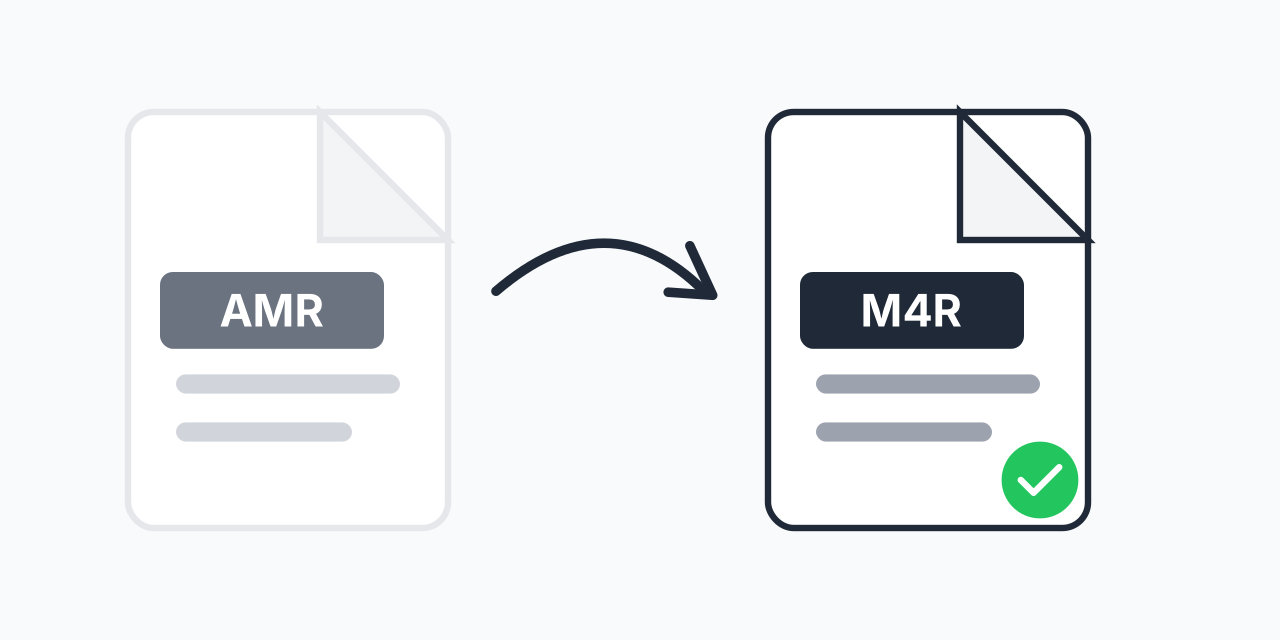
Turn Voice Recordings into iPhone Ringtones
AMR files are common on older mobile phones and voice recording apps. They capture audio efficiently but won't work as iPhone ringtones. Converting to M4R solves this - M4R is the only format iPhones accept for custom ringtones.
Whether it's a voice memo, a recorded message, or audio from an old phone, our converter transforms your AMR files into ready-to-use iPhone ringtones in seconds.
How to Convert AMR to M4R
- Upload your AMR file - Drag and drop or tap to select your voice recording
- Choose M4R output - Select M4R as your target format for iPhone ringtones
- Download your ringtone - Get your M4R file ready to sync with your iPhone
The entire process takes just a few seconds. No software to install, no account required.
Understanding the Formats
What is AMR?
AMR (Adaptive Multi-Rate) is an audio format developed for mobile communications. It excels at compressing speech efficiently, which is why phones use it for voice recordings and messaging. AMR files are small but optimized for voice, not music.
What is M4R?
M4R is Apple's ringtone format, essentially an AAC audio file with a special extension that tells iPhones to treat it as a ringtone. M4R files have a 40-second maximum length - perfect for short audio clips like voice recordings.
In our testing, AMR voice recordings convert cleanly to M4R, maintaining clarity while becoming fully compatible with iPhones.
When to Use This Conversion
Personal Voice Ringtones
Record a family member saying your name or a custom greeting. Convert the AMR recording to M4R and set it as your ringtone.
Migrating from Old Phones
Many older Android phones and feature phones save voice memos as AMR. Convert these recordings to M4R if you've switched to iPhone.
Voice Message Keepsakes
Want to keep a special voice message as a ringtone? If it's saved as AMR, convert to M4R and sync it to your iPhone.
Alternatives to Consider
If you need your audio in a different format, consider these options:
- AMR to MP3 - Universal format that plays everywhere, ideal for sharing or archiving
- AMR to M4A - Apple's standard audio format for music (not ringtones)
Choose M4R specifically when you want to use the audio as an iPhone ringtone.
Works on Any Device
Our converter runs entirely in your browser:
- Windows, Mac, Linux, Chromebook
- Chrome, Firefox, Safari, Edge
- iPhone, iPad, Android
No downloads or installations needed. Just upload, convert, and download your new ringtone.