
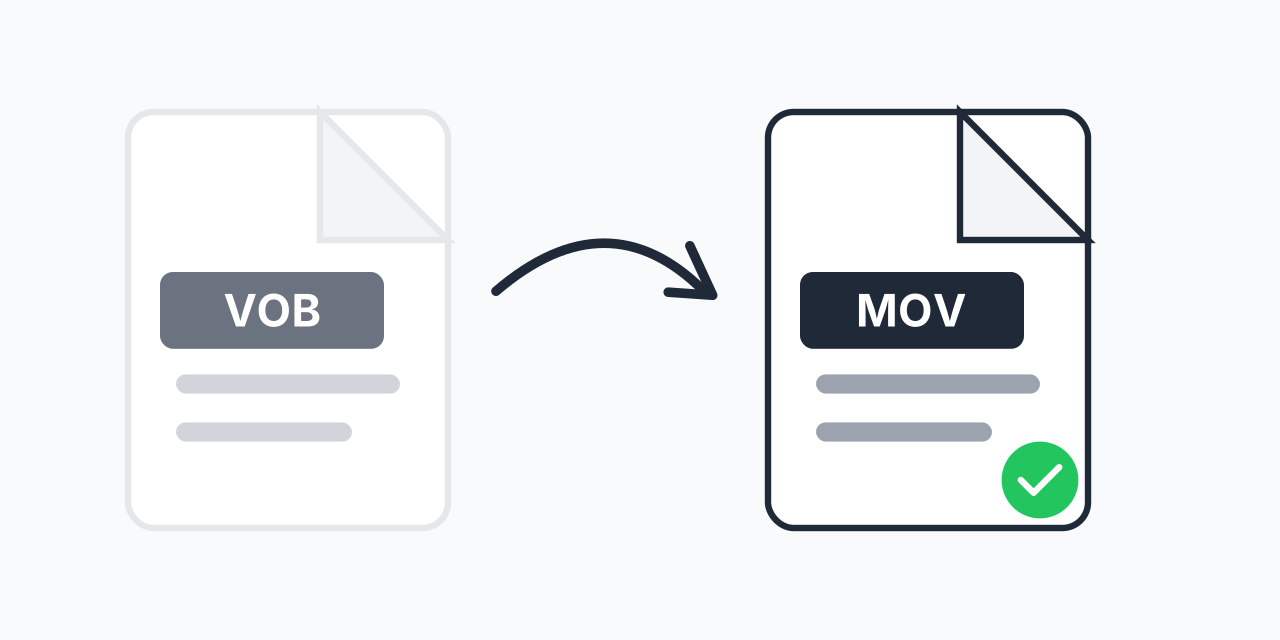
DVD Videos That Won't Play on Mac?
You have a collection of DVDs with precious memories or favorite movies, but your MacBook lacks a DVD drive. Even if you've ripped the discs, the resulting VOB files won't play natively in QuickTime or on your iPhone. This is a common frustration for anyone transitioning their DVD collection to modern Apple devices.
Converting VOB files to MOV solves this problem completely. MOV is Apple's native video format, designed specifically for QuickTime and iOS devices. Once converted, your DVD videos play seamlessly on any Mac, iPhone, iPad, or Apple TV.
How to Convert VOB to MOV
- Upload your VOB file - Drag and drop your DVD video file or click to browse
- Select MOV as output - Choose QuickTime format for Apple compatibility
- Download your video - Your converted MOV file is ready for playback
The entire process happens in your browser. No software to install, no account required.
Understanding VOB and MOV Formats
VOB (Video Object) files are the core video format found on DVDs. When you look inside a DVD's VIDEO_TS folder, you'll find multiple VOB files containing the actual movie content along with audio tracks and subtitles. VOB uses MPEG-2 compression, which was the standard for DVDs since 1996.
MOV is Apple's QuickTime container format, supporting modern codecs like H.264 and HEVC. In our testing, MOV files with H.264 encoding typically achieve 40-50% smaller file sizes compared to equivalent quality VOB files while maintaining visual clarity. This makes MOV ideal for storage and streaming on Apple devices.
Key Differences
- Compression - VOB uses older MPEG-2; MOV supports efficient H.264/H.265
- Compatibility - VOB requires DVD software; MOV plays natively on Apple devices
- File size - MOV files are significantly smaller at comparable quality
- Editing - MOV integrates seamlessly with iMovie, Final Cut Pro, and other Apple tools
Common Use Cases
Preserving Home Movies
Old camcorder footage burned to DVD years ago deserves better than sitting in a closet. Convert those VOB files to MOV and store them on your Mac, iCloud, or external drive. Watch family memories on your iPhone anytime.
Building a Digital Movie Library
Your physical DVD collection can become a portable digital library. Convert movies to MOV format and organize them in your Apple TV app or preferred media player. No more hunting for discs.
Video Editing Projects
Need to incorporate DVD footage into an iMovie or Final Cut Pro project? VOB files often cause compatibility issues. MOV files import cleanly and edit without transcoding delays.
Sharing with Apple Users
Sending video clips to family members with iPhones or Macs? MOV files play instantly without requiring them to install special software or codecs.
When to Choose a Different Format
MOV is ideal for Apple devices, but it's not always the best choice:
- For Windows users - Consider VOB to MP4 instead, as MP4 has universal compatibility across all platforms
- For web uploads - MP4 is the standard for YouTube, Vimeo, and social media platforms
- For maximum compatibility - MP4 works everywhere; MOV is optimized specifically for Apple
If your audience is exclusively Apple users or you're building an Apple-centric media library, MOV is the right choice. For mixed environments, VOB to MP4 offers broader compatibility.
Browser-Based Conversion
Our converter works entirely in your web browser:
- Mac, Windows, Linux, Chromebook - Any desktop with a modern browser
- Chrome, Safari, Firefox, Edge - All major browsers supported
- iPhone, iPad, Android - Convert on mobile devices too
No downloads, no plugins, no waiting for software installation. Upload, convert, download.